SOC online 24/7Breach or outage? Call 858-399-4225

Free guidesinfo@alpiba.comMon–Fri, 7am–7pm PT

Alpiba

Free service guide · PDF

The Vulnerability Management Starter Guide

How to find, rank and fix security weaknesses on a schedule a small team can keep

  • The vulnerability management cycle in plain English
  • An asset inventory template and a starter scanning schedule
  • A simple method for ranking findings by real risk
  • Remediation and exception templates, a checklist and a 90-day plan

13 pages25-item checklist30/60/90-day plan

Cover of The Vulnerability Management Starter Guide

Get your free copy

Instant PDF download. No sales pitch inside.

Instant download. By submitting, you agree that Alpiba may contact you about this guide; you can ask us to delete your details at any time.

Cover and two sample pages of The Vulnerability Management Starter Guide, a free 13-page PDF guide from Alpiba with a 25-point checklist
A look inside: the cover and two pages from the 13-page PDF.

What's inside

Inside the guide.

Vulnerability management is the routine of finding security weaknesses, deciding which ones matter, fixing them and proving they are fixed. Large companies have whole teams for it. A growing business needs the same routine at a smaller scale: a current inventory, regular scans, a short ranked list and someone accountable for working through it.

Read the cycle first, then build your inventory, set the schedule and agree your ranking rules. The templates are meant to be copied into a spreadsheet or ticketing system. If you only do one thing this month, build the inventory, because everything else depends on it.

  1. The cycle in plain English
  2. Build your asset inventory first
  3. Set up scanning
  4. Rank findings by real risk
  5. Fix, verify and keep the evidence
  6. The checklist25 items in 4 groups
  7. Questions to ask any IT provider10 questions
  8. Your 30/60/90-day plan3 phases, step by step
  9. Plain-English glossary8 terms

Read Part 1 free

The opening chapter of the guide, in full. The rest of the guide, the checklist and the 90-day plan are in the PDF.

The cycle in plain English

  1. Inventory

    Know what you have: devices, servers, cloud services, internet-facing systems and the software they run.

  2. Scan

    Check those assets for known weaknesses, from outside the network and inside it.

  3. Prioritize

    Rank findings by exposure, real-world exploitation and business impact, not by severity score alone.

  4. Fix

    Patch, reconfigure, isolate or retire, with an owner and a target date for every item.

  5. Verify

    Re-scan to confirm each fix actually worked.

  6. Report

    Keep a record of what was found, fixed and accepted, and review it with leadership.

The cycle never finishes. New vulnerabilities are published every day, and your environment changes every month. The goal is a steady rhythm you can sustain, not a perfect score.

Decide who does what before you start. A simple split works: one person, often the office manager or IT lead, owns the process and the log; your IT provider or internal team runs the scans and the fixes; leadership approves exceptions and reads the quarterly summary.

Get the full guide

A preview

A sample from the guide.

Here's the first checklist group and a few of the questions. The full guide has all 25 checklist items, 10 questions and the 90-day plan.

Inventory and scope

  • Asset inventory created with an owner, location and data type for each item
  • Every public IP address and domain listed
  • Cloud services and admin consoles included in scope
  • Printers, cameras and specialist equipment included
  • Unsupported systems identified, each with a replacement or isolation plan
  • Written approval for scanning in place

Questions to ask any IT provider

  1. 1What exactly is in scope: external, internal, cloud and key applications?
  2. 2Are internal scans credentialed, and how is that account protected?
  3. 3How do you rank findings beyond the CVSS score?
  4. 4What happens to lab, imaging or production equipment that can't tolerate an aggressive scan?

+ 6 more questions in the full guide

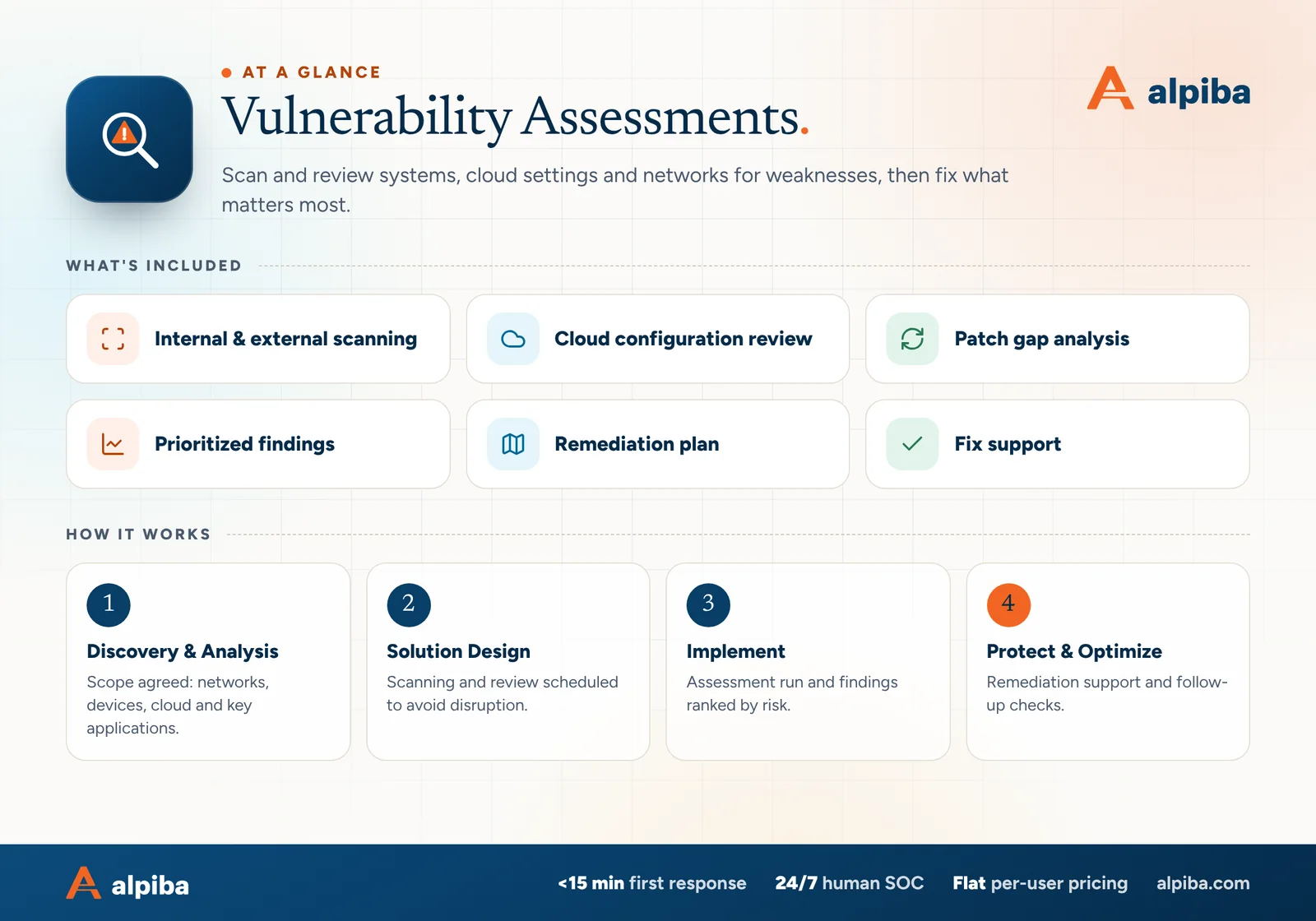
Vulnerability Assessments at a glance. Included: Internal & external scanning, Cloud configuration review, Patch gap analysis, Prioritized findings, Remediation plan and Fix support. How it works: Discovery & Analysis, Solution Design, Implement and Protect & Optimize.
Vulnerability Assessments at a glance: what is included and how we roll it out.

Your first 30 days

Where to start this month.

The guide's 30/60/90-day plan begins with these steps. Assign an owner to each and review progress every two weeks.

  • 1Build the asset inventory, starting with internet-facing systems
  • 2List every domain and public IP address you own
  • 3Write down ranking rules and remediation targets
  • 4Run a first external scan and fix anything urgent

Key terms in plain English

Vulnerability
A weakness in software, hardware or configuration that an attacker could use to gain access or cause harm.
CVE
Common Vulnerabilities and Exposures: a public ID for a specific known vulnerability, so everyone can refer to it the same way.
CVSS
Common Vulnerability Scoring System: a 0–10 severity score that describes a vulnerability in general, not the risk to your business.
Known Exploited Vulnerabilities (KEV) catalog
A free list from the U.S. Cybersecurity and Infrastructure Security Agency (CISA) of vulnerabilities seen in real attacks.
Credentialed scan
A scan that signs in to each device with a dedicated scanning account, giving accurate patch and configuration data.
Attack surface
Everything an attacker could try to reach, from internet-facing systems to user accounts and cloud settings.
Compensating control
A safeguard, such as network isolation or extra monitoring, that reduces risk when a direct fix isn't possible yet.
End of support
The date after which a vendor stops releasing security fixes for a product.
Roopa, founder of Alpiba

SMBs deserve a strategic technology partner, without enterprise complexity or cost.RoopaFounder, Alpiba

Put the guide to work

Services that help you act on it.

All services
Hands working on a laptop during a review

Compliance & Risk

Vulnerability Assessments

Scan and review systems, cloud settings and networks for weaknesses, then fix what matters most.

A team in a working session around a conference table

Compliance & Risk

Compliance Readiness

Design, implement and evidence the controls auditors and insurers ask for, and keep the audit trail ready.

A close view of a glowing circuit board

Cybersecurity

Cybersecurity & Ransomware Defense

24/7 monitoring, threat hunting and rapid incident response that contains attacks before they impact your business.

Keep reading

More free guides.

All guides
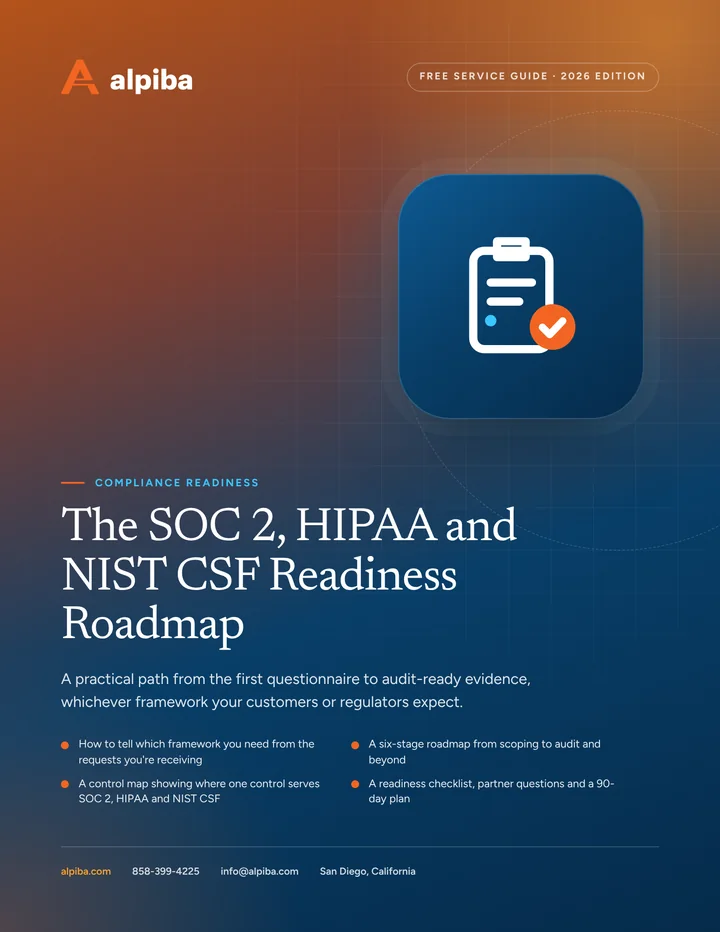
Cover of The SOC 2, HIPAA and NIST CSF Readiness Roadmap

Service guide · Compliance Readiness

The SOC 2, HIPAA and NIST CSF Readiness Roadmap

Work out which framework you need, find your gaps and build evidence as you go, with a six-stage roadmap, a shared control map and a 90-day plan.

Cover of The San Diego Managed IT Buyer's Guide

Service guide · Managed IT

The San Diego Managed IT Buyer's Guide

A vendor-neutral workbook for San Diego owners and office managers choosing a managed IT provider: what to gather, what to ask, how to score proposals and how to run the first 90 days.

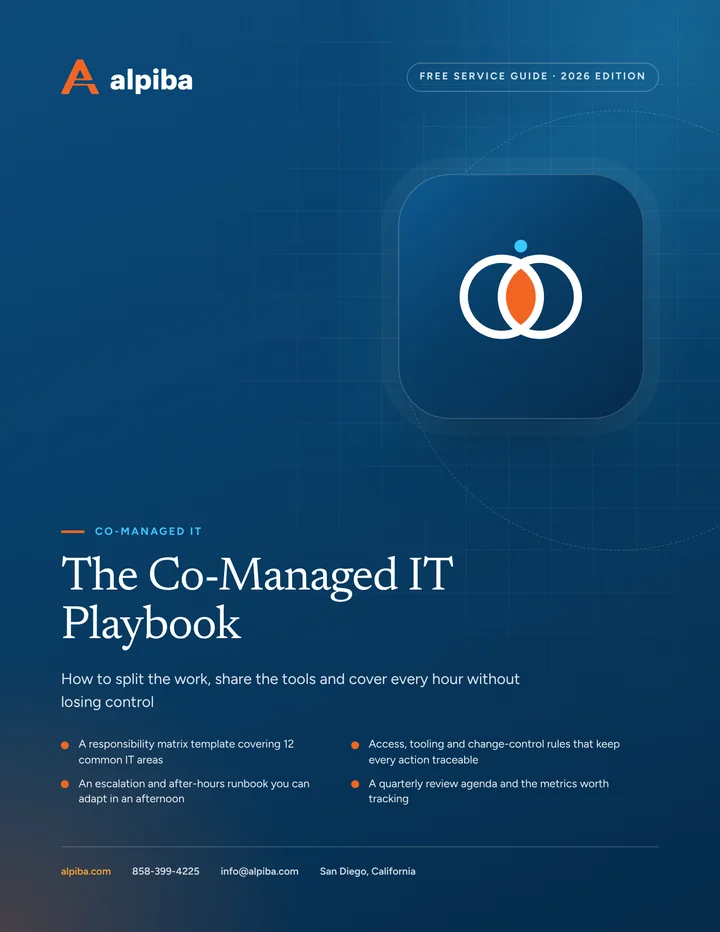
Cover of The Co-Managed IT Playbook

Service guide · Co-Managed IT

The Co-Managed IT Playbook

A practical playbook for IT leads and executives setting up a co-managed partnership: a responsibility matrix, access rules, an escalation runbook and the metrics that show whether it is working.

Call Free assessment