On this page
A score out of 100 is a starting point, not a verdict. This cybersecurity health check shows where you stand in about two minutes, but the value comes from what you do next: reading the category bars correctly, fixing the right gap first and checking again next quarter.
Whether you run a dental practice in Chula Vista, a law office in Downtown San Diego or a software team in UTC, the same five areas decide how hard you are to attack and how quickly you recover. Below you'll find how to read each category, what to fix first, a 30-day plan you can run with your own team, when a professional assessment is worth booking and how to re-check every quarter.
How to read your score by category
Each category is worth 20 points. Your total is useful for tracking progress over time, but the category bars tell you where the risk actually sits. Attackers don't need you to be weak everywhere; one category at zero is enough.
| Category | 20 out of 20 means | A low score usually means |
|---|---|---|
| Identity & access | MFA on every account that matters, and leavers lose access the same day | A stolen or reused password could open email, files or admin consoles |
| Devices & email | Managed EDR on every laptop and server, filtered email and a team that practices spotting phishing | Malware or a convincing phishing email has a clear path in |
| Backup & recovery | Immutable or off-site copies and a successful full restore in the last 90 days | Recovery from ransomware or a failed server is uncertain |
| Monitoring & response | Alerts reviewed around the clock and a written plan for who does what | An attack that starts on a Friday night may run until Monday |
| Patching & policy | Updates applied on a schedule and written rules for software, AI tools and data | Known vulnerabilities stay open and data drifts into unapproved apps |
Partly and Not sure deserve a closer look
A Partly answer often hides the most dangerous gap. MFA on email but not on the VPN, or EDR on laptops but not on the file server, leaves exactly the path an attacker looks for. Write down what Partly means for every question you answered that way.
Not sure scores zero for a reason. A control you can't confirm is a control you can't rely on, and an incident is the most expensive way to find out.
What to fix first
Your results list next steps with your weakest category first. If several categories are low, or two are tied, work in this order: controls that stop the most common attacks come first, followed by the ones that make recovery possible.
- Identity. Enforce MFA on email, remote access and admin accounts, and remove access for anyone who has left. See how MFA and identity security fit together.
- Backups. Make sure at least one copy is immutable or off-site, then prove it with a test restore.
- Devices and email. Replace antivirus-only protection with managed EDR, and add phishing filtering and simulations.
- Monitoring and response. Decide who watches alerts after hours, and write a one-page response plan.
- Patching and policy. Put updates on a schedule and publish a short list of approved software and AI tools.
Turn on MFA for admin accounts, disable leftover user accounts and confirm last night's backup succeeded. Each can usually be done without a project plan.
Rolling out EDR, adding an immutable backup copy and publishing a DMARC record take some planning. Schedule them within the month.
Restore tests, phishing simulations and access reviews only work if they repeat. Put each one on a calendar with a named owner.
A 30-day action plan
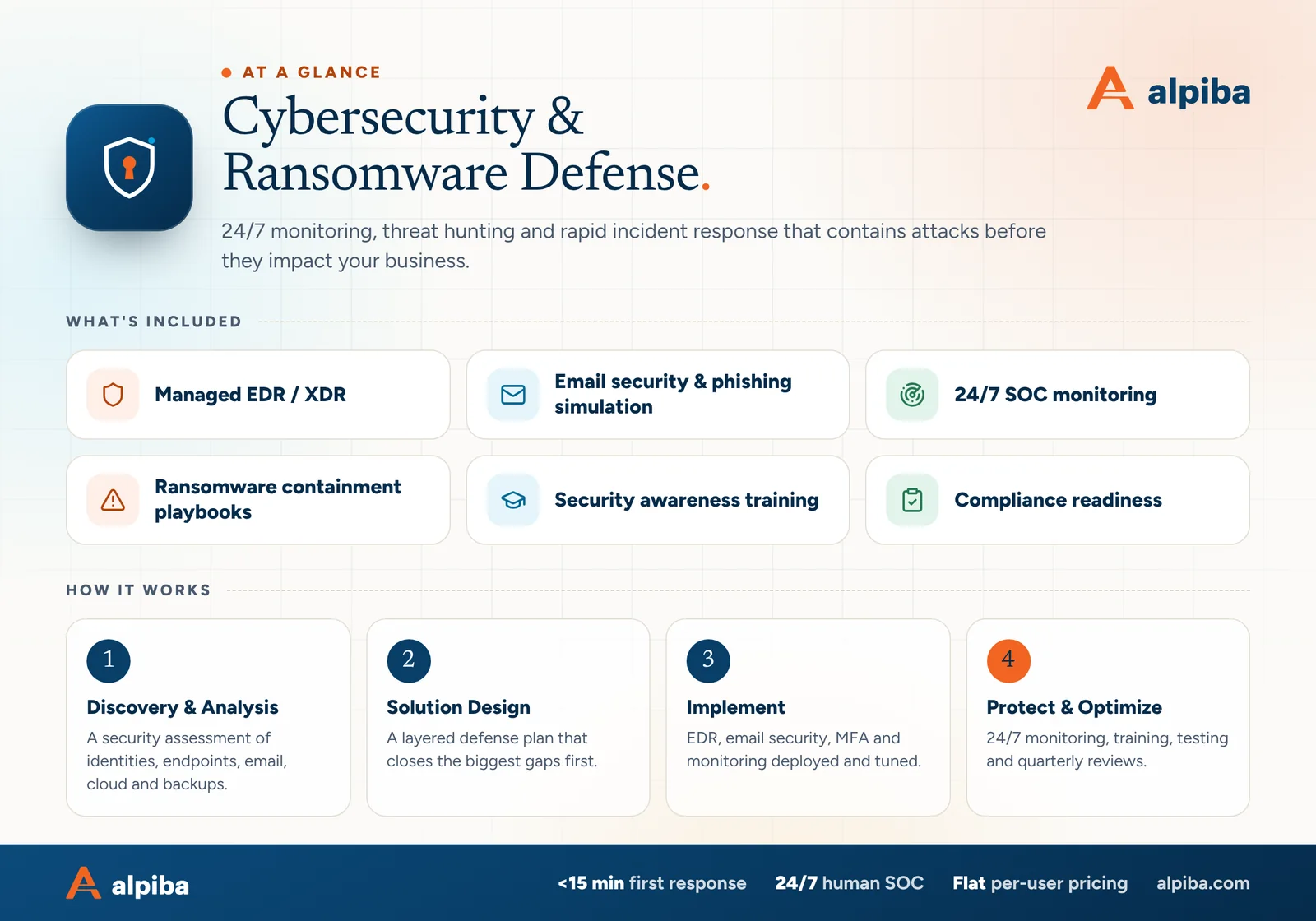
If your score was lower than you hoped, this plan closes the most important gaps in a month without stopping the business. Give each week one owner, even if that owner is you.
- Week 1: Lock down identity
Enforce MFA on email, remote access and every admin account. Compare user accounts against your staff list and disable anyone who has left.
- Week 2: Prove your backups
Confirm one copy is immutable or off-site with separate credentials. Restore a critical system, not just a single file, and time how long it takes.
- Week 3: Harden devices and email
Check that every laptop and server reports to EDR. Turn on phishing filtering and a one-click way for staff to report suspicious messages.
- Week 4: Plan the response
Write a one-page incident plan with names, phone numbers and the first actions to take. Set a patching schedule and an approved list of software and AI tools.
- Day 30: Score it again
Retake the check, print the results and compare category by category. Anything still at Partly becomes next month's first task.
Print or save your results as a PDF each time you take the check. A dated record of improvements helps when an insurer, auditor or customer asks how your security has changed.
When a professional assessment is worth it
A self-check measures what you believe is true. A professional assessment measures what is actually configured, and the two often differ. Book one when any of these apply:
- Your score was below 50, or any category scored zero
- You answered Not sure to more than two questions
- An audit, a customer security questionnaire or an insurance renewal is coming up
- You handle patient, client or research data, as dental practices, law firms and Sorrento Valley biotech teams do
- You recently had a near miss, such as a hijacked mailbox or a fake invoice that almost got paid
- You're planning a Microsoft 365 or Google Workspace migration, a new office or an acquisition
An engineer can check what a questionnaire can't: MFA exceptions and legacy sign-in methods, admin role sprawl, devices missing protection, backup job history and services exposed to the internet. A vulnerability assessment goes further, with scanning and a remediation plan ranked by risk. If a renewal is the trigger, our cyber insurance readiness check covers the controls insurers commonly ask about.
Bring your results to a free 30-minute assessment. We'll go through them with you, map your biggest risks and outline quick wins, with no obligation.
How to re-check every quarter
Security drifts. New hires join, apps get added, and someone switches off MFA to fix a sign-in problem and forgets to switch it back on. A quarterly cybersecurity health check catches that drift while it is still small.
- Set a recurring calendar reminder for the start of each quarter
- Have the same two people answer: one who knows the systems, one who knows the business
- Log your total and all five category scores in one place
- Explain every score that went down, not just the ones that went up
- Run a restore test and record how long it took
- Review admin accounts, recent leavers and any new apps or AI tools
- Update names and phone numbers in your incident response plan
For managed clients, much of this is routine: restore drills run every quarter, our 24/7 SOC watches alerts around the clock, and quarterly business reviews cover risk, roadmap and budget with you.