
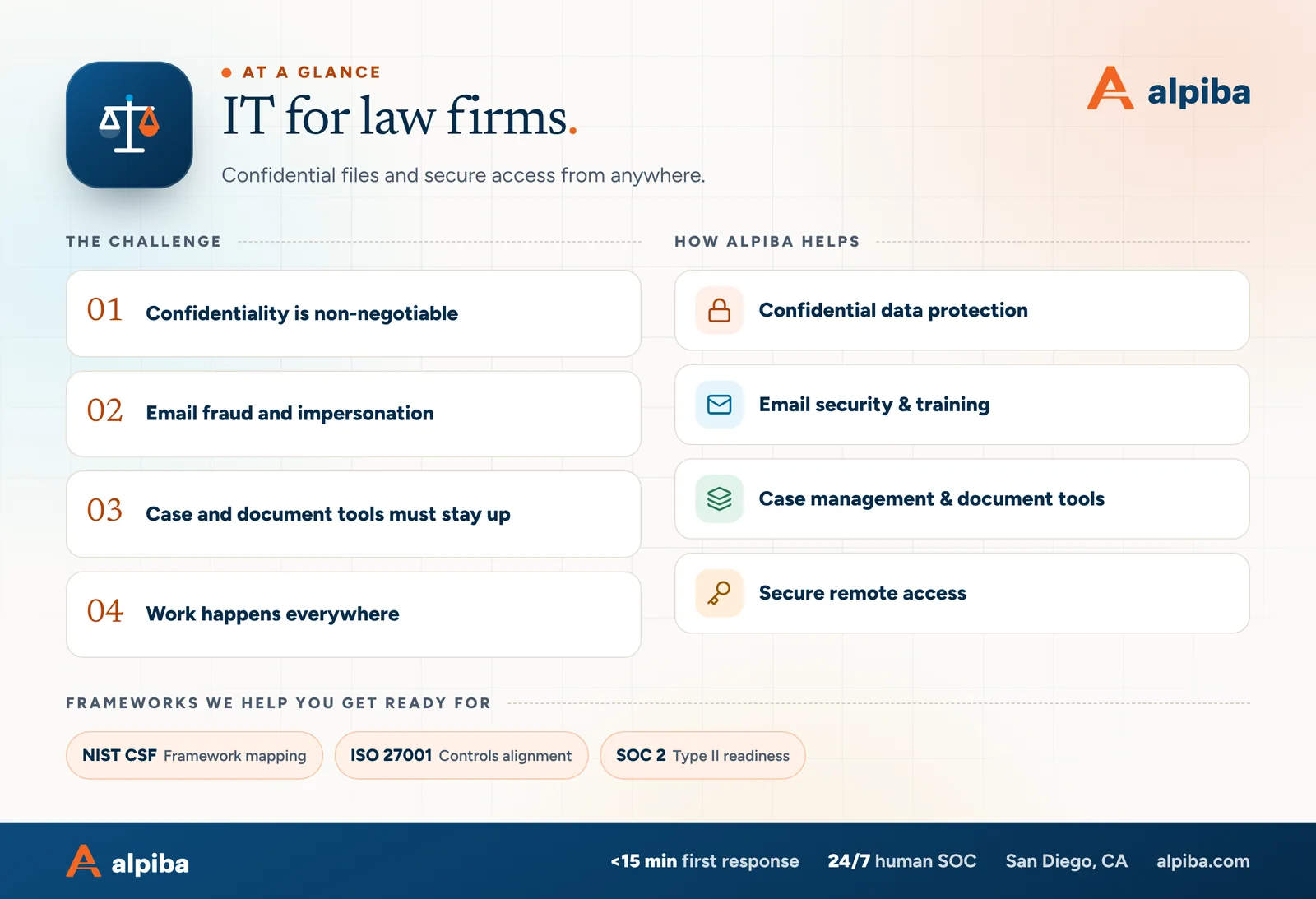
Confidential data protection
Encryption in transit and at rest, data loss prevention policies and least-privilege access to matters and files.
SOC online 24/7Breach or outage? Call 858-399-4225
Free guidesinfo@alpiba.comMon–Fri, 7am–7pm PT

Law Firms & Legal Practices
Client trust depends on confidentiality. Alpiba helps law firms protect privileged files, stop email fraud, keep case management and document tools running, and give attorneys secure access from the office, the courthouse or home.
Illustrative scenario
A composite example built from situations we see in law firms. It shows how we would approach the work, not results from a named client.
A 20–45 person firm in Downtown San Diego with real estate, estate planning and business litigation practices, Microsoft 365, a cloud document management system and attorneys who split their time between the office, home and court.
Services involved: Email Security & Training, Zero Trust & Identity, Microsoft 365, Backups & DR
This scenario is an illustrative composite, not a client case study. Figures shown are Alpiba service standards, not client results.
“SMBs deserve a strategic technology partner, without enterprise complexity or cost.”
Roopa · Founder, Alpiba · former Accenture advisor
Alpiba brings enterprise-grade security and support to law firms that do not have an enterprise IT department, with senior engineers who learn how your work actually runs.

The complete guide
A law firm runs on the promise that what clients tell you stays confidential. Law firm IT services in San Diego have to keep that promise in places a generic office setup overlooks: the document system that holds privileged work product, the inbox where a fake wire instruction lands two days before a closing, the laptop an attorney opens at the courthouse and the retention settings that decide whether a legal hold actually holds.
This page is for managing partners, firm administrators and office managers at small and mid-sized practices from Downtown San Diego to UTC, Del Mar and North County. It covers what confidentiality means for your systems, the risks that hit firms hardest, a maturity table, a wire fraud protocol, a 90-day plan and what to ask any IT provider before you sign.
One boundary up front: we are an IT and cybersecurity provider, not a law firm, and nothing here is legal or ethics advice. Your firm decides its obligations with its own counsel; we implement and document the technical controls behind them.
Many San Diego firms run with a few partners, a team of associates and paralegals, and an office manager who also handles IT. Some sit Downtown within walking distance of the courthouses; others are spread across UTC, Del Mar, Carlsbad and the rest of North County, with attorneys splitting the week between office, home, client sites and court.
Systems tend to arrive one at a time: a practice management tool, a document management system (DMS), an e-signature account, a billing platform. Nobody owns the whole picture, yet the work running through those systems is both highly confidential and deadline-driven.
Firms in this position rarely lack good intentions. They lack time, a written standard and someone who checks that the standard still holds after the next hire, software purchase or office move. Closing that gap is the real job of law firm IT services in San Diego.
Lawyers carry an ethical duty of confidentiality, and California lawyers also have a statutory duty to preserve client secrets. Privilege can be put at risk by an inadvertent disclosure. In practice, those duties become IT questions: who can open a matter, where copies travel and what happens when a device or account is compromised.
In the ABA Model Rules, Comment 8 to Rule 1.1 says competence includes keeping abreast of the benefits and risks of relevant technology, and most states, California among them, have adopted similar language. The Model Rules also ask lawyers to make reasonable efforts to prevent unauthorized access to client information. How those duties apply to your firm is a question for your ethics counsel; the controls that support them look like this:
Clients reinforce these expectations. Corporate and financial clients put security requirements into outside counsel guidelines and questionnaires, and healthcare clients may require a business associate agreement under HIPAA when your work involves their patients' information.
California's breach notification law can also require notifying affected people when certain unencrypted personal information is exposed. That analysis belongs to counsel, but encryption and good logs often decide how much there is to analyze.
Most incidents at firms start with email or a stolen password rather than an exotic exploit. Business email compromise, where an attacker uses a real or look-alike mailbox to redirect money or extract information, is the one that turns into lost funds fastest.
An attacker inside an attorney's or client's mailbox watches a matter, then sends new wiring instructions days before a closing or settlement. The email looks right because it sits in a real thread.
A stolen password without MFA exposes years of privileged correspondence. Attackers often add hidden forwarding rules so they keep reading after the password changes.
Document systems that grew without structure often give every user access to every matter. That defeats ethical walls and multiplies the damage from one compromised account.
A phone with client email and no passcode, or an unencrypted laptop left in a car, can become a notification question for your counsel. A managed, encrypted device turns the same loss into a routine remote wipe.
Ransomware groups often copy data before encrypting it, then threaten to publish. For a firm, the threat to publish client files can be worse than the outage itself.
Mailboxes deleted when people leave, texts on personal phones and files in personal cloud accounts can leave you unable to preserve what a matter requires.
Any email that changes where money goes gets a phone call before funds move, to a number you already had rather than one in the message. That one habit breaks the attacker's script, however convincing the email looks.
Score your firm row by row. Few firms sit neatly in one column; the useful question is which gaps a client audit, an insurer or an attacker would find first.
| Area | Exposed | Protected | Client-audit ready |
|---|---|---|---|
| Email and identity | Passwords only, shared logins | MFA for everyone, DMARC enforced | Conditional access, forwarding-rule alerts, quarterly access reviews |
| Payments | Wire changes accepted by email | Phone verification on known numbers | Written callback rule, second approver, staff trained and tested |
| Documents and matters | Everyone sees every matter | Matter-level permissions | Ethical walls enforced by the DMS, access logged and reviewed |
| Devices | Personal laptops, unmanaged phones | Firm laptops encrypted, with EDR | Every device managed, firm data separable on personal phones, wipe tested |
| Client file sharing | Attachments and personal accounts | Firm sharing links | Expiring, authenticated links and encrypted email for sensitive messages |
| Retention and holds | Mailboxes deleted when people leave | Retention policies configured | Documented schedule, holds tested, departed users preserved |
| Recovery | One untested backup | Off-site backups of key systems | Immutable backups including cloud mail, restores tested quarterly |
The payments and email rows usually deserve attention first, because that is where losses happen quickly. The documents and retention rows tend to decide how a client audit goes.
Wire fraud gets its own section because money moves fast and is hard to claw back once it leaves the account. The pattern rarely changes: an attacker gets into a mailbox (yours, your client's, or a title or escrow company's), reads the thread and sends new instructions at the moment funds are due.
Tell clients early, for example in engagement materials and in every message that discusses funds, that your firm never changes payment instructions by email and that they should call before sending money.
Confirm any new or changed instruction by calling a number already on file, never one from the email or its signature block. Record who called, who answered, when and what was confirmed.
A second person reviews the verification record before any trust account wire is released, with no exceptions for urgent requests.
MFA, alerts on new forwarding rules, DMARC on your domain and filtering for look-alike domains make the attack harder to start and easier to spot.
Know who calls the bank's fraud line, your insurer and outside counsel, and in what order, if a payment goes astray. The first hours matter most.
Our email security and awareness training handles the technical side and trains staff on exactly these situations, with simulations built around invoices, payment changes and impersonated partners.
Our law firm IT services in San Diego can serve as your whole IT department or support an existing IT person, with one point of contact for every device, account and vendor. Call us during an active incident and you reach a senior engineer, not a queue.
We implement the retention schedules, holds and security controls your firm defines with its own counsel. We don't interpret ethics rules, advise on breach notification or replace your e-discovery vendor.
Cloud or on-premises, your DMS and practice management system should sign in through your main identity platform with MFA (single sign-on), set permissions at the matter level and log access. Check that ethical walls are enforced by the software rather than by memory, and that a departed user's documents stay with the firm.
Microsoft 365 and Google Workspace both offer retention and legal hold tools, though some require higher license tiers. Configure them to the schedule your firm sets, test that a hold preserves email, files, chats and departed users' mailboxes, and know how you would export data with metadata intact. Your litigation support vendor handles processing and review; your IT should make collection clean and defensible.
Every firm trades some convenience for control. Expiring links are less convenient than open ones, and managed apps on personal phones add a step, but both let you revoke access when a device is lost or a matter ends. Decide those trade-offs once, in policy, rather than leaving each attorney to improvise.
Client conversations increasingly happen by text. Decide which channels attorneys may use with clients, keep firm data in managed apps that can be wiped without touching personal photos, and make sure communications you may need to preserve can be.
Generative AI drafts and summarizes quickly, but anything pasted into an unapproved tool may leave your control. Guidance from the ABA and the State Bar of California covers confidentiality, competence and supervision, among other duties. Copilot and Gemini surface whatever a user can already open, so fix document permissions before rollout; our secure AI adoption work starts there.
This sequence puts the controls that stop the most common attacks first, then builds toward the evidence clients and insurers ask for. It assumes normal client work continues throughout.
Enforce MFA on every account, end shared logins, turn on forwarding-rule alerts, publish DMARC and adopt the callback rule for payment changes. Inventory devices, systems and every place client files live.
Bring every laptop and phone under management with encryption and EDR, tighten document permissions to the matter level, replace personal file-sharing accounts with firm links and configure retention to your schedule.
Back up cloud mail and files immutably and run a restore drill, test a legal hold on a sample account, run a payment-fraud phishing simulation and walk partners through a short incident tabletop exercise.
Keep a short log as you go: what changed, when and who approved it. The log doubles as evidence for client questionnaires and makes the next cyber insurance renewal easier to answer accurately.
If you only do one thing this week, put MFA and the callback rule in place for the partners, paralegals and bookkeepers who handle closings, settlements and trust account payments.
When you compare law firm IT services in San Diego, look past helpdesk promises. Your provider will hold administrative access to every client file you have, so ask how they protect that access as carefully as how they protect you.
To see where your firm stands, book a free 30-minute assessment. We'll walk through email, payments, devices and retention with you, and you'll leave knowing which fixes matter most.

Talk to an engineer
Free 30-minute assessment. We reply within 12–24 hours.
Recommended services

Cybersecurity
24/7 monitoring, threat hunting and rapid incident response that contains attacks before they impact your business.

Cybersecurity
Filter malicious email, run phishing simulations and train your team to spot what gets through.

Cybersecurity
Identity-aware access, MFA everywhere and least privilege baked into every environment we manage.

Cloud & Productivity
Certified onboarding, migration, security hardening and ongoing administration by Microsoft-certified professionals.

Infrastructure & Continuity
Immutable backups, tested restore plans and disaster recovery playbooks so your business stays online.

Managed IT
Your single point of contact for all technology, with a tailored helpdesk and on-site support backed by clear SLAs.
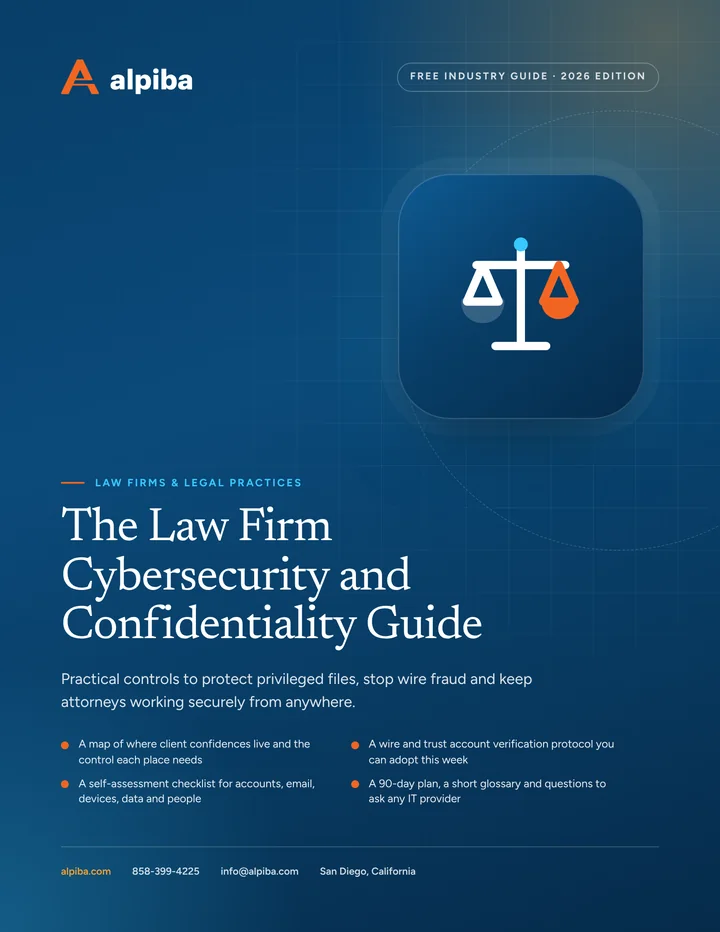
Free guide · PDF
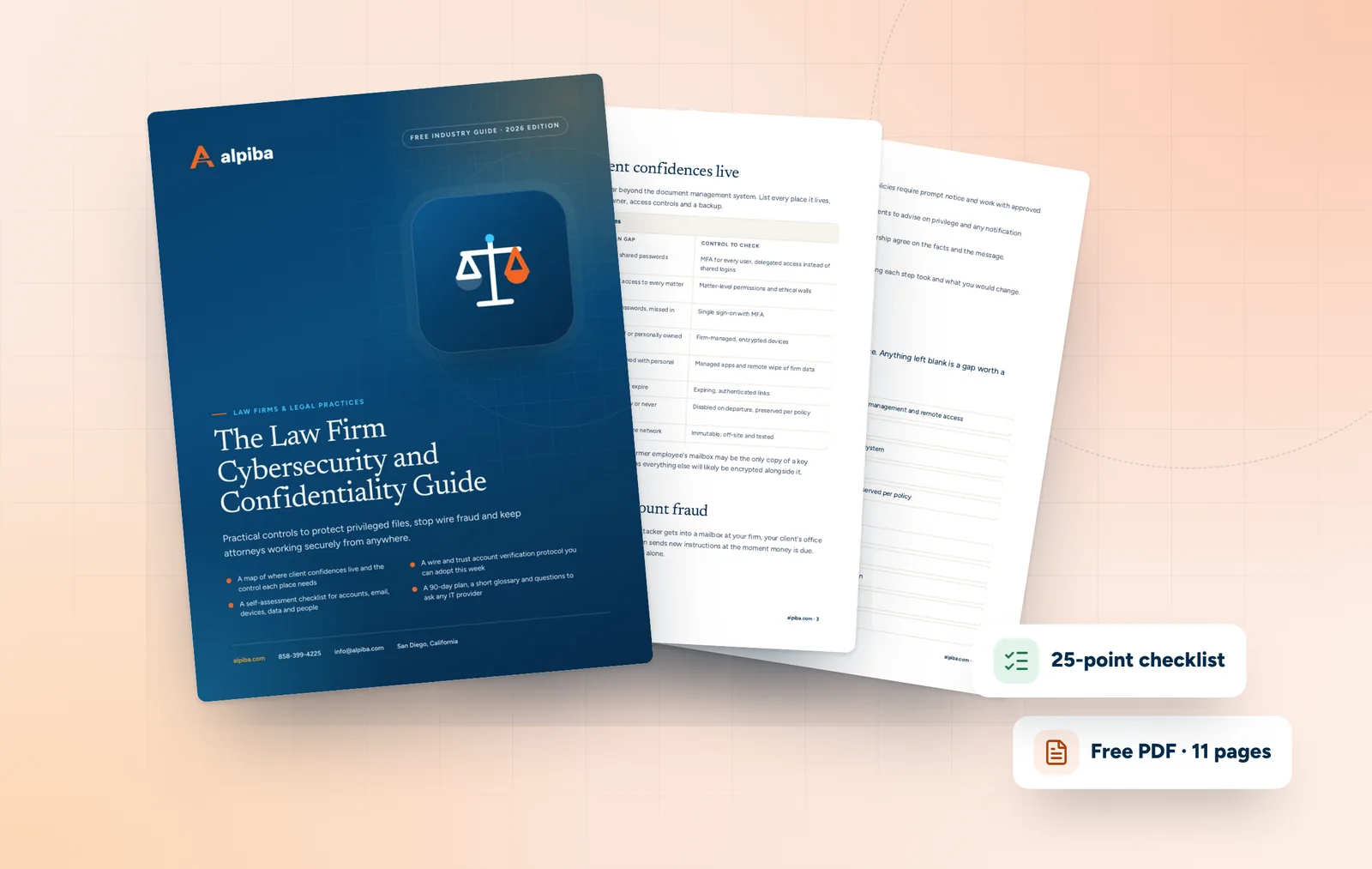
A printable guide for managing partners and firm administrators: where client confidences leak, how to stop payment fraud, how to secure court days and remote work, and how to stay ready for holds and client audits.
Get the free guide
Free 30-minute assessment
Tell us a little about your business. A senior engineer will map your top risks, quick wins and a right-sized plan, with no obligation and no sales pressure.

Founder-led and San Diego basedRoopa founded Alpiba to give growing businesses a real technology partner.