100%
Every email preserved
Migrations designed so nothing gets lost.
SOC online 24/7Breach or outage? Call 858-399-4225
Free guidesinfo@alpiba.comMon–Fri, 7am–7pm PT

Cloud & Productivity
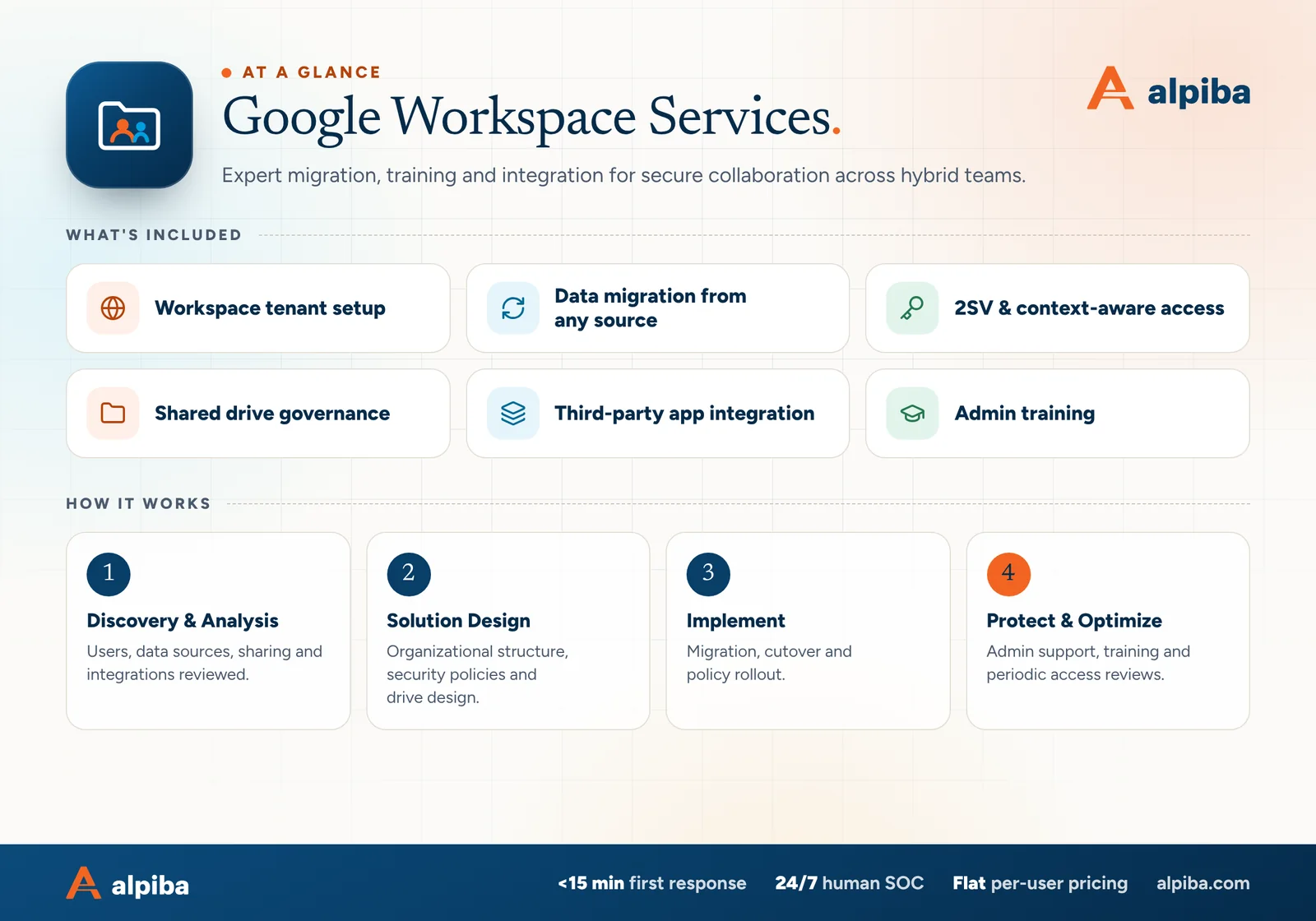
End-to-end Google Workspace work, from mail routing to shared drive design. We migrate, secure and govern your deployment so hybrid teams collaborate safely from anywhere.
<15 min average first response Flat per-user pricing Free guide: The Google Workspace Migration and Security Guide

The complete guide
Google Workspace is easy to start and easy to outgrow. A founder signs up, invites the first hires, and a few years later the company runs on Gmail, Drive, Calendar and Meet with sharing settings nobody chose on purpose. Good Google Workspace support in San Diego turns that into something deliberate: secure sign-in, organized files and admins who know what they're doing.
Alpiba's Google Workspace certified engineers migrate you from any source, whether that's Microsoft 365, Exchange, another Workspace account or an older email host, with migrations designed so 100% of your email is preserved. We enforce 2-Step Verification and context-aware access, move business files from personal My Drives into governed shared drives, review the third-party apps connected to your data and train your admins to run the console with confidence.
This page covers how each part works, how to decide between Google Workspace and Microsoft 365 without a sales pitch, and what to look for in a provider. If you're an owner, an office manager or the person who became the Google admin by accident, it's written for you.
Google secures the infrastructure and keeps Gmail and Drive running. Your organization decides who can sign in, how files are shared, which apps can reach your data and what happens to an account when someone leaves. Those decisions live in the Admin console, and in many small companies nobody has looked at them since the first week.
We support Google Workspace businesses across San Diego County, and a few patterns come up again and again.
Teams in Downtown San Diego and UTC that began with a founder's settings and now have investors and enterprise customers asking harder questions. They need structure without losing speed.
Agencies sharing large files with clients and freelancers every day. Their biggest risk is links that stay open long after a project ends.
Young companies around Torrey Pines and Sorrento Valley sharing data with research partners and contract labs. They need controlled external sharing and clean records as they grow.
Businesses from Chula Vista to Oceanside with staff on phones and shared devices. They need sign-in rules that work outside the office and offboarding that really removes access.
Our Google Workspace migrations are designed so 100% of email is preserved. That outcome comes from process rather than any single tool: knowing exactly what exists before you start, moving it in passes and proving the counts match before anyone switches over.
Every mailbox, alias, shared mailbox, distribution list, calendar and file location, plus archives and PST files that live outside the mail server. Shared mailboxes and archives are where email most often goes missing.
Folders become Gmail labels, shared mailboxes become Google Groups or delegated accounts, distribution lists become groups and meeting rooms become calendar resources. Each mapping is agreed before data moves.
An initial copy runs while people keep working, followed by delta passes that pick up new and changed items. Users see little of this until cutover.
We compare item counts mailbox by mailbox between source and destination and investigate every gap. Oversized or damaged items that tools skip are handled individually rather than written off.
MX records change in an agreed window, then we confirm delivery in both directions and from every system that sends mail. A last delta pass picks up anything that landed in the old mailboxes during the change.
Mail is only part of the move. Alongside it we bring across:
Coming from Microsoft 365 or Exchange? Office files can stay as Office files in Drive or be converted to Google formats, and we decide that team by team, because finance often wants native Excel while everyone else is happy in Sheets. Outlook rules and signatures don't carry across cleanly, so we document and rebuild them.
Old PST files on a laptop or a file share often hold years of someone's email. If they aren't on the inventory, they aren't in the migration, so ask every long-serving employee before the plan is final.
Most account takeovers start with a password that leaked somewhere else. 2-Step Verification, Google's name for multi-factor authentication, makes that password useless on its own. How you roll it out decides whether it actually protects you.
| Method | How strong | Where we use it |
|---|---|---|
| Security keys and passkeys | Strongest, and resistant to phishing | Super admins, finance and anyone who approves payments |
| Google prompts on a phone | Strong for most staff | Everyday sign-in for the wider team |
| Authenticator app codes | Good, though codes can be phished | A backup method that works without phone signal |
| Text message or voice codes | Weakest; exposed to SIM swaps and phishing | Turned off wherever possible |
| Backup codes | Single-use emergency codes | Kept secure for lockouts |
We enforce 2SV with a short enrollment window for new hires, so no account sits unprotected for long, and we restrict which methods are allowed rather than accepting anything. Super admins get separate accounts used only for administration.
Context-aware access, available depending on your Workspace edition, adds rules based on the device and where a request comes from. You can let staff open Drive from company laptops that are encrypted and up to date while limiting access from unknown devices, or block access from countries where you have no staff. We test rules with a pilot group first, so the right people don't get locked out.
These controls are one part of a wider identity strategy that covers every system you use, which we build through our zero trust and identity security service.
Every time someone clicks Sign in with Google and approves a request to see, edit and delete their Drive files, a third-party app gets a key to company data. Most are harmless. Some are abandoned, overreaching or malicious, and nobody remembers approving them.
Unreviewed apps are a classic form of shadow IT. The review takes little time, and it regularly turns up access nobody knew existed.
Many small companies have one Google admin who learned the console by trial and error. We train your admins on the tasks they do most and handle the rest ourselves, either as your outsourced IT team or alongside the people you already have. The tasks we cover most often:
Keep at least two super admins, so a single lockout can't strand the company, but no more than you need. Each should be a separate account protected with a security key, with recovery options set, and none should be used for everyday email or browsing.
Managed clients also have sign-in and sharing alerts watched around the clock by our human-staffed SOC, which averages a first response under 15 minutes. Google Workspace data should sit in your immutable, tested backups as well, because a file deleted by a departing employee or overwritten by ransomware on a synced laptop is yours to recover, not Google's.
We support both platforms, so we have no reason to push either one. Both can be secured well. The better fit depends on how your people work and what your industry software expects.
| Consideration | Google Workspace tends to fit | Microsoft 365 tends to fit |
|---|---|---|
| How people work | Browser-first teams that co-edit documents in real time | Teams that live in desktop Word, Excel and Outlook |
| Documents | Shared drafts, lighter spreadsheets and fast collaboration | Complex spreadsheets, heavy tracked changes and long formal documents |
| Devices | Chromebooks, Macs and mixed fleets | Windows-heavy fleets managed through Intune |
| Industry software | Modern web apps that support Google sign-in | Practice and document management tools built around Outlook and Word |
| Administration | A simpler console with fewer moving parts | More granular controls, with more to configure |
Plenty of companies mix the two, for example Google Workspace for everyone and a few Microsoft 365 licenses for finance staff who need desktop Excel. Switching platforms later is entirely possible, but it costs time and retraining, so choose for the next few years of work rather than for one feature. If you're weighing a move, we'll show you what changes for your team, and our Microsoft 365 services cover the other direction.
Google Workspace support in San Diego also has to reflect a few local habits and obligations.

Day-to-day administration is covered by our flat, per-user monthly fee, so a password reset or a new shared drive never turns into an invoice. One-off work, such as a migration or a large My Drive clean-up, is quoted as a project once we've seen your tenant. What moves that quote:
Certified Google Workspace engineers do the work themselves, and a phone call reaches one of them directly. If you're weighing Google Workspace support in San Diego, start with a free 30-minute assessment: we'll look at sign-in, sharing and connected apps and tell you what we'd fix first.
Talk to an engineer
Free 30-minute assessment. We reply within 12–24 hours.
“SMBs deserve a strategic technology partner, without enterprise complexity or cost.”
Roopa · Founder, Alpiba · former Accenture advisor
Alpiba is founder-led. Every Google Workspace engagement starts by listening to how your business runs, and senior engineers stay with you from the first call onward.

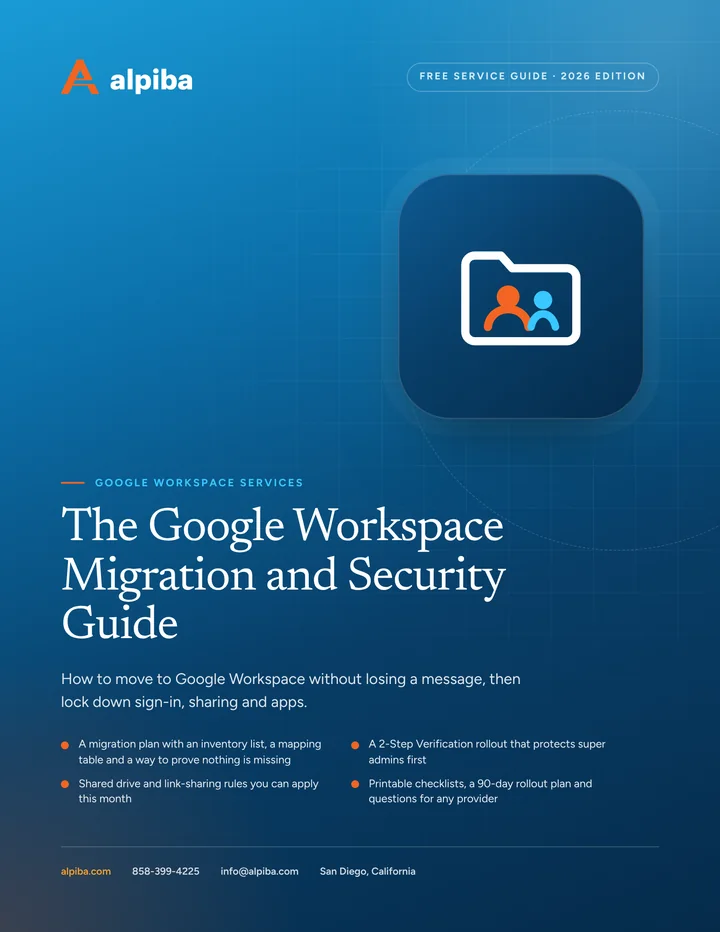
Free guide · PDF
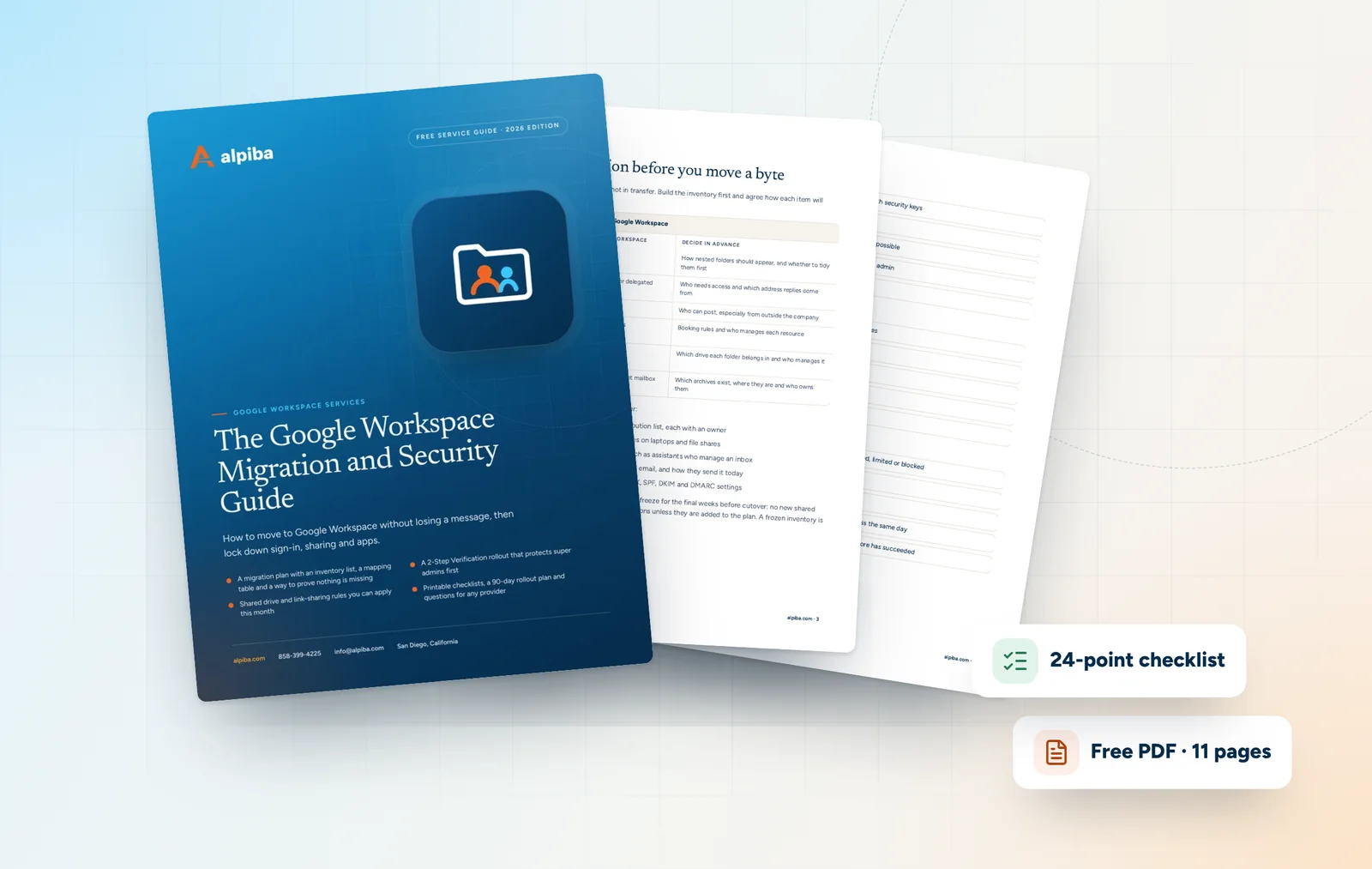
A practical guide for owners and admins: plan a migration that preserves every email, roll out 2-Step Verification without lockouts and bring Drive sharing under control.
Get the free guide
Related services

Cloud & Productivity
Certified onboarding, migration, security hardening and ongoing administration by Microsoft-certified professionals.

Cybersecurity
Identity-aware access, MFA everywhere and least privilege baked into every environment we manage.

Managed IT
Your single point of contact for all technology, with a tailored helpdesk and on-site support backed by clear SLAs.
Built for regulated teams
Free 30-minute assessment
Tell us about your business and what prompted the search. A senior engineer will reply within 12–24 hours to set up your free 30-minute assessment.

Founder-led and San Diego basedRoopa founded Alpiba to give growing businesses a real technology partner.