SOC online 24/7Breach or outage? Call 858-399-4225

Free guidesinfo@alpiba.comMon–Fri, 7am–7pm PT

Alpiba

Free service guide · PDF

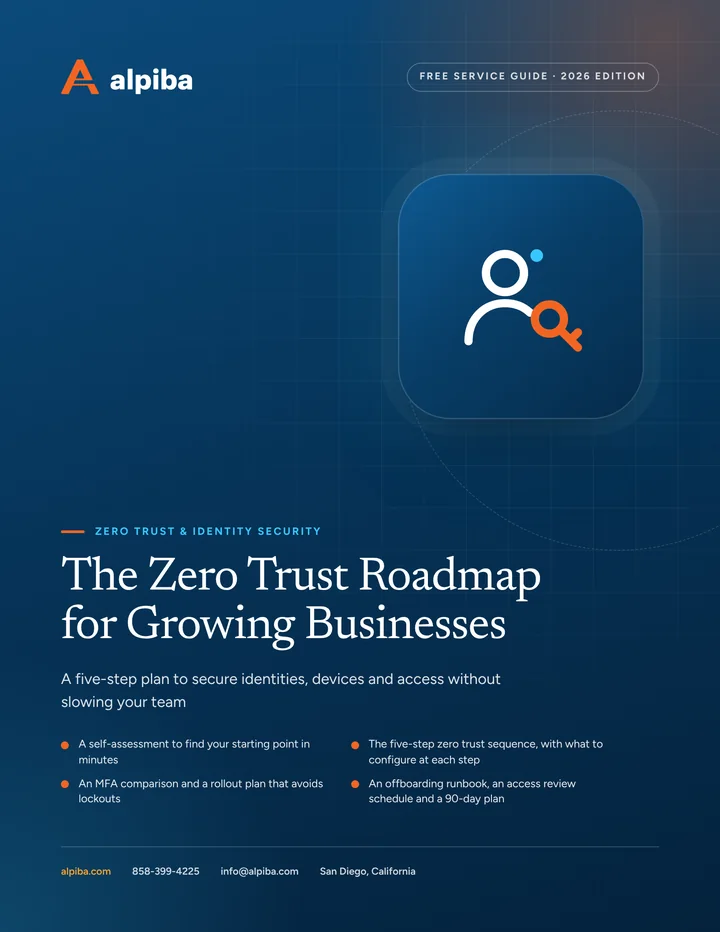
The Zero Trust Roadmap for Growing Businesses

A five-step plan to secure identities, devices and access without slowing your team

  • A self-assessment to find your starting point in minutes
  • The five-step zero trust sequence, with what to configure at each step
  • An MFA comparison and a rollout plan that avoids lockouts
  • An offboarding runbook, an access review schedule and a 90-day plan

12 pages26-item checklist30/60/90-day plan

Cover of The Zero Trust Roadmap for Growing Businesses

Get your free copy

Instant PDF download. No sales pitch inside.

Instant download. By submitting, you agree that Alpiba may contact you about this guide; you can ask us to delete your details at any time.

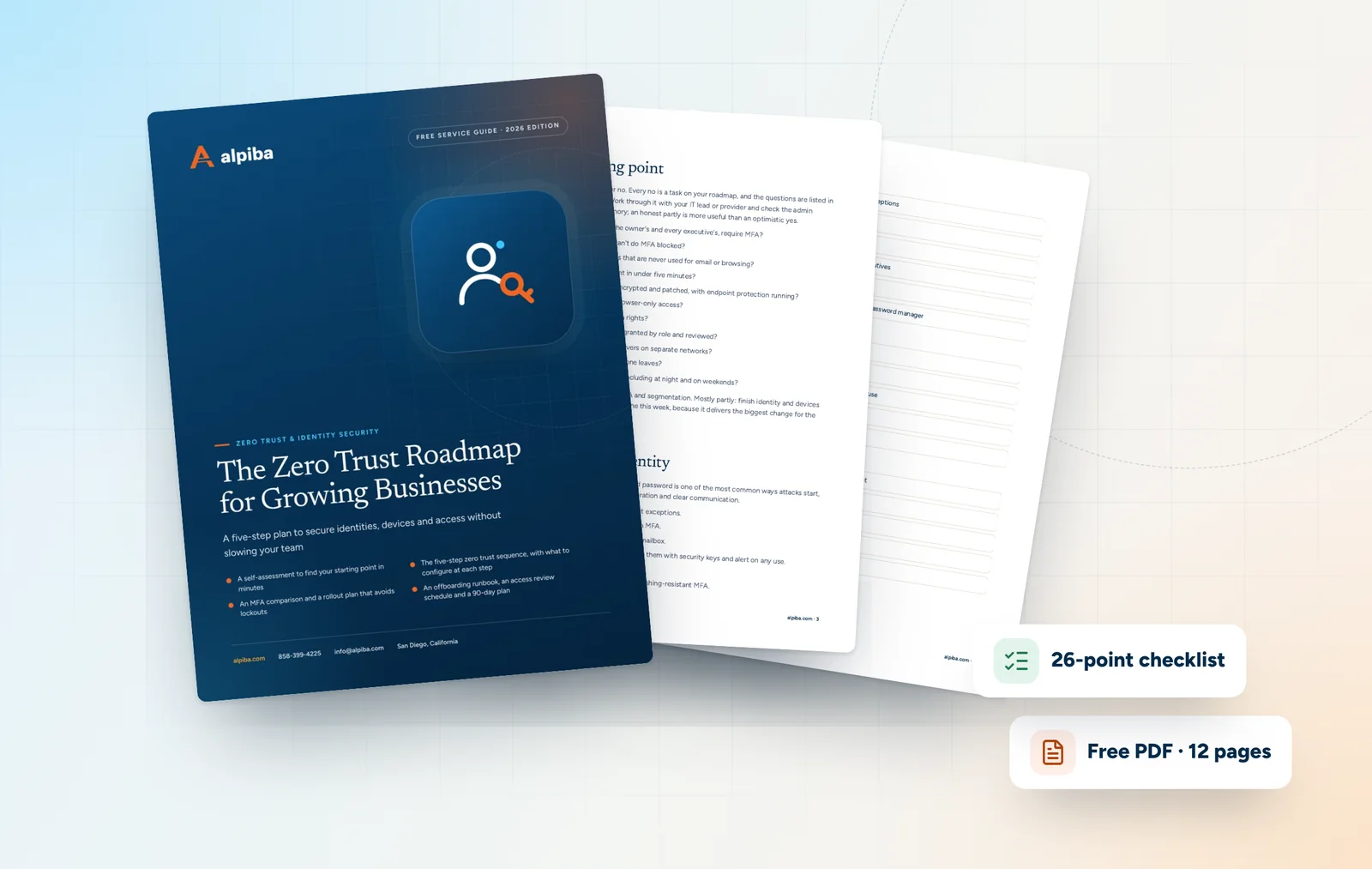
Cover and two sample pages of The Zero Trust Roadmap for Growing Businesses, a free 12-page PDF guide from Alpiba with a 26-point checklist
A look inside: the cover and two pages from the 12-page PDF.

What's inside

Inside the guide.

Zero trust has a reputation for being expensive and complicated. For a growing business it is neither, as long as you take it in the right order. Most of the work is configuration in tools you already pay for, such as Microsoft 365 or Google Workspace, plus a few firm habits around admin accounts and offboarding.

Start with the self-assessment, then work through the five steps in order. Each step describes what good looks like and what to configure. The checklist and 90-day plan at the end turn the roadmap into tasks you can assign. Share the offboarding runbook with HR as well as IT, because it only works when both use it.

  1. Find your starting point
  2. Step 1: Lock down identity
  3. Steps 2 and 3: Device health and least privilege
  4. Steps 4 and 5: Segmentation and continuous verification
  5. The offboarding runbook
  6. The checklist26 items in 5 groups
  7. Questions to ask any IT provider10 questions
  8. Your 30/60/90-day plan3 phases, step by step
  9. Plain-English glossary8 terms

Read Part 1 free

The opening chapter of the guide, in full. The rest of the guide, the checklist and the 90-day plan are in the PDF.

Find your starting point

Answer each question yes, partly or no. Every no is a task on your roadmap, and the questions are listed in roughly the order to tackle them. Work through it with your IT lead or provider and check the admin consoles rather than relying on memory; an honest partly is more useful than an optimistic yes.

  1. Does every account, including the owner's and every executive's, require MFA?
  2. Are older sign-in methods that can't do MFA blocked?
  3. Do admins use separate accounts that are never used for email or browsing?
  4. Could you list every admin account in under five minutes?
  5. Are company laptops managed, encrypted and patched, with endpoint protection running?
  6. Do personal devices get limited, browser-only access?
  7. Are staff laptops free of local admin rights?
  8. Is access to shared drives and sites granted by role and reviewed?
  9. Are guests, printers, cameras and servers on separate networks?
  10. Does access end the same day someone leaves?
  11. Does someone review risky sign-ins, including at night and on weekends?

Mostly yes: focus on phishing-resistant MFA and segmentation. Mostly partly: finish identity and devices before anything else. Mostly no: start step one this week, because it delivers the biggest change for the least effort.


Get the full guide

A preview

A sample from the guide.

Here's the first checklist group and a few of the questions. The full guide has all 26 checklist items, 10 questions and the 90-day plan.

Identity

  • MFA enforced for every user, with no standing exceptions
  • Older sign-in protocols blocked
  • Stale and duplicate accounts removed
  • Phishing-resistant MFA for admins, finance and executives
  • MFA recovery process written down and tested
  • Shared accounts replaced with named accounts or a password manager

Questions to ask any IT provider

  1. 1How will you roll out MFA without locking out our executives or field staff?
  2. 2Which of our accounts would you move to phishing-resistant MFA first, and why?
  3. 3How do we get back in if a policy goes wrong or our normal sign-in fails?
  4. 4What will unmanaged and personal devices be able to do?

+ 6 more questions in the full guide

Zero Trust & Identity Security at a glance. Included: MFA everywhere, Conditional & context-aware access, Least-privilege admin roles, Zero-trust segmentation, Sign-in monitoring and Joiner, mover, leaver workflows. How it works: Discovery & Analysis, Solution Design, Implement and Protect & Optimize.
Zero Trust & Identity at a glance: what is included and how we roll it out.

Your first 30 days

Where to start this month.

The guide's 30/60/90-day plan begins with these steps. Assign an owner to each and review progress every two weeks.

  • 1Enforce MFA for every account and block older sign-in methods, starting with admins and finance
  • 2Separate admin accounts and set up two emergency access accounts
  • 3Remove stale accounts and list every admin role holder
  • 4Write the offboarding runbook and agree it with HR

Key terms in plain English

Zero trust
A security model that trusts no user, device or network by default and checks every access request.
Conditional access
Sign-in rules that allow, limit or block access based on user, device, location and risk. Google Workspace calls its version context-aware access.
Phishing-resistant MFA
Sign-in methods, such as passkeys and security keys, that a fake login page cannot capture or reuse.
Passkey
A password replacement stored on a phone, laptop or security key, with each sign-in confirmed by a fingerprint, face scan or PIN.
Least privilege
Giving each person, device and app only the access it needs, and nothing more.
Emergency access account
A tightly secured admin account kept for the rare case when normal sign-in fails, sometimes called a break-glass account.
Legacy authentication
Older sign-in protocols that can't perform MFA and should be blocked or tightly limited.
Device compliance
A check that a device meets your rules, such as encryption, updates and endpoint protection, before it gets access.
Roopa, founder of Alpiba

SMBs deserve a strategic technology partner, without enterprise complexity or cost.RoopaFounder, Alpiba

Put the guide to work

Services that help you act on it.

All services
A padlock resting on a laptop keyboard

Cybersecurity

Zero Trust & Identity Security

Identity-aware access, MFA everywhere and least privilege baked into every environment we manage.

A close view of a glowing circuit board

Cybersecurity

Cybersecurity & Ransomware Defense

24/7 monitoring, threat hunting and rapid incident response that contains attacks before they impact your business.

Keep reading

More free guides.

All guides
Cover of The San Diego Ransomware Defense Playbook

Service guide · Cybersecurity

The San Diego Ransomware Defense Playbook

A printable playbook for business owners and the people who run their offices and IT: what to put in place before an attack, what to do in the first hour and how to recover.

Cover of The MDR and 24/7 SOC Buyer's Guide

Service guide · 24/7 SOC & MDR

The MDR and 24/7 SOC Buyer's Guide

Buying MDR or a 24/7 SOC? This guide shows what to compare, which questions expose weak services and how to judge a provider in its first 90 days.

Cover of The Phishing and BEC Defense Kit

Service guide · Email Security & Training

The Phishing and BEC Defense Kit

A practical kit for owners, office managers and finance teams: a payment verification procedure, a printable red-flag card, a DMARC rollout plan and a reporting playbook.

Call Free assessment