SOC online 24/7Breach or outage? Call 858-399-4225

Free guidesinfo@alpiba.comMon–Fri, 7am–7pm PT

Alpiba

Free industry guide · PDF

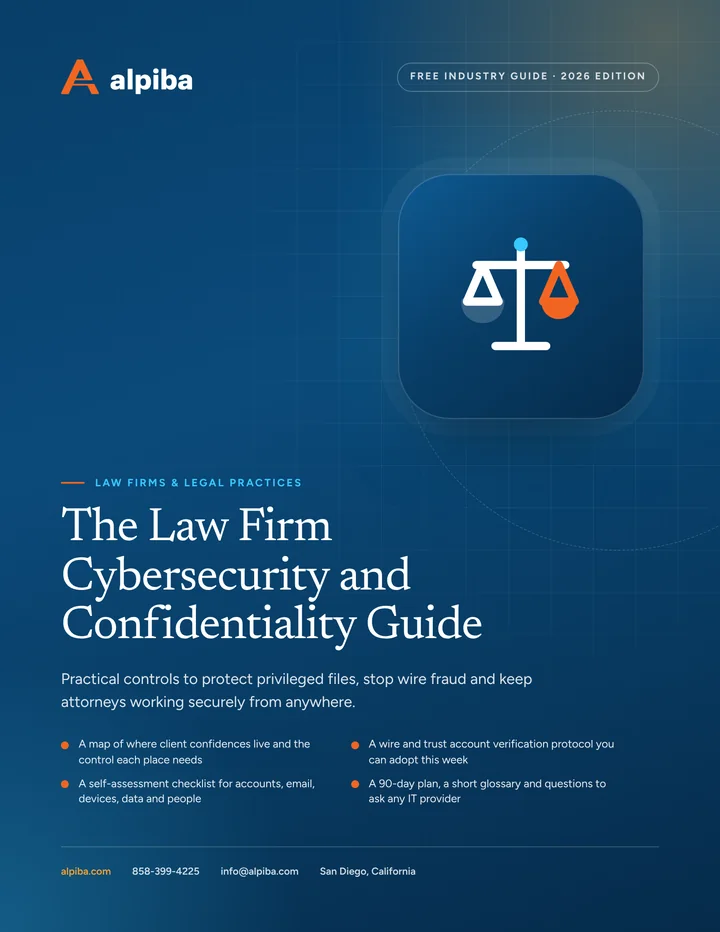
The Law Firm Cybersecurity and Confidentiality Guide

Practical controls to protect privileged files, stop wire fraud and keep attorneys working securely from anywhere.

  • A map of where client confidences live and the control each place needs
  • A wire and trust account verification protocol you can adopt this week
  • A self-assessment checklist for accounts, email, devices, data and people
  • A 90-day plan, a short glossary and questions to ask any IT provider

11 pages25-item checklist30/60/90-day plan

Cover of The Law Firm Cybersecurity and Confidentiality Guide

Get your free copy

Instant PDF download. No sales pitch inside.

Instant download. By submitting, you agree that Alpiba may contact you about this guide; you can ask us to delete your details at any time.

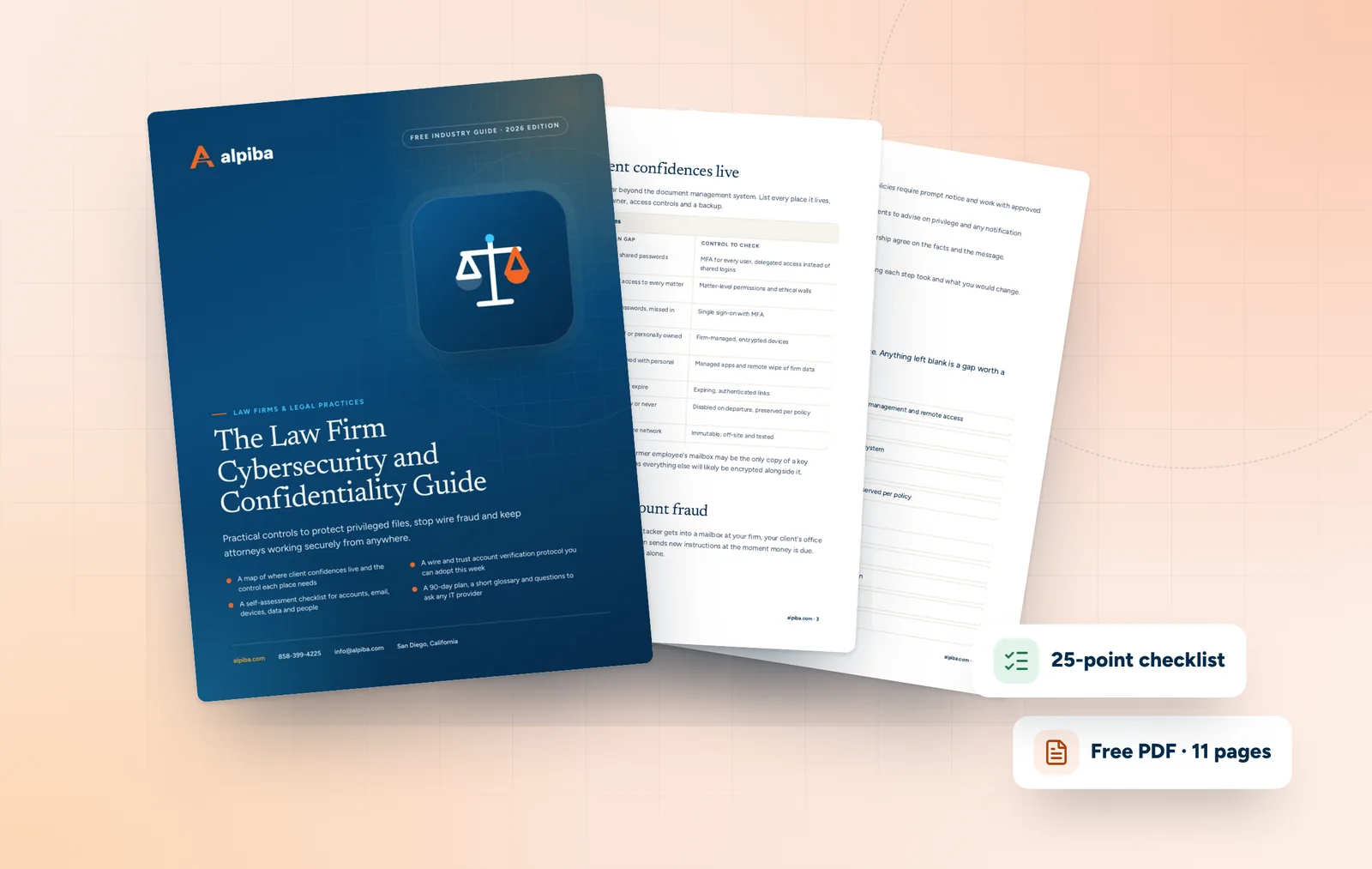
Cover and two sample pages of The Law Firm Cybersecurity and Confidentiality Guide, a free 11-page PDF guide from Alpiba with a 25-point checklist
A look inside: the cover and two pages from the 11-page PDF.

What's inside

Inside the guide.

Law firms hold exactly what attackers want: privileged communications, deal terms, personal and financial details, and client funds moving through trust accounts. Most incidents at firms don't start with sophisticated hacking. They start with a reused password, a convincing email or a laptop that was never encrypted.

This guide turns confidentiality from a principle into a list of controls you can check. Work through the five sections, score your firm with the checklist and use the 90-day plan to sequence the fixes. It is written for firm leadership and administrators, and it is not legal or ethics advice: decisions about your obligations belong to your firm and its counsel. If you'd like help with any of it, Alpiba offers a free 30-minute assessment.

  1. Know where client confidences live
  2. Stop wire and trust account fraud
  3. Secure court days, home and client sites
  4. Retention, legal holds and e-discovery readiness
  5. The first hours of an incident
  6. The checklist25 items in 5 groups
  7. Questions to ask any IT provider10 questions
  8. Your 30/60/90-day plan3 phases, step by step
  9. Plain-English glossary8 terms

Read Part 1 free

The opening chapter of the guide, in full. The rest of the guide, the checklist and the 90-day plan are in the PDF.

Know where client confidences live

Confidential information spreads far beyond the document management system. List every place it lives, then check that each one has an owner, access controls and a backup.

Where confidential information hides
LocationCommon gapControl to check
Email and shared mailboxesNo MFA, shared passwordsMFA for every user, delegated access instead of shared logins
Document management systemFirm-wide access to every matterMatter-level permissions and ethical walls
Practice and billing systemsSeparate passwords, missed in offboardingSingle sign-on with MFA
Laptops and home computersUnencrypted or personally ownedFirm-managed, encrypted devices
Phones and textsClient data mixed with personal appsManaged apps and remote wipe of firm data
File-sharing linksLinks that never expireExpiring, authenticated links
Former employees' accountsDeleted too early or never disabledDisabled on departure, preserved per policy
BackupsStored on the same networkImmutable, off-site and tested

Pay special attention to the last two rows. A former employee's mailbox may be the only copy of a key exchange, and a backup on the same network as everything else will likely be encrypted alongside it.

Get the full guide

A preview

A sample from the guide.

Here's the first checklist group and a few of the questions. The full guide has all 25 checklist items, 10 questions and the 90-day plan.

Accounts and access

  • MFA enforced on email, document management, practice management and remote access
  • No shared logins; shared mailboxes use delegated access
  • Matter-level permissions and ethical walls enforced by the system
  • Admin accounts kept separate from everyday accounts
  • Departing staff lose access the same day, with their data preserved per policy

Questions to ask any IT provider

  1. 1How do you protect your own administrative access to our systems?
  2. 2Who watches for suspicious sign-ins and forwarding rules at night and on weekends?
  3. 3What is your average first response time, and what happens in the first hour of an incident?
  4. 4How would you help us respond if a wire went to the wrong account?

+ 6 more questions in the full guide

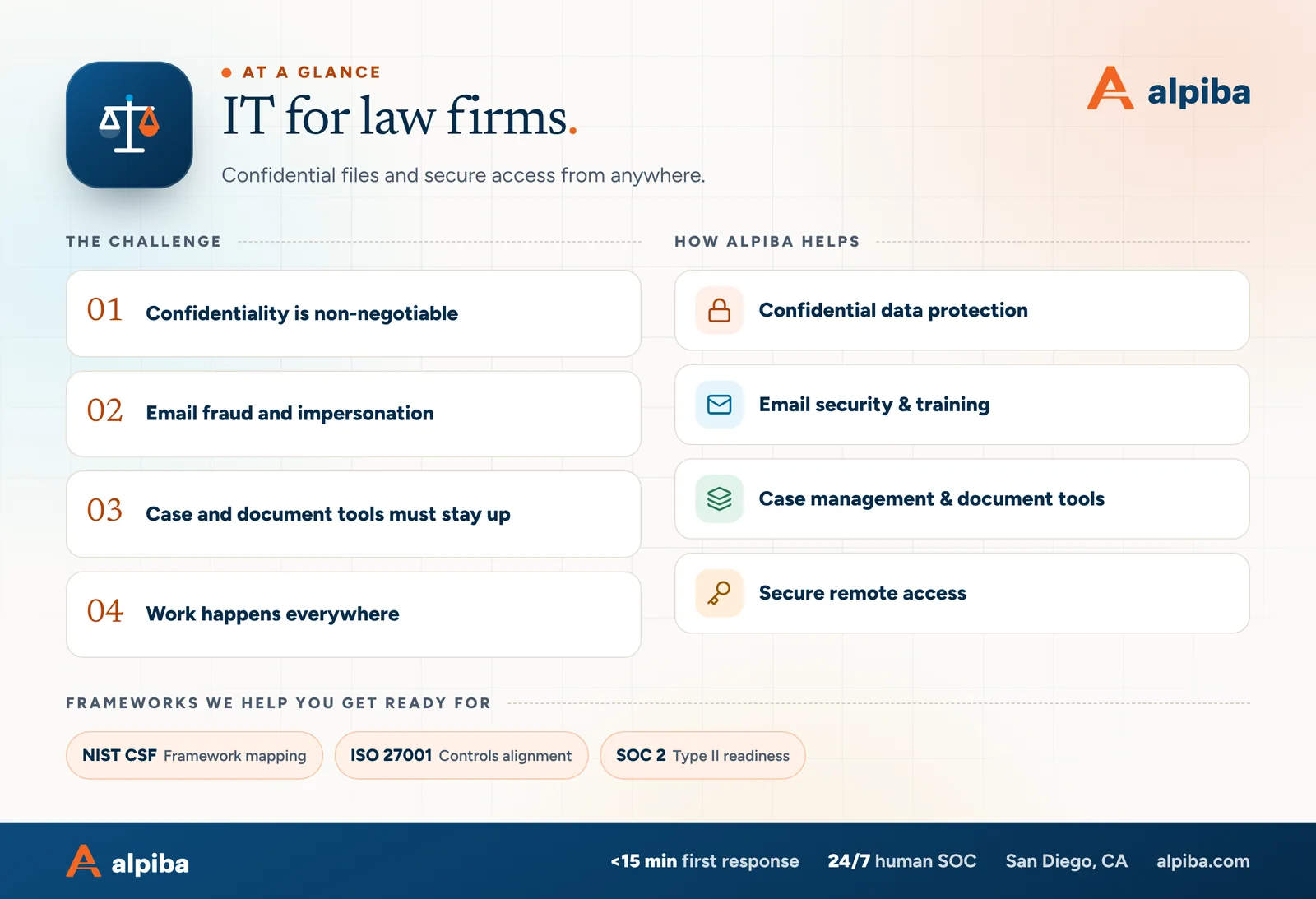
IT for law firms at a glance. Challenges: confidentiality is non-negotiable, email fraud and impersonation, case and document tools must stay up and work happens everywhere. How Alpiba helps: confidential data protection, email security & training, case management & document tools and secure remote access. Frameworks: NIST CSF, ISO 27001 and SOC 2.
IT for law firms at a glance.

Your first 30 days

Where to start this month.

The guide's 30/60/90-day plan begins with these steps. Assign an owner to each and review progress every two weeks.

  • 1Enforce MFA everywhere and remove shared logins
  • 2Adopt the callback rule and a second approver for payments
  • 3Turn on forwarding-rule alerts and publish DMARC
  • 4Inventory devices, systems and every place client files live

Key terms in plain English

Business email compromise (BEC)
A scam in which attackers use a hijacked or look-alike email account to redirect payments or steal information.
DMARC
An email authentication policy that tells receiving servers how to treat mail that fails checks, making your domain harder to spoof.
Ethical wall
An information barrier that blocks specific people from matters where they have a conflict.
Legal hold
A preservation setting that stops relevant email and files from being deleted while a matter requires them.
Conditional access
Sign-in rules that allow, challenge or block access based on the user, device, location and risk.
Data loss prevention (DLP)
Policies that detect and stop sensitive information from leaving approved channels.
Metadata
Information about a file or message, such as author, dates and recipients, that e-discovery often needs intact.
Tabletop exercise
A guided discussion in which your team walks through a realistic incident to test its response plan.
Roopa, founder of Alpiba

SMBs deserve a strategic technology partner, without enterprise complexity or cost.RoopaFounder, Alpiba

Put the guide to work

Services that help you act on it.

All services
A close view of a glowing circuit board

Cybersecurity

Cybersecurity & Ransomware Defense

24/7 monitoring, threat hunting and rapid incident response that contains attacks before they impact your business.

A padlock resting on a laptop keyboard

Cybersecurity

Zero Trust & Identity Security

Identity-aware access, MFA everywhere and least privilege baked into every environment we manage.

Keep reading

More free guides.

All guides
Cover of The Biotech and Life Sciences IT Security Guide

Industry guide · Biotech

The Biotech and Life Sciences IT Security Guide

A printable guide for founders, lab managers and operations leads: secure instruments that can't be patched, protect IP as the team grows and answer partner questionnaires with evidence.

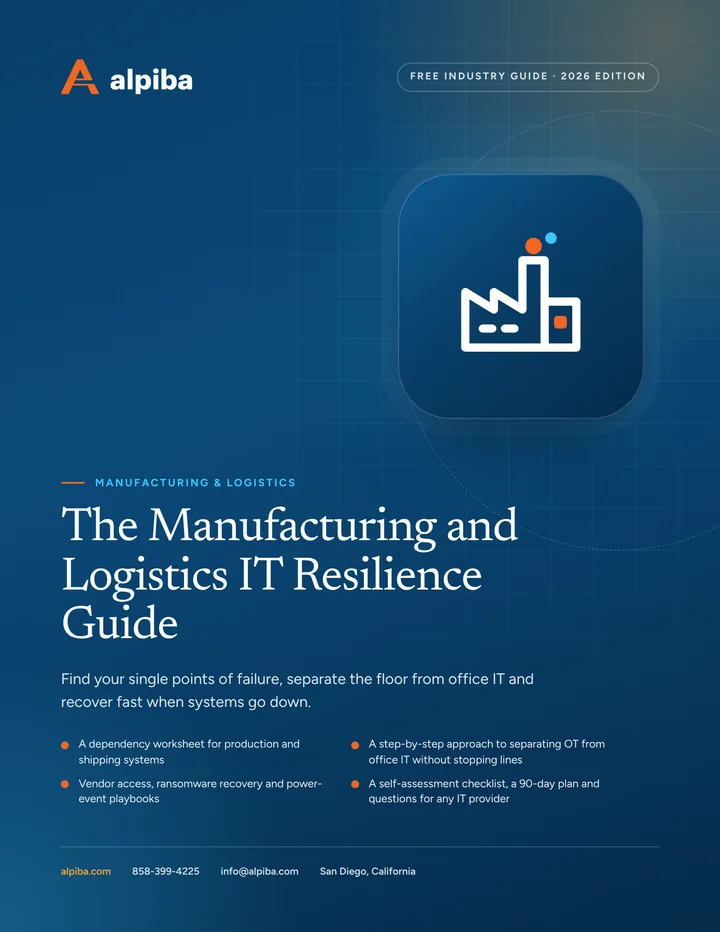
Cover of The Manufacturing and Logistics IT Resilience Guide

Industry guide · Manufacturing & Logistics

The Manufacturing and Logistics IT Resilience Guide

A printable guide for owners and operations leaders at plants, warehouses and distribution centers: what really stops production, how to segment equipment safely, how to control vendor access and how to plan for ransomware and power events.

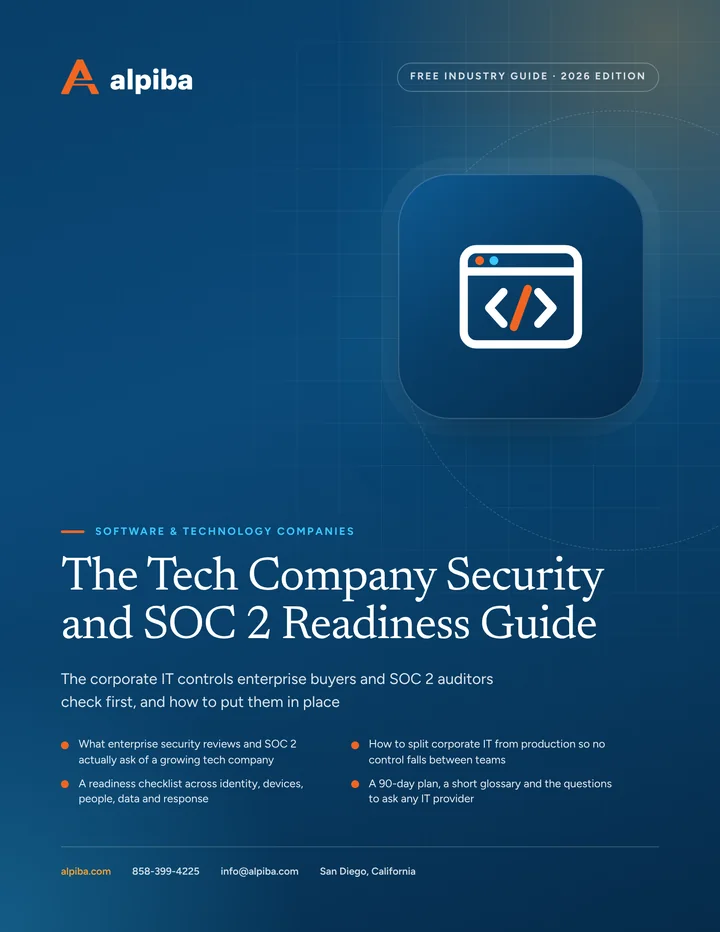
Cover of The Tech Company Security and SOC 2 Readiness Guide

Industry guide · Software & Technology

The Tech Company Security and SOC 2 Readiness Guide

A plain-English guide to the identity, device and offboarding controls behind most security reviews, with a readiness checklist, a 90-day plan and questions to ask any IT provider.

Call Free assessment