SOC online 24/7Breach or outage? Call 858-399-4225

Free guidesinfo@alpiba.comMon–Fri, 7am–7pm PT

Alpiba

Free service guide · PDF

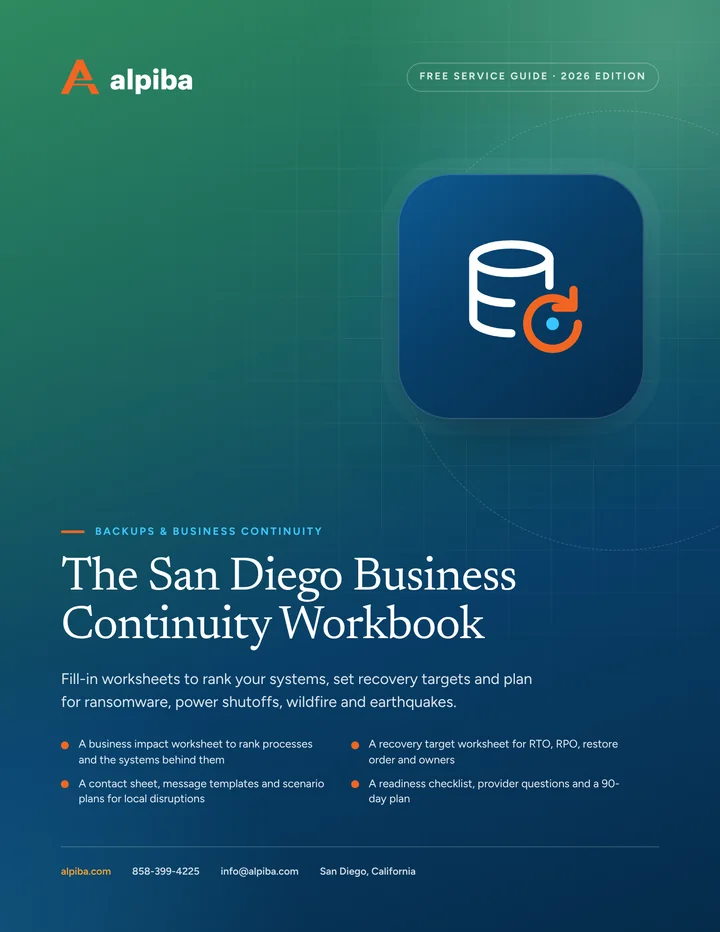
The San Diego Business Continuity Workbook

Fill-in worksheets to rank your systems, set recovery targets and plan for ransomware, power shutoffs, wildfire and earthquakes.

  • A business impact worksheet to rank processes and the systems behind them
  • A recovery target worksheet for RTO, RPO, restore order and owners
  • A contact sheet, message templates and scenario plans for local disruptions
  • A readiness checklist, provider questions and a 90-day plan

12 pages25-item checklist30/60/90-day plan

Cover of The San Diego Business Continuity Workbook

Get your free copy

Instant PDF download. No sales pitch inside.

Instant download. By submitting, you agree that Alpiba may contact you about this guide; you can ask us to delete your details at any time.

Cover and two sample pages of The San Diego Business Continuity Workbook, a free 12-page PDF guide from Alpiba with a 25-point checklist
A look inside: the cover and two pages from the 12-page PDF.

What's inside

Inside the guide.

Most continuity plans fail for ordinary reasons. They're too long to use under stress, they live on the server that just went down, and the person who wrote them left years ago. This workbook is deliberately short. It focuses on the decisions you need to make before a disruption, so the day itself is about following steps rather than inventing them.

Plan on two working sessions of about 90 minutes. In the first, complete worksheets 1 and 2 with your department leads and whoever runs your IT. In the second, fill in the contacts, messages and scenarios, then run the tabletop exercise at the end. Print the finished workbook, keep copies off-site and offline, and review it every year or after any major change.

  1. Worksheet 1: Rank your critical work
  2. Worksheet 2: Set recovery targets
  3. Worksheet 3: Contacts and messages
  4. Scenario plans for San Diego disruptions
  5. Test it: a 60-minute tabletop exercise
  6. The checklist25 items in 4 groups
  7. Questions to ask any IT provider10 questions
  8. Your 30/60/90-day plan3 phases, step by step
  9. Plain-English glossary8 terms

Read Part 1 free

The opening chapter of the guide, in full. The rest of the guide, the checklist and the 90-day plan are in the PDF.

Worksheet 1: Rank your critical work

List the processes that keep the business running, not the servers behind them. For each one, note what it depends on and how fast the harm grows once it stops. The first row is an example; use the blank rows for your own.

Business impact worksheet
Business processDepends onHarm after 4 hoursHarm after 1 day
Example: booking appointmentsPractice management system, internet, phones, front-desk staffMissed bookings and a crowded waiting roomLost revenue, a rescheduling backlog and unhappy patients

When you rate harm, consider four kinds of impact:

  • Financial. Lost revenue, overtime, penalties and recovery costs.
  • Legal and regulatory. Missed filing deadlines, breach notification duties and contract obligations.
  • Customer trust. Missed appointments, late shipments and silence when customers call.
  • Safety. Anything that affects patient care, lab safety or people on a production floor.

Then rank the processes. If you could restore only one, which would it be? Number every row, because a tie is a decision deferred to the worst possible moment.

Get the full guide

A preview

A sample from the guide.

Here's the first checklist group and a few of the questions. The full guide has all 25 checklist items, 10 questions and the 90-day plan.

Backups

  • Every critical system and cloud app is backed up, including Microsoft 365 or Google Workspace data
  • At least one copy is stored off-site and is immutable
  • At least one copy sits in a region outside Southern California
  • Backup admin accounts are separate from everyday admin accounts and use MFA
  • Failed backup jobs raise alerts that a person follows up
  • Retention periods meet your contract, legal and regulatory needs
  • No critical data relies only on a synced folder or a drive that stays plugged in

Questions to ask any IT provider

  1. 1Which critical system did you last restore in full, how long did it take, and where is the report?
  2. 2Which of our backup copies are immutable, and for how long?
  3. 3Where, geographically, are our off-site copies stored?
  4. 4Who can delete our backups, and how is that access protected?

+ 6 more questions in the full guide

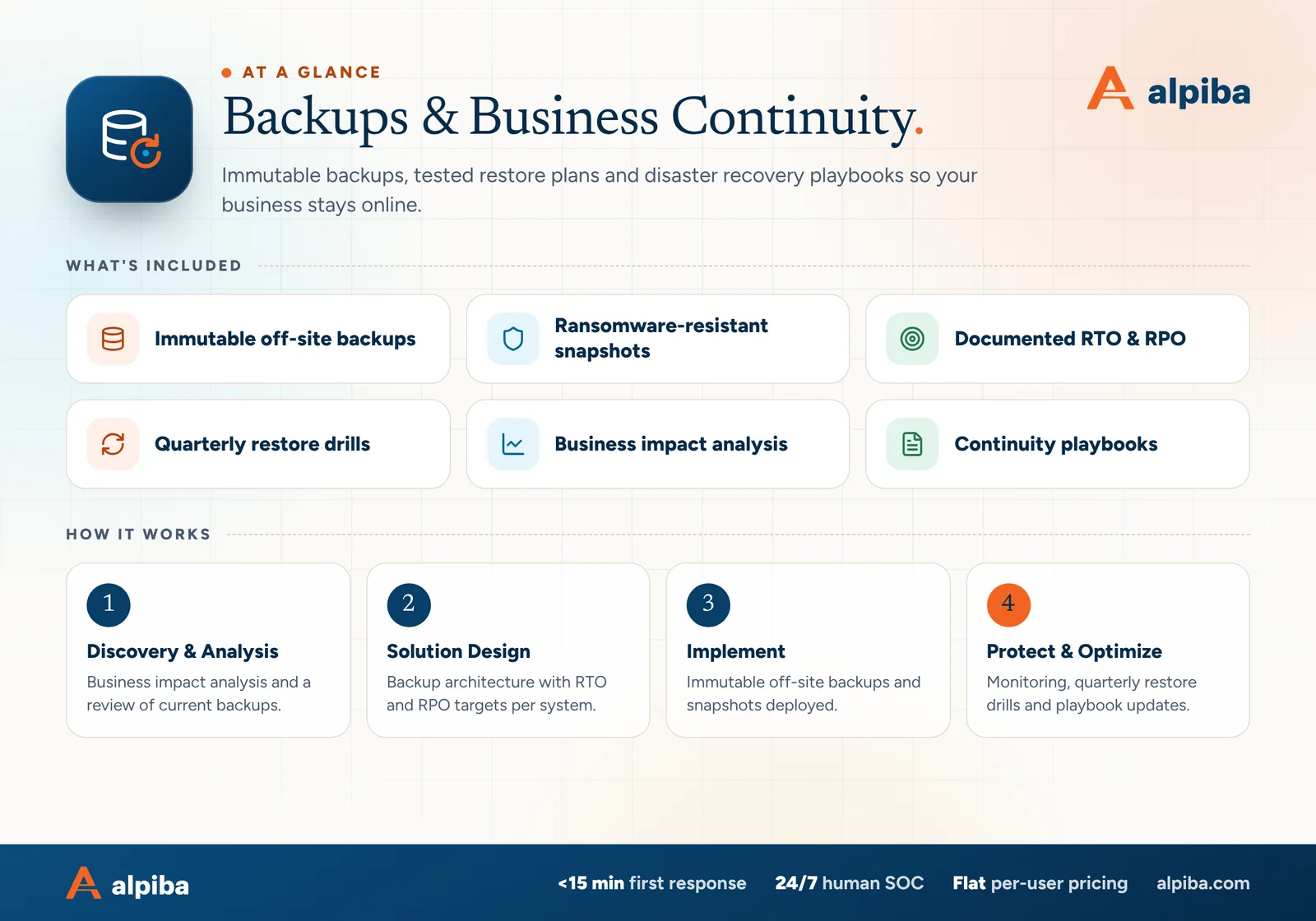
Backups & Business Continuity at a glance. Included: Immutable off-site backups, Ransomware-resistant snapshots, Documented RTO & RPO, Quarterly restore drills, Business impact analysis and Continuity playbooks. How it works: Discovery & Analysis, Solution Design, Implement and Protect & Optimize.
Backups & DR at a glance: what is included and how we roll it out.

Your first 30 days

Where to start this month.

The guide's 30/60/90-day plan begins with these steps. Assign an owner to each and review progress every two weeks.

  • 1Complete worksheets 1 and 2 with department leads
  • 2Confirm every critical system and cloud app is backed up
  • 3Make sure at least one off-site copy is immutable
  • 4Fill in the contact sheet and store it offline

Key terms in plain English

RTO (recovery time objective)
The longest a system can be down before the impact becomes unacceptable.
RPO (recovery point objective)
The most recent work you can afford to lose, measured in time, such as one hour or one day.
Immutable backup
A copy that can't be changed or deleted until its retention period ends, even by an administrator.
Business impact analysis (BIA)
A structured review of which processes matter most, what they depend on and how fast harm grows when they stop.
Restore drill
A scheduled test in which real data or systems are restored and timed to prove recovery works.
Tabletop exercise
A discussion-based rehearsal in which the team walks through a scenario using the plan, without touching live systems.
Public Safety Power Shutoff (PSPS)
A planned power cut that a utility such as SDG&E can make during high wildfire risk to reduce the chance of power lines starting a fire.
Retention period
How long a backup copy is kept before it can be deleted, set by business, legal and regulatory needs.
Roopa, founder of Alpiba

SMBs deserve a strategic technology partner, without enterprise complexity or cost.RoopaFounder, Alpiba

Put the guide to work

Services that help you act on it.

All services
A close view of a computer circuit board

Infrastructure & Continuity

Backups & Business Continuity

Immutable backups, tested restore plans and disaster recovery playbooks so your business stays online.

A close view of a glowing circuit board

Cybersecurity

Cybersecurity & Ransomware Defense

24/7 monitoring, threat hunting and rapid incident response that contains attacks before they impact your business.

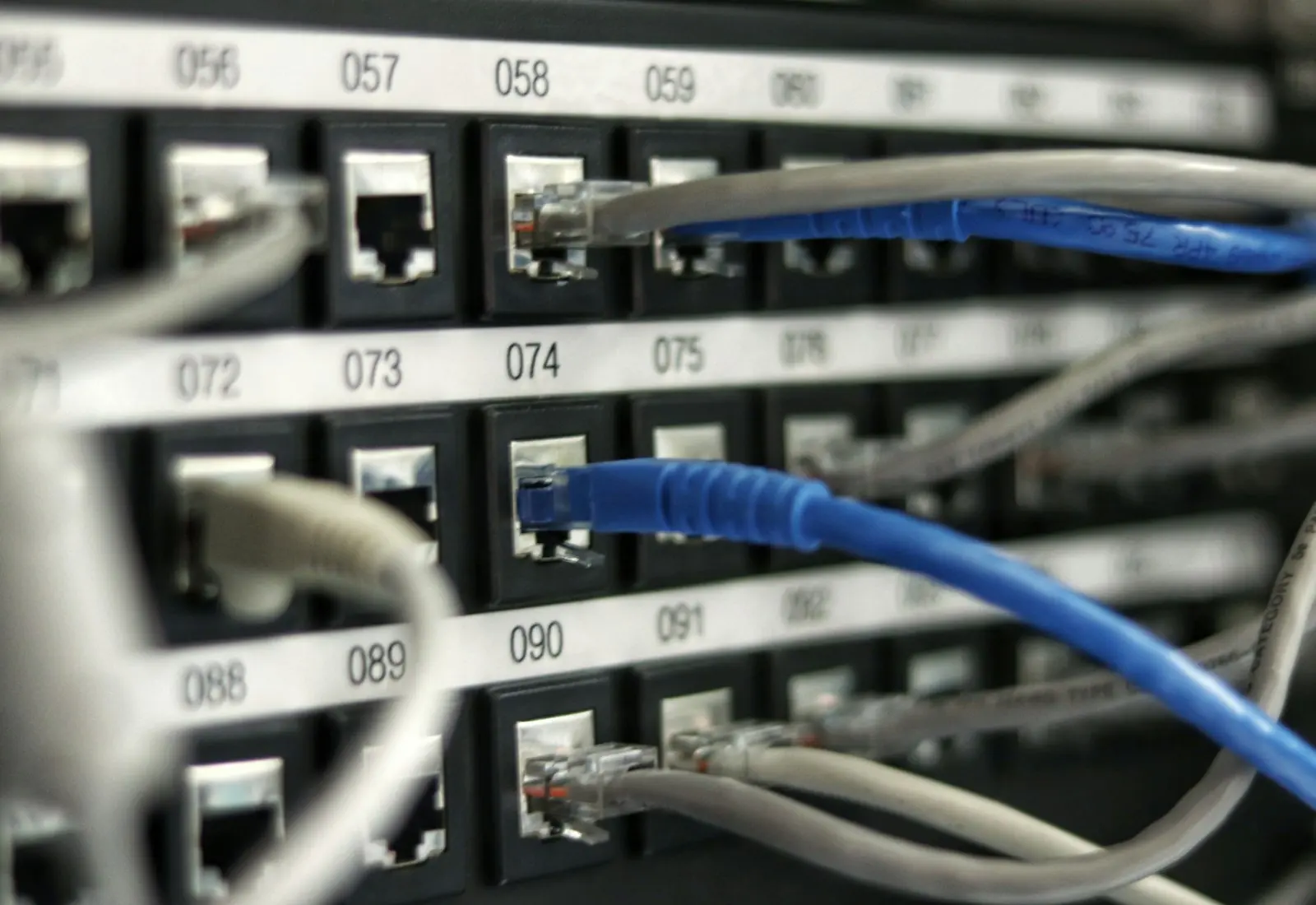
Ethernet cables plugged into a network switch

Infrastructure & Continuity

Network & Server Consulting

Design, optimize and secure your infrastructure for maximum uptime and performance.

Keep reading

More free guides.

All guides
Cover of The San Diego Managed IT Buyer's Guide

Service guide · Managed IT

The San Diego Managed IT Buyer's Guide

A vendor-neutral workbook for San Diego owners and office managers choosing a managed IT provider: what to gather, what to ask, how to score proposals and how to run the first 90 days.

Cover of The Co-Managed IT Playbook

Service guide · Co-Managed IT

The Co-Managed IT Playbook

A practical playbook for IT leads and executives setting up a co-managed partnership: a responsibility matrix, access rules, an escalation runbook and the metrics that show whether it is working.

Call Free assessment