SOC online 24/7Breach or outage? Call 858-399-4225

Free guidesinfo@alpiba.comMon–Fri, 7am–7pm PT

Alpiba

Free service guide · PDF

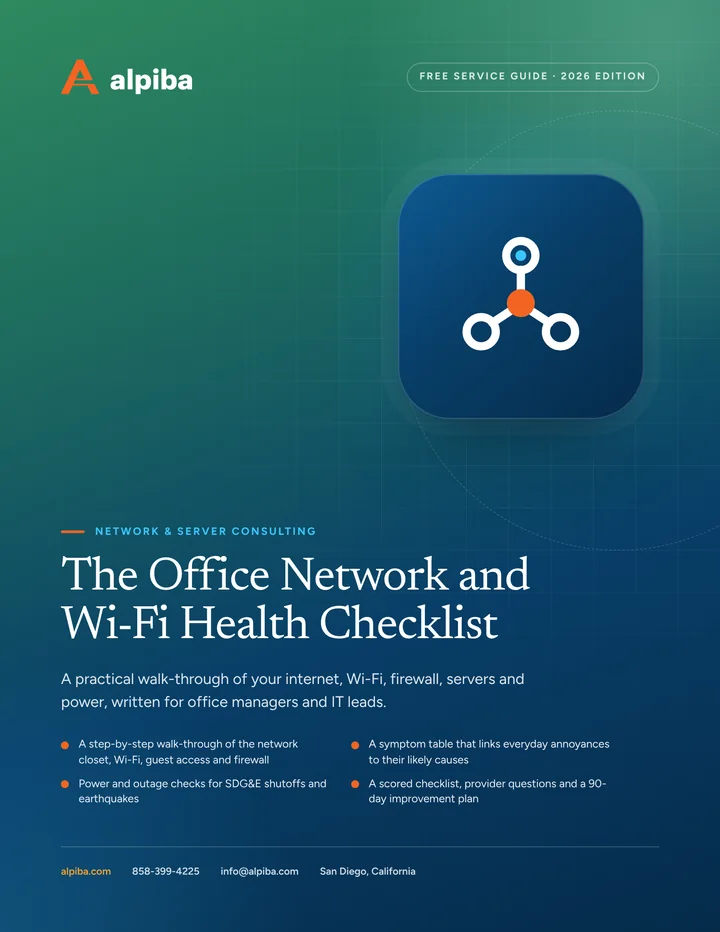
The Office Network and Wi-Fi Health Checklist

A practical walk-through of your internet, Wi-Fi, firewall, servers and power, written for office managers and IT leads.

  • A step-by-step walk-through of the network closet, Wi-Fi, guest access and firewall
  • A symptom table that links everyday annoyances to their likely causes
  • Power and outage checks for SDG&E shutoffs and earthquakes
  • A scored checklist, provider questions and a 90-day improvement plan

11 pages24-item checklist30/60/90-day plan

Cover of The Office Network and Wi-Fi Health Checklist

Get your free copy

Instant PDF download. No sales pitch inside.

Instant download. By submitting, you agree that Alpiba may contact you about this guide; you can ask us to delete your details at any time.

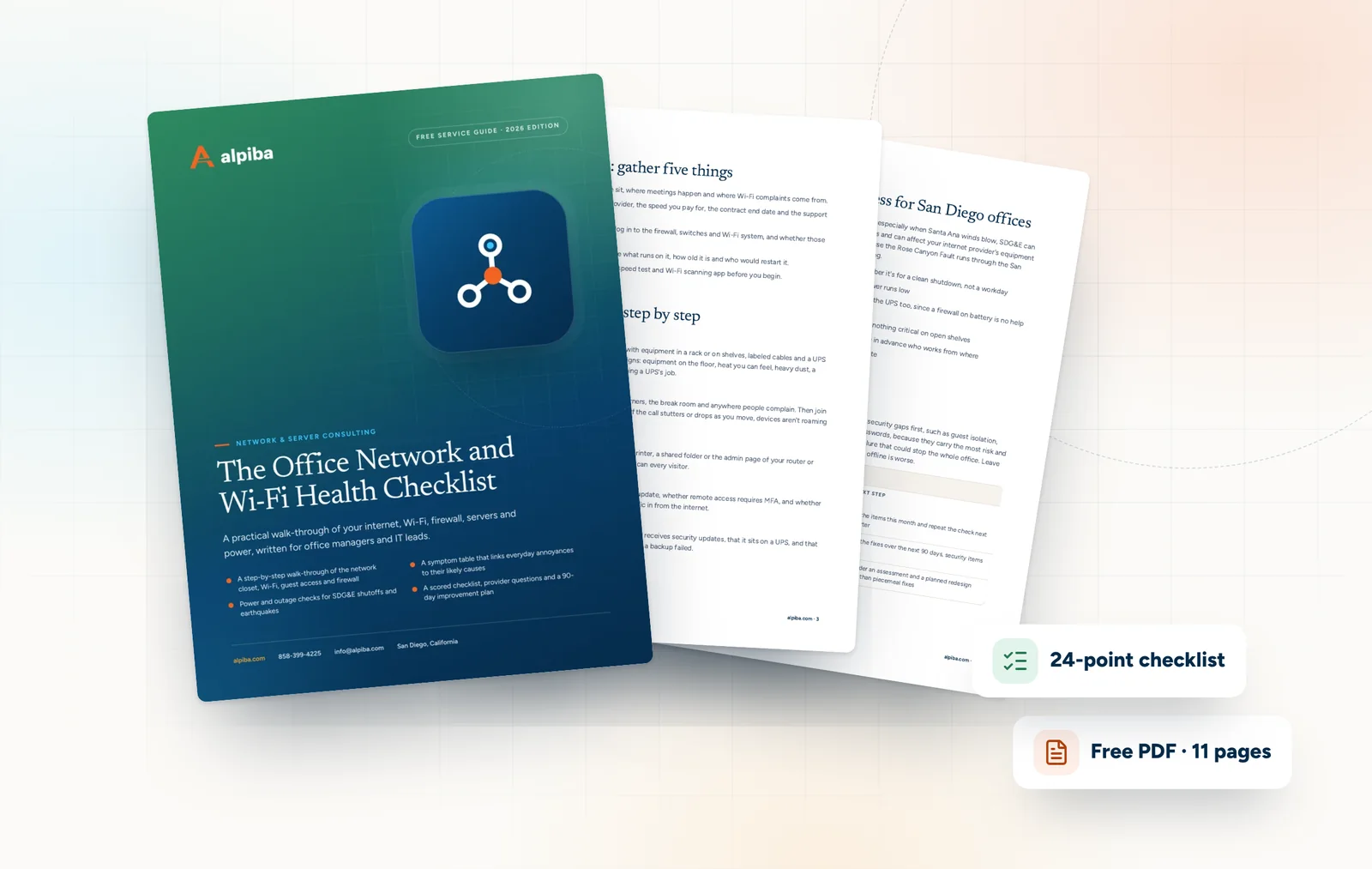
Cover and two sample pages of The Office Network and Wi-Fi Health Checklist, a free 11-page PDF guide from Alpiba with a 24-point checklist
A look inside: the cover and two pages from the 11-page PDF.

What's inside

Inside the guide.

Most office networks fail slowly. Wi-Fi gets a little worse with every new hire, the firewall misses a year of updates, a UPS battery quietly dies, and the one person who knew the admin password moves on. None of it is obvious until a busy Monday, when it all matters at once.

This guide helps you find those problems on purpose. You don't need to be a network engineer: set aside about an hour, bring a phone or laptop and whoever holds your IT passwords, and work through the sections in order. Mark each checklist item yes, no or unsure, and treat unsure as no, because a control nobody can confirm is one you can't rely on.

  1. Before you start: gather five things
  2. The walk-through, step by step
  3. What the symptoms usually mean
  4. Power and outage readiness for San Diego offices
  5. Scoring your results
  6. The checklist24 items in 4 groups
  7. Questions to ask any IT provider10 questions
  8. Your 30/60/90-day plan3 phases, step by step
  9. Plain-English glossary8 terms

Read Part 1 free

The opening chapter of the guide, in full. The rest of the guide, the checklist and the 90-day plan are in the PDF.

Before you start: gather five things

  • A floor plan. Mark where people sit, where meetings happen and where Wi-Fi complaints come from.
  • Your internet bills. Note each provider, the speed you pay for, the contract end date and the support number.
  • Admin access. Find out who can log in to the firewall, switches and Wi-Fi system, and whether those logins belong to named people.
  • A list of servers. For each one, note what runs on it, how old it is and who would restart it.
  • A phone or laptop. Install any free speed test and Wi-Fi scanning app before you begin.

Get the full guide

A preview

A sample from the guide.

Here's the first checklist group and a few of the questions. The full guide has all 24 checklist items, 10 questions and the 90-day plan.

Internet and power

  • We have two internet connections from different providers on physically separate paths
  • Failover to the second connection is automatic and was tested in the last 90 days
  • The firewall, switches and servers are on a UPS with a healthy battery
  • UPS battery replacement dates are tracked
  • Servers shut down automatically when UPS power runs low
  • Racks and heavy equipment are secured against earthquakes

Questions to ask any IT provider

  1. 1Will we receive current network diagrams and admin credentials, and do we keep them if we leave?
  2. 2Who approves new firewall rules, and when were the existing rules last reviewed?
  3. 3How soon after a critical firmware advisory do you patch firewalls and VPN gateways?
  4. 4Do you survey Wi-Fi on-site, or design from floor plans alone?

+ 6 more questions in the full guide

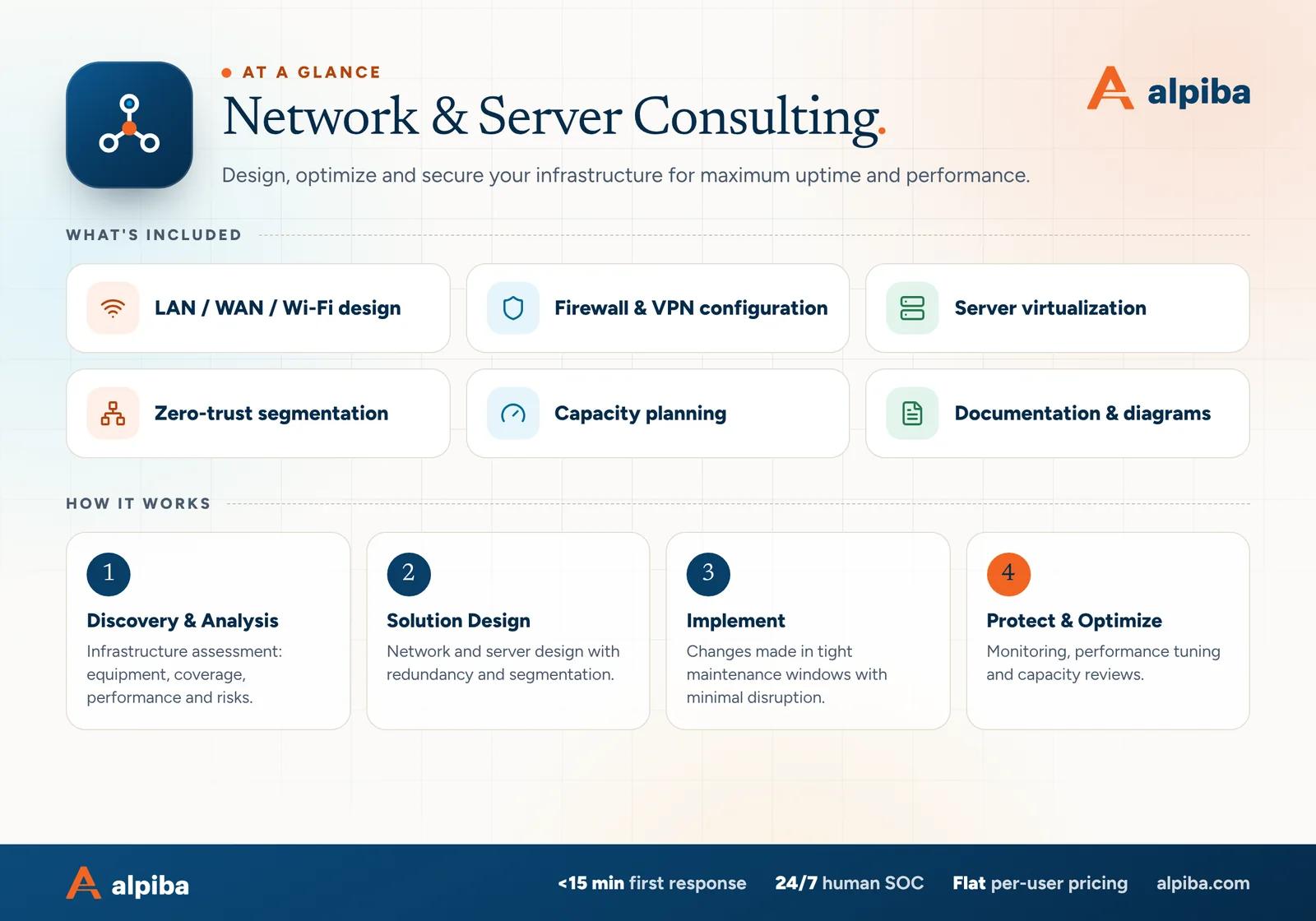
Network & Server Consulting at a glance. Included: LAN / WAN / Wi-Fi design, Firewall & VPN configuration, Server virtualization, Zero-trust segmentation, Capacity planning and Documentation & diagrams. How it works: Discovery & Analysis, Solution Design, Implement and Protect & Optimize.
Network & Servers at a glance: what is included and how we roll it out.

Your first 30 days

Where to start this month.

The guide's 30/60/90-day plan begins with these steps. Assign an owner to each and review progress every two weeks.

  • 1Complete the walk-through and checklist, and list every no and unsure
  • 2Recover and document admin access to the firewall, switches and Wi-Fi
  • 3Turn on MFA for remote access and bring firewall firmware up to date
  • 4Separate guest Wi-Fi from the business network

Key terms in plain English

Access point
The device on a ceiling or wall that broadcasts Wi-Fi and connects wireless devices to the wired network.
SSID
The name of a Wi-Fi network as it appears on a phone or laptop. Each SSID can lead to a different segment.
VLAN
A virtual network that shares physical switches with others but is kept separate by configuration, so traffic between them has to pass the firewall's rules.
Client isolation
A Wi-Fi setting that stops devices on the same network, such as guests' phones, from communicating with each other.
Power over Ethernet (PoE)
Power delivered through the network cable, used to run access points, cameras and similar devices without a separate outlet.
UPS
Uninterruptible power supply: a battery unit that keeps equipment running through short outages and allows a clean shutdown in long ones.
Failover
Switching automatically to a backup, such as a second internet connection, when the primary fails.
Firmware
The built-in software that runs network equipment such as firewalls, switches and access points. It needs security updates just like a laptop.

Roopa, founder of Alpiba

SMBs deserve a strategic technology partner, without enterprise complexity or cost.RoopaFounder, Alpiba

Put the guide to work

Services that help you act on it.

All services
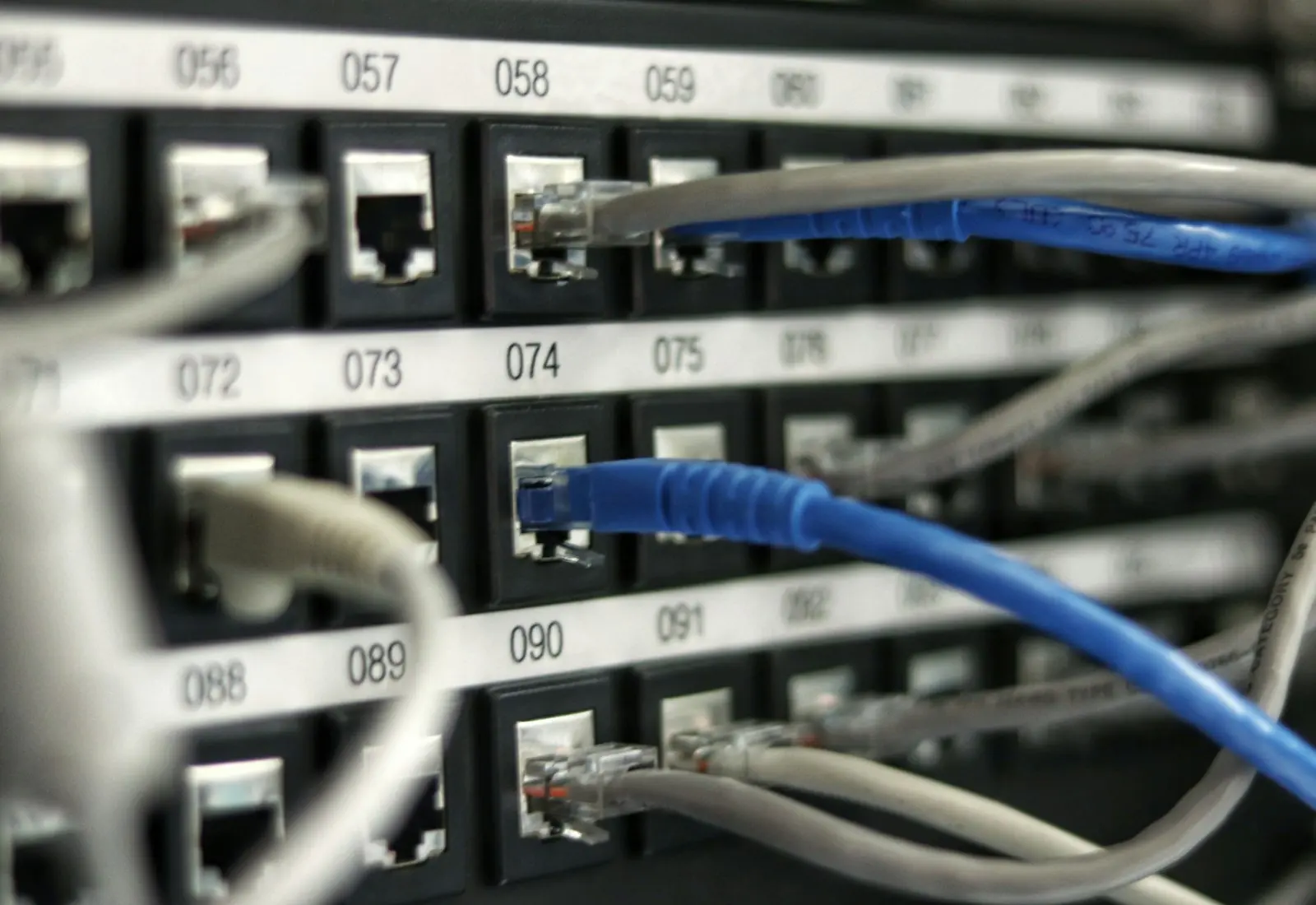
Ethernet cables plugged into a network switch

Infrastructure & Continuity

Network & Server Consulting

Design, optimize and secure your infrastructure for maximum uptime and performance.

A close view of a computer circuit board

Infrastructure & Continuity

Backups & Business Continuity

Immutable backups, tested restore plans and disaster recovery playbooks so your business stays online.

A padlock resting on a laptop keyboard

Cybersecurity

Zero Trust & Identity Security

Identity-aware access, MFA everywhere and least privilege baked into every environment we manage.

Keep reading

More free guides.

All guides
Cover of The San Diego Managed IT Buyer's Guide

Service guide · Managed IT

The San Diego Managed IT Buyer's Guide

A vendor-neutral workbook for San Diego owners and office managers choosing a managed IT provider: what to gather, what to ask, how to score proposals and how to run the first 90 days.

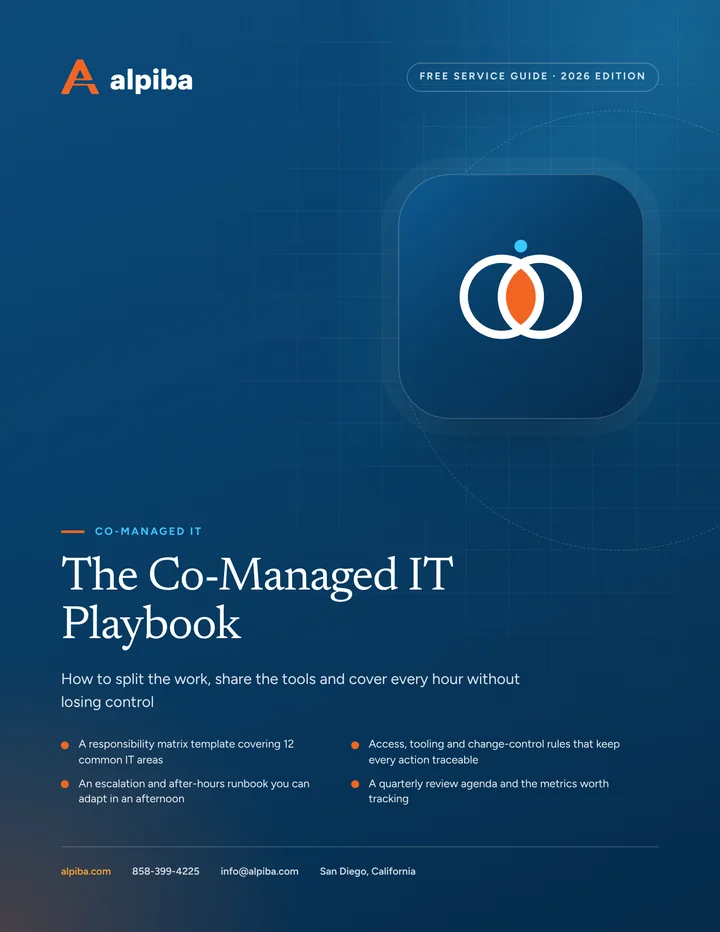
Cover of The Co-Managed IT Playbook

Service guide · Co-Managed IT

The Co-Managed IT Playbook

A practical playbook for IT leads and executives setting up a co-managed partnership: a responsibility matrix, access rules, an escalation runbook and the metrics that show whether it is working.

Call Free assessment