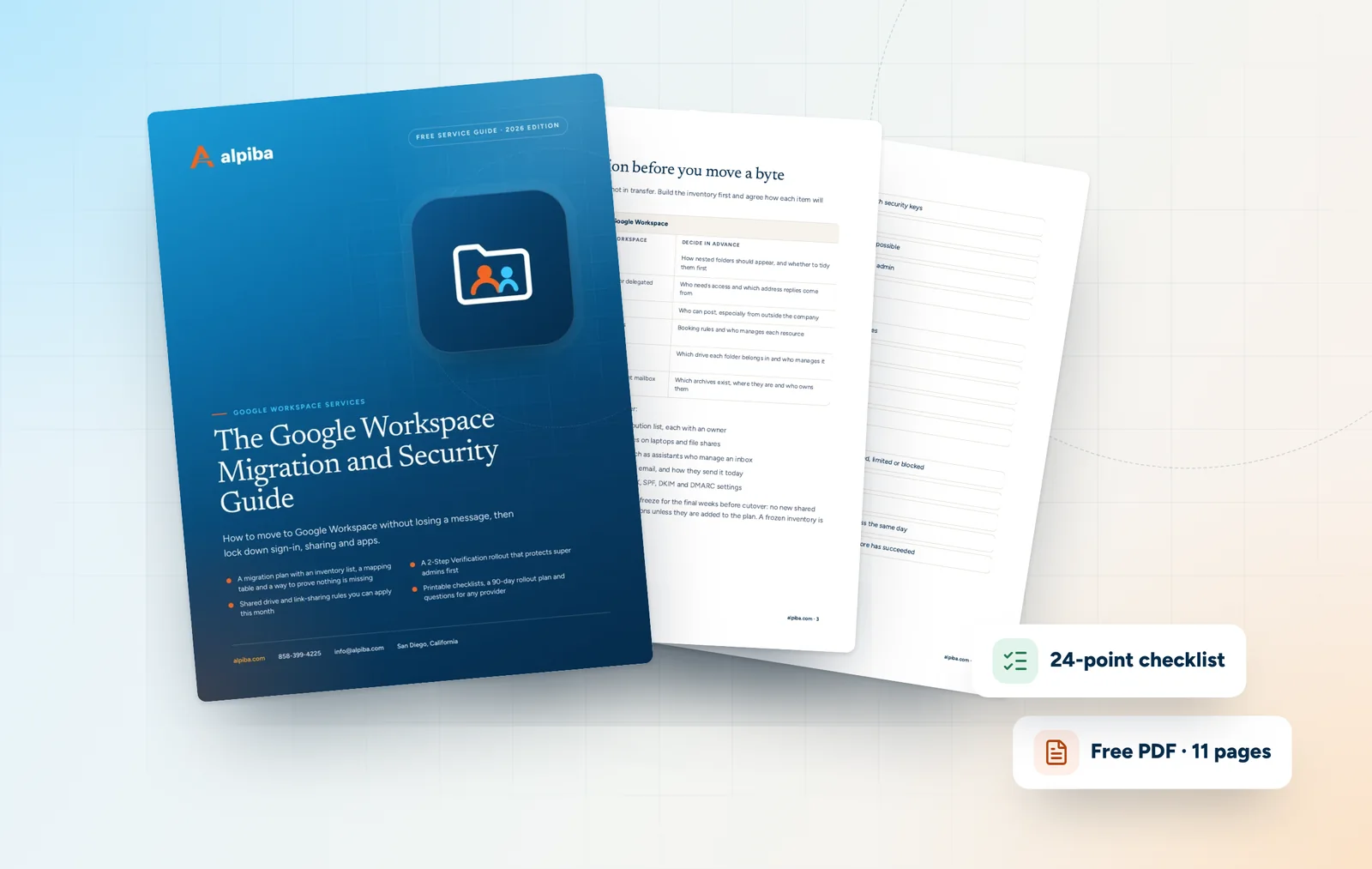
Plan the migration before you move a byte
Most lost email is lost in planning, not in transfer. Build the inventory first and agree how each item will translate before any data moves.
| In the old system | In Google Workspace | Decide in advance |
|---|---|---|
| Mail folders | Gmail labels | How nested folders should appear, and whether to tidy them first |
| Shared mailboxes | Google Groups or delegated accounts | Who needs access and which address replies come from |
| Distribution lists | Google Groups | Who can post, especially from outside the company |
| Rooms and equipment | Calendar resources | Booking rules and who manages each resource |
| File shares and folders | Shared drives | Which drive each folder belongs in and who manages it |
| PST archives | Imported into the right mailbox | Which archives exist, where they are and who owns them |
Then build the inventory itself. It should cover:
- Every user, alias, shared mailbox and distribution list, each with an owner
- Mailbox and archive sizes, including PST files on laptops and file shares
- Calendars, rooms and delegated access, such as assistants who manage an inbox
- Apps, scanners and website forms that send email, and how they send it today
- Who controls DNS, plus a copy of today's MX, SPF, DKIM and DMARC settings
Once the inventory is complete, agree a change freeze for the final weeks before cutover: no new shared mailboxes, distribution lists or folder reorganizations unless they are added to the plan. A frozen inventory is one you can actually test against.