SOC online 24/7Breach or outage? Call 858-399-4225

Free guidesinfo@alpiba.comMon–Fri, 7am–7pm PT

Alpiba

Free service guide · PDF

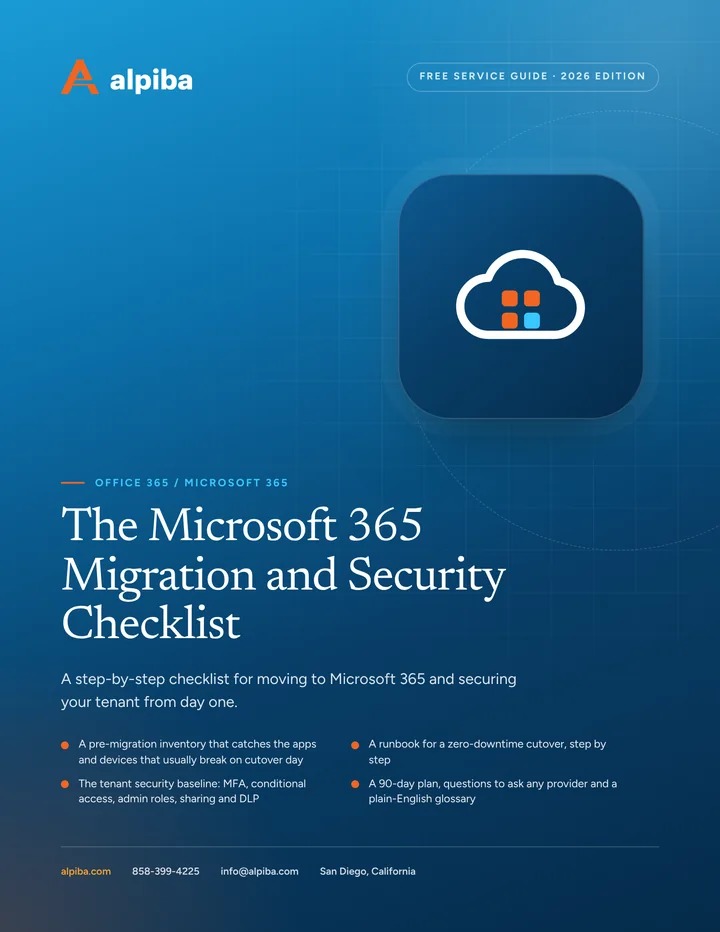
The Microsoft 365 Migration and Security Checklist

A step-by-step checklist for moving to Microsoft 365 and securing your tenant from day one.

  • A pre-migration inventory that catches the apps and devices that usually break on cutover day
  • A runbook for a zero-downtime cutover, step by step
  • The tenant security baseline: MFA, conditional access, admin roles, sharing and DLP
  • A 90-day plan, questions to ask any provider and a plain-English glossary

12 pages26-item checklist30/60/90-day plan

Cover of The Microsoft 365 Migration and Security Checklist

Get your free copy

Instant PDF download. No sales pitch inside.

Instant download. By submitting, you agree that Alpiba may contact you about this guide; you can ask us to delete your details at any time.

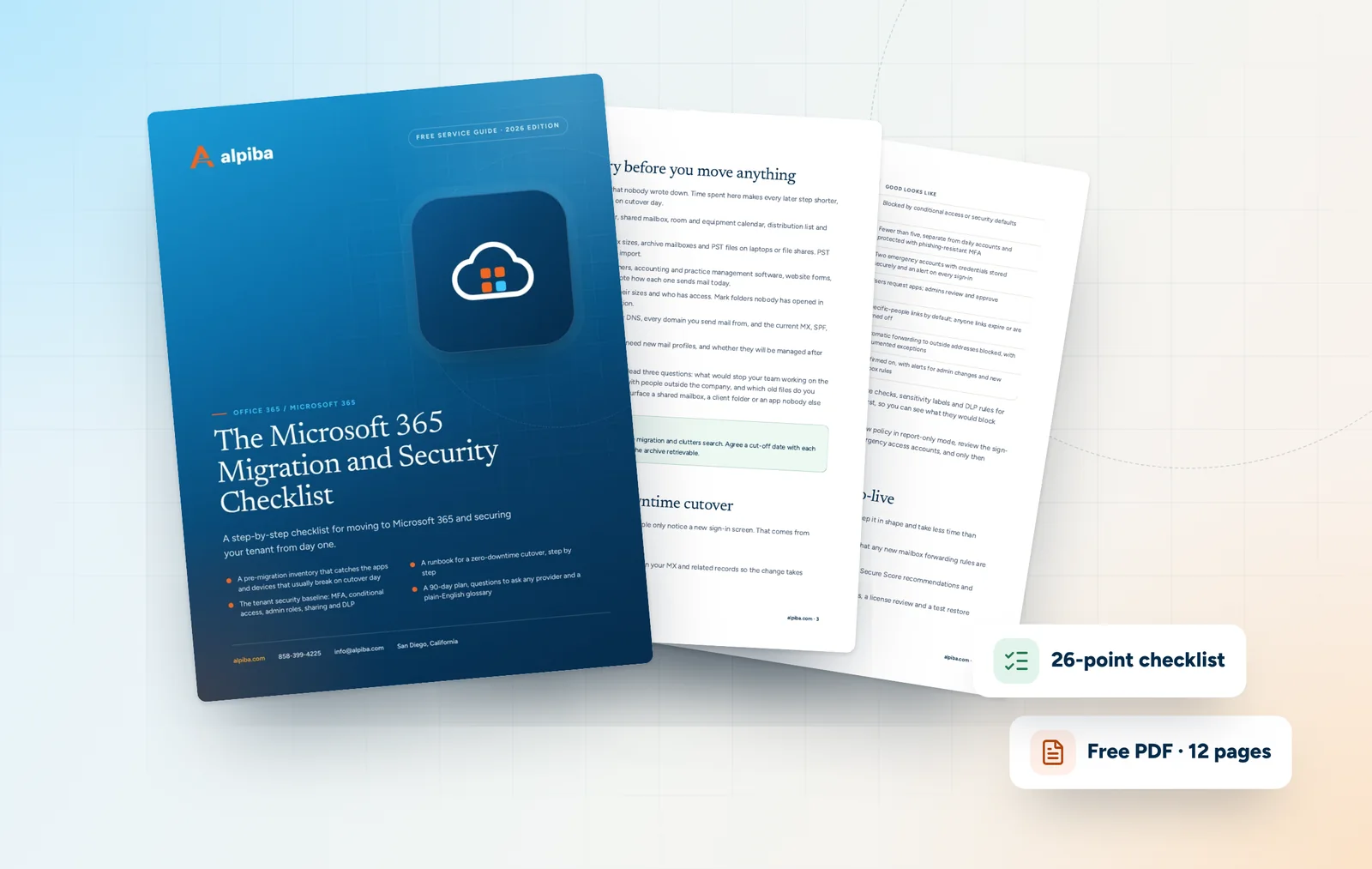
Cover and two sample pages of The Microsoft 365 Migration and Security Checklist, a free 12-page PDF guide from Alpiba with a 26-point checklist
A look inside: the cover and two pages from the 12-page PDF.

What's inside

Inside the guide.

Most Microsoft 365 problems are decided long before anyone notices them: a scanner nobody listed, a sharing default nobody changed, an admin account that also reads email. This checklist collects the decisions that matter in the order you will face them, from inventory to cutover to the security settings that should be in place before users move in.

Use it in one of three ways. If you are planning a migration, work through it top to bottom. If you already run Microsoft 365, start at the security baseline and mark anything you can't confirm. If a provider is doing the work, use the questions near the end to check they have thought about the same things. Alpiba's engineers are happy to walk through it with you, but it is written to be used on its own.

  1. Step 1: Inventory before you move anything
  2. Step 2: Run a zero-downtime cutover
  3. Step 3: Apply the security baseline before users arrive
  4. Step 4: Keep it healthy after go-live
  5. The checklist26 items in 5 groups
  6. Questions to ask any IT provider10 questions
  7. Your 30/60/90-day plan3 phases, step by step
  8. Plain-English glossary8 terms

Read Part 1 free

The opening chapter of the guide, in full. The rest of the guide, the checklist and the 90-day plan are in the PDF.

Step 1: Inventory before you move anything

Migrations go wrong because of what nobody wrote down. Time spent here makes every later step shorter, and the list becomes your test plan on cutover day.

  • People and mailboxes. Every user, shared mailbox, room and equipment calendar, distribution list and alias, each with a named owner.
  • Data volume and archives. Mailbox sizes, archive mailboxes and PST files on laptops or file shares. PST files are easy to forget and slow to import.
  • Everything that sends email. Scanners, accounting and practice management software, website forms, and alarm or monitoring systems. Note how each one sends mail today.
  • Files and permissions. File shares, their sizes and who has access. Mark folders nobody has opened in years for archiving rather than migration.
  • DNS and domains. Who controls your DNS, every domain you send mail from, and the current MX, SPF, DKIM and DMARC records.
  • Devices. Laptops and phones that will need new mail profiles, and whether they will be managed after the move.

Before you finalize the list, ask every team lead three questions: what would stop your team working on the first morning, what do you regularly share with people outside the company, and which old files do you genuinely still need? Their answers usually surface a shared mailbox, a client folder or an app nobody else knew about.

Decide what not to migrate

Moving old data is not free: it slows the migration and clutters search. Agree a cut-off date with each department, archive the rest and keep the archive retrievable.

Get the full guide

A preview

A sample from the guide.

Here's the first checklist group and a few of the questions. The full guide has all 26 checklist items, 10 questions and the 90-day plan.

Identity and admin accounts

  • MFA is enforced for every user, including executives
  • Legacy authentication is blocked
  • There are fewer than five global admins and none is used for daily email
  • Two emergency access accounts exist, are protected and alert on every sign-in
  • Users cannot grant apps access to company data without admin approval
  • Departed employees are blocked and their sessions revoked the day they leave

Questions to ask any IT provider

  1. 1How will you find every app, scanner and website form that sends email before cutover?
  2. 2What does your cutover plan look like, hour by hour, and what is the rollback point?
  3. 3How do you handle PST files, archive mailboxes and shared mailboxes?
  4. 4Which conditional access policies do you apply by default, and how do you test them before enforcing?

+ 6 more questions in the full guide

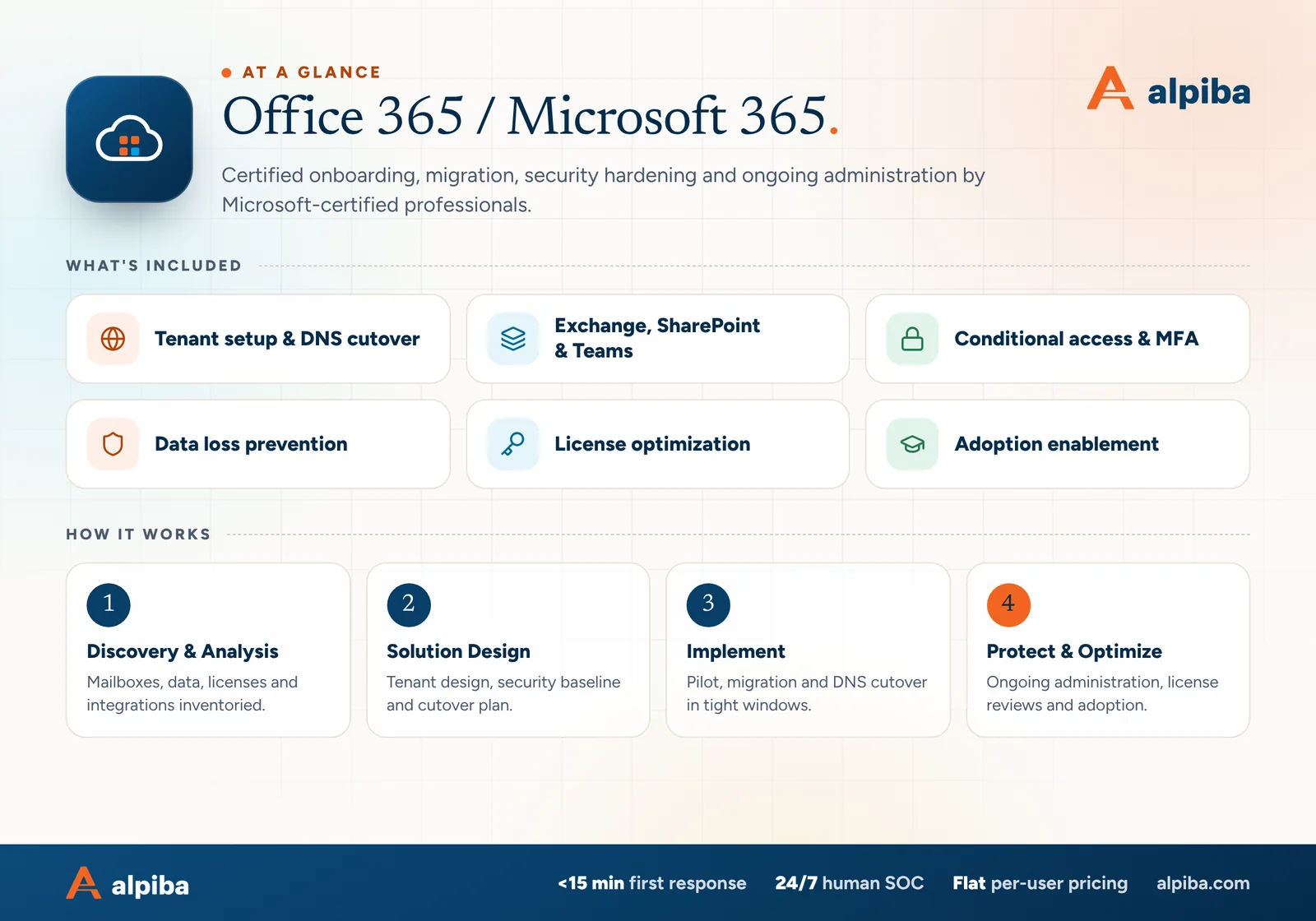
Office 365 / Microsoft 365 at a glance. Included: Tenant setup & DNS cutover, Exchange, SharePoint & Teams, Conditional access & MFA, Data loss prevention, License optimization and Adoption enablement. How it works: Discovery & Analysis, Solution Design, Implement and Protect & Optimize.
Microsoft 365 at a glance: what is included and how we roll it out.

Your first 30 days

Where to start this month.

The guide's 30/60/90-day plan begins with these steps. Assign an owner to each and review progress every two weeks.

  • 1Enforce MFA for every account and block legacy authentication
  • 2Separate admin accounts from daily accounts and set up emergency access
  • 3Complete the inventory of mailboxes, data, DNS and mail-sending devices
  • 4Start an independent backup of mail, OneDrive and SharePoint

Key terms in plain English

Tenant
Your organization's private instance of Microsoft 365, holding its users, domains, settings and data.
MX record
The DNS record that tells other mail servers where to deliver email for your domain. Changing it is the moment mail starts arriving in the new system.
Time-to-live (TTL)
How long other servers cache a DNS record before checking again. Shortening it before a migration makes the cutover take effect faster.
Conditional access
Rules that allow, limit or block a sign-in based on the user, device, location and risk.
Security defaults
A preconfigured set of Microsoft protections, including MFA registration and blocking legacy sign-in, for tenants that don't use conditional access.
Emergency access account
A tightly protected admin account kept for the rare moment normal admin sign-in fails. Often called a break-glass account.
Data loss prevention (DLP)
Rules that detect sensitive information, such as card numbers or patient records, and warn, block or log when someone tries to share it.
Shared mailbox
A mailbox several people can work from, such as a sales or billing address, without sharing a password.
Roopa, founder of Alpiba

SMBs deserve a strategic technology partner, without enterprise complexity or cost.RoopaFounder, Alpiba

Put the guide to work

Services that help you act on it.

All services
A bright office with glass walls and meeting rooms

Cloud & Productivity

Office 365 / Microsoft 365

Certified onboarding, migration, security hardening and ongoing administration by Microsoft-certified professionals.

Laptops and notebooks spread across a team work table

Cloud & Productivity

Google Workspace Services

Expert migration, training and integration for secure collaboration across hybrid teams.

A padlock resting on a laptop keyboard

Cybersecurity

Zero Trust & Identity Security

Identity-aware access, MFA everywhere and least privilege baked into every environment we manage.

Keep reading

More free guides.

All guides
Cover of The Google Workspace Migration and Security Guide

Service guide · Google Workspace

The Google Workspace Migration and Security Guide

A practical guide for owners and admins: plan a migration that preserves every email, roll out 2-Step Verification without lockouts and bring Drive sharing under control.

Cover of The Secure AI Adoption Guide for Small Businesses

Service guide · Secure AI & Automation

The Secure AI Adoption Guide for Small Businesses

A practical guide to adopting Copilot, Gemini and AI agents safely: what to fix first, a policy outline, a pilot plan and the guardrails agents need.

Cover of The San Diego Managed IT Buyer's Guide

Service guide · Managed IT

The San Diego Managed IT Buyer's Guide

A vendor-neutral workbook for San Diego owners and office managers choosing a managed IT provider: what to gather, what to ask, how to score proposals and how to run the first 90 days.

Call Free assessment