SOC online 24/7Breach or outage? Call 858-399-4225

Free guidesinfo@alpiba.comMon–Fri, 7am–7pm PT

Alpiba

Free service guide · PDF

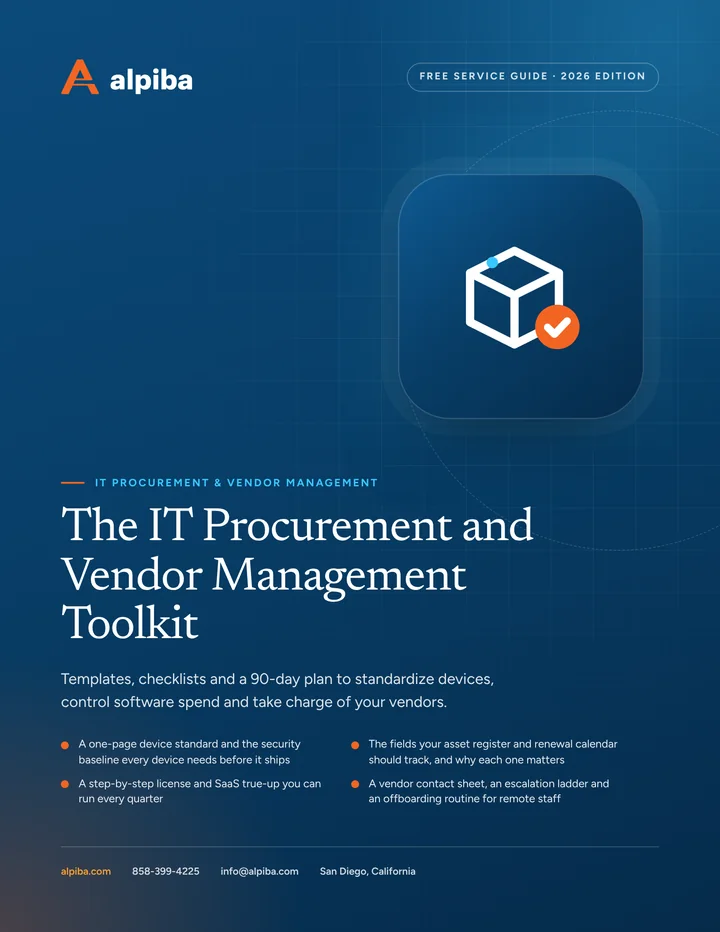
The IT Procurement and Vendor Management Toolkit

Templates, checklists and a 90-day plan to standardize devices, control software spend and take charge of your vendors.

  • A one-page device standard and the security baseline every device needs before it ships
  • The fields your asset register and renewal calendar should track, and why each one matters
  • A step-by-step license and SaaS true-up you can run every quarter
  • A vendor contact sheet, an escalation ladder and an offboarding routine for remote staff

11 pages25-item checklist30/60/90-day plan

Cover of The IT Procurement and Vendor Management Toolkit

Get your free copy

Instant PDF download. No sales pitch inside.

Instant download. By submitting, you agree that Alpiba may contact you about this guide; you can ask us to delete your details at any time.

Cover and two sample pages of The IT Procurement and Vendor Management Toolkit, a free 11-page PDF guide from Alpiba with a 25-point checklist
A look inside: the cover and two pages from the 11-page PDF.

What's inside

Inside the guide.

Procurement problems rarely look urgent. A laptop bought in a hurry, a subscription nobody cancelled, an internet contract that renewed on its own: each is small, and together they cost real money and leave security gaps. This toolkit gives you the structure to stop the drift, whether you run IT yourself, have an in-house IT person or work with a provider.

Work through it in order. Start with the device standard and the asset register, because everything else depends on knowing what you have. Then run your first license true-up, build the vendor contact sheet and tighten offboarding. Finish with the checklist and the 90-day plan, which turn these steps into a habit rather than a one-off cleanup. Alpiba runs this lifecycle for its managed IT clients, but every template here works just as well on your own.

  1. Write a one-page device standard
  2. Build the asset register and renewal calendar
  3. Run a quarterly license and SaaS true-up
  4. Manage vendors with a contact sheet and escalation ladder
  5. Tighten offboarding and device retirement
  6. The checklist25 items in 5 groups
  7. Questions to ask any IT provider10 questions
  8. Your 30/60/90-day plan3 phases, step by step
  9. Plain-English glossary8 terms

Read Part 1 free

The opening chapter of the guide, in full. The rest of the guide, the checklist and the 90-day plan are in the PDF.

Write a one-page device standard

A device standard says which models you buy for which roles, how they're configured and who approves exceptions. Keep it to one page so people actually use it, and revisit it twice a year as models and prices change.

What each profile in your standard should define
FieldWhat to decide
Profile nameA plain label such as Standard, Performance, Shared or Field
Who gets itThe roles or job titles that receive this profile by default
Approved modelsOne or two current business-class models, plus an approved alternative if supply runs short
WarrantyA term that matches how long you'll keep the device, with on-site or advance replacement for critical roles
AccessoriesThe standard dock, monitor, headset and charger, so every desk matches
ApproverWho signs off on purchases and on any exception to the standard

Every profile shares one security baseline. No device should reach an employee until each of these is true:

  • Registered to the company and enrolled in device management
  • Full-disk encryption on, with recovery keys stored centrally
  • Endpoint protection installed and reporting
  • Operating system and apps fully updated
  • Local admin rights removed from the everyday user account
  • Remote lock and wipe tested and working
Get the full guide

A preview

A sample from the guide.

Here's the first checklist group and a few of the questions. The full guide has all 25 checklist items, 10 questions and the 90-day plan.

Standards and buying

  • One-page device standard written, with profiles by role
  • Business-class models only, with warranties matched to the refresh plan
  • Named approver for purchases and exceptions
  • Standard accessories defined for every desk
  • Standard reviewed within the last six months

Questions to ask any IT provider

  1. 1How do you choose the models and suppliers you recommend, and will you show us competing quotes?
  2. 2What security baseline is applied before a device ships, and how do you verify it?
  3. 3Can you ship configured devices straight to remote employees, and how are they tracked?
  4. 4What does your asset register record, and do we own it if we part ways?

+ 6 more questions in the full guide

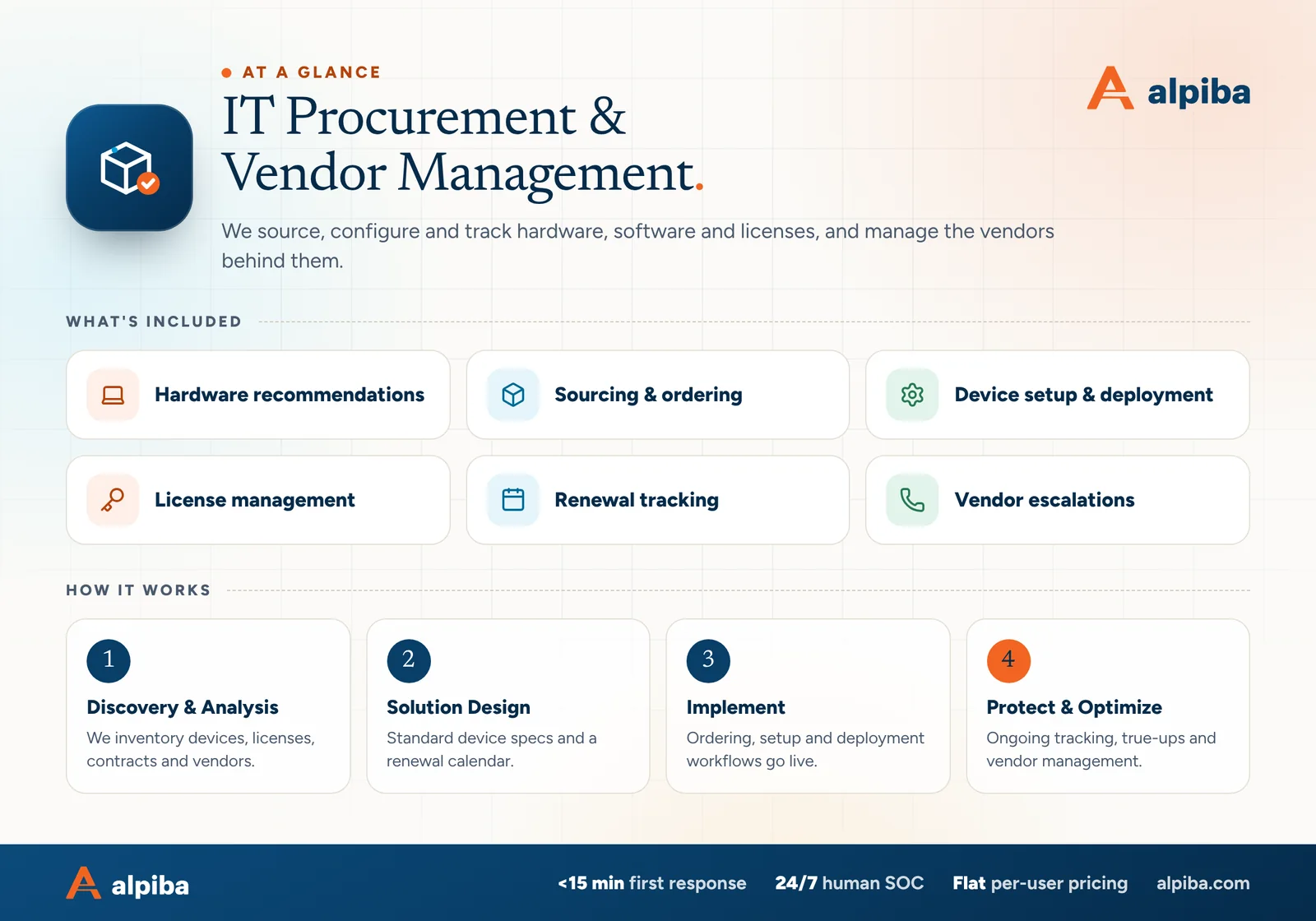
IT Procurement & Vendor Management at a glance. Included: Hardware recommendations, Sourcing & ordering, Device setup & deployment, License management, Renewal tracking and Vendor escalations. How it works: Discovery & Analysis, Solution Design, Implement and Protect & Optimize.
IT Procurement at a glance: what is included and how we roll it out.

Your first 30 days

Where to start this month.

The guide's 30/60/90-day plan begins with these steps. Assign an owner to each and review progress every two weeks.

  • 1Build the asset register from admin consoles, invoices and a walk around the office
  • 2List every contract and subscription with its renewal and notice date
  • 3Write the first version of the device standard and security baseline
  • 4Create the vendor contact sheet for internet, key software and SaaS

Key terms in plain English

Asset register
A running list of every device and key system you own, who has it, where it is and the dates that matter for warranty, support and replacement.
End of support
The date a manufacturer stops releasing security updates for a product. The device may still work afterward, but it's no longer protected against new vulnerabilities.
License true-up
A reconciliation of the software licenses you pay for against the people actually using them, used to remove waste and correct plan tiers.
Notice period
The window before a contract renews in which you must cancel or renegotiate. Miss it and many contracts renew automatically for another term.
Zero-touch provisioning
Setting up a new device through cloud policies, so it can ship straight to an employee and configure itself securely at first sign-in.
Letter of authorization
A signed document that lets a named provider deal with a vendor, such as an internet carrier, on your behalf.
Shadow IT
Apps and services used for work without IT's knowledge, often paid for on personal or department cards.
Certificate of destruction
A record from a recycler or destruction service confirming that a device's storage was wiped or physically destroyed.
Roopa, founder of Alpiba

SMBs deserve a strategic technology partner, without enterprise complexity or cost.RoopaFounder, Alpiba

Put the guide to work

Services that help you act on it.

All services
People working at laptops across a large open office

Managed IT

Managed IT & White-Glove Support

Your single point of contact for all technology, with a tailored helpdesk and on-site support backed by clear SLAs.

A bright office with glass walls and meeting rooms

Cloud & Productivity

Office 365 / Microsoft 365

Certified onboarding, migration, security hardening and ongoing administration by Microsoft-certified professionals.

Keep reading

More free guides.

All guides
Cover of The San Diego Managed IT Buyer's Guide

Service guide · Managed IT

The San Diego Managed IT Buyer's Guide

A vendor-neutral workbook for San Diego owners and office managers choosing a managed IT provider: what to gather, what to ask, how to score proposals and how to run the first 90 days.

Cover of The Co-Managed IT Playbook

Service guide · Co-Managed IT

The Co-Managed IT Playbook

A practical playbook for IT leads and executives setting up a co-managed partnership: a responsibility matrix, access rules, an escalation runbook and the metrics that show whether it is working.

Cover of The 12-Month IT Roadmap and Budget Planner

Service guide · IT Strategy & vCIO

The 12-Month IT Roadmap and Budget Planner

Plan a full year of IT in a few working sessions: tie projects to business goals, schedule lifecycle replacements, build a predictable budget and report progress every quarter.

Call Free assessment