SOC online 24/7Breach or outage? Call 858-399-4225

Free guidesinfo@alpiba.comMon–Fri, 7am–7pm PT

Alpiba

Free service guide · PDF

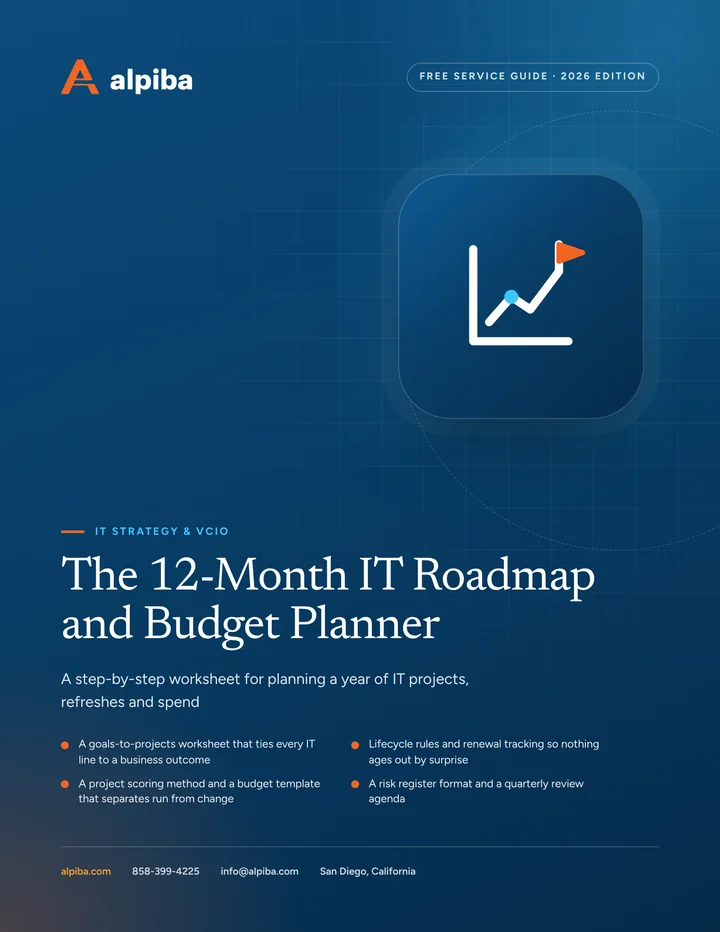
The 12-Month IT Roadmap and Budget Planner

A step-by-step worksheet for planning a year of IT projects, refreshes and spend

  • A goals-to-projects worksheet that ties every IT line to a business outcome
  • Lifecycle rules and renewal tracking so nothing ages out by surprise
  • A project scoring method and a budget template that separates run from change
  • A risk register format and a quarterly review agenda

12 pages21-item checklist30/60/90-day plan

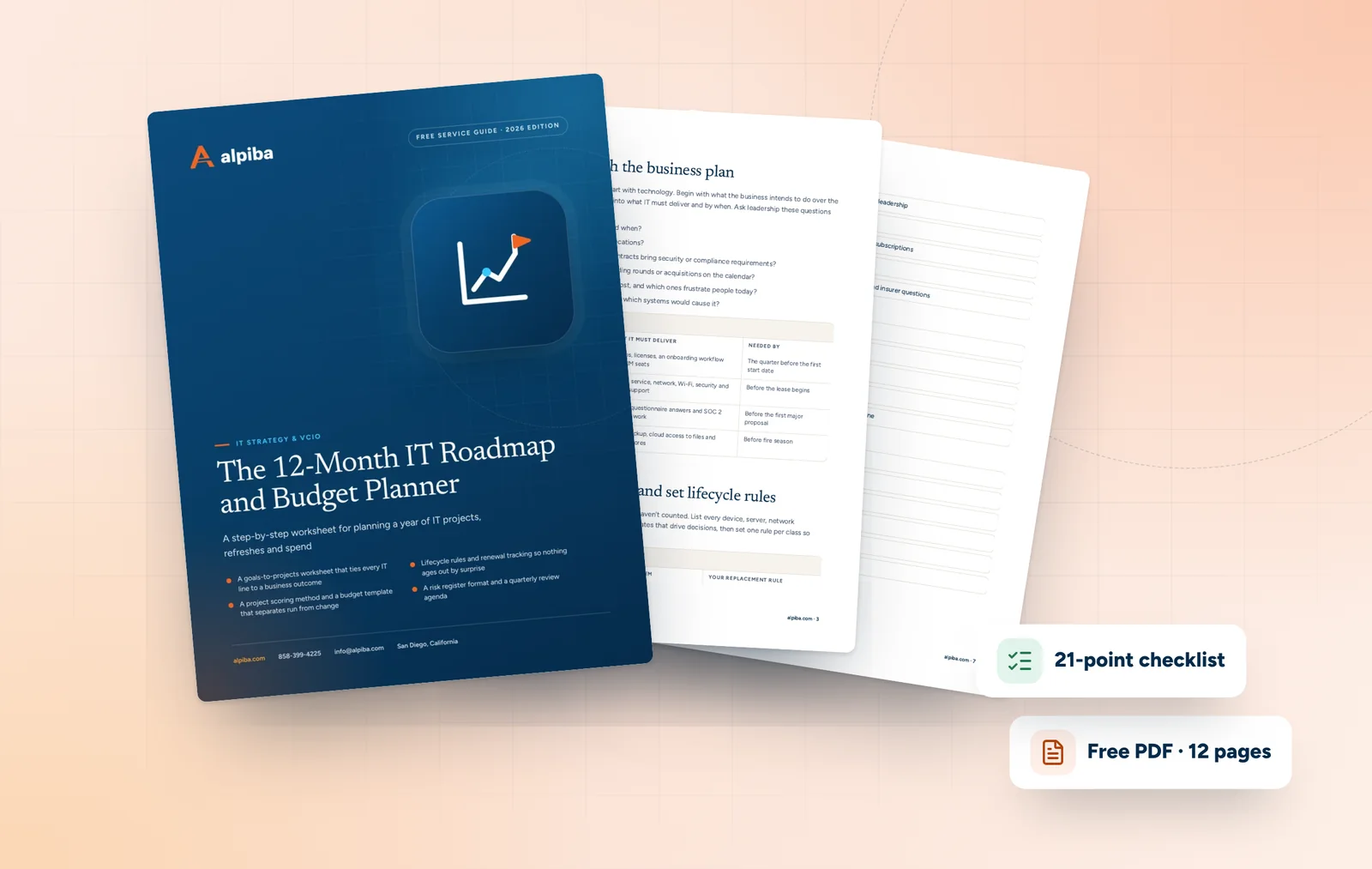
Cover of The 12-Month IT Roadmap and Budget Planner

Get your free copy

Instant PDF download. No sales pitch inside.

Instant download. By submitting, you agree that Alpiba may contact you about this guide; you can ask us to delete your details at any time.

Cover and two sample pages of The 12-Month IT Roadmap and Budget Planner, a free 12-page PDF guide from Alpiba with a 21-point checklist
A look inside: the cover and two pages from the 12-page PDF.

What's inside

Inside the guide.

Many small and mid-sized businesses don't have an IT plan; they have an IT history. Spending happens when something breaks, a vendor calls or a renewal notice arrives. This planner replaces that with one document: twelve months of priorities, a budget leadership has agreed to, and a rhythm for keeping both current.

Work through the five steps in order with whoever signs off on IT spending and whoever runs IT day to day. Expect two or three working sessions. The templates are deliberately simple, so you can rebuild them in a spreadsheet and update them every quarter.

  1. Step 1: start with the business plan
  2. Step 2: take inventory and set lifecycle rules
  3. Step 3: score and sequence projects
  4. Step 4: build the budget
  5. Step 5: keep it alive every quarter
  6. The checklist21 items in 4 groups
  7. Questions to ask any IT provider10 questions
  8. Your 30/60/90-day plan3 phases, step by step
  9. Plain-English glossary8 terms

Read Part 1 free

The opening chapter of the guide, in full. The rest of the guide, the checklist and the 90-day plan are in the PDF.

Step 1: start with the business plan

Technology plans fail when they start with technology. Begin with what the business intends to do over the next year, then translate each goal into what IT must deliver and by when. Ask leadership these questions first.

  • How many people will we hire, and when?
  • Will we open, move or close any locations?
  • Will new customers, markets or contracts bring security or compliance requirements?
  • Are audits, insurance renewals, funding rounds or acquisitions on the calendar?
  • Which systems do we depend on most, and which ones frustrate people today?
  • What would a bad week cost us, and which systems would cause it?
Goals-to-IT worksheet
Business goalWhat IT must deliverNeeded by
Hire a second sales teamLaptops, licenses, an onboarding workflow and CRM seatsThe quarter before the first start date
Open a second officeInternet service, network, Wi-Fi, security and on-site supportBefore the lease begins
Win enterprise customersSecurity questionnaire answers and SOC 2 readiness workBefore the first major proposal
Ride out an SDG&E power shutoff or outageBattery backup, cloud access to files and tested restoresBefore fire season

Get the full guide

A preview

A sample from the guide.

Here's the first checklist group and a few of the questions. The full guide has all 21 checklist items, 10 questions and the 90-day plan.

Inputs

  • Business goals for the next 12 months agreed with leadership
  • Hiring, location and funding plans confirmed
  • Full inventory of devices, servers, network gear and subscriptions
  • Contracts, renewal dates and notice periods listed
  • Current risks gathered from incidents, assessments and insurer questions

Questions to ask any IT provider

  1. 1Can you show us a sample roadmap and budget built for a business our size?
  2. 2How do you connect each recommended project to a business goal?
  3. 3How do you track warranty, end-of-support and renewal dates across our assets?
  4. 4Which items on your roadmap would cost us nothing, such as retiring tools or consolidating licenses?

+ 6 more questions in the full guide

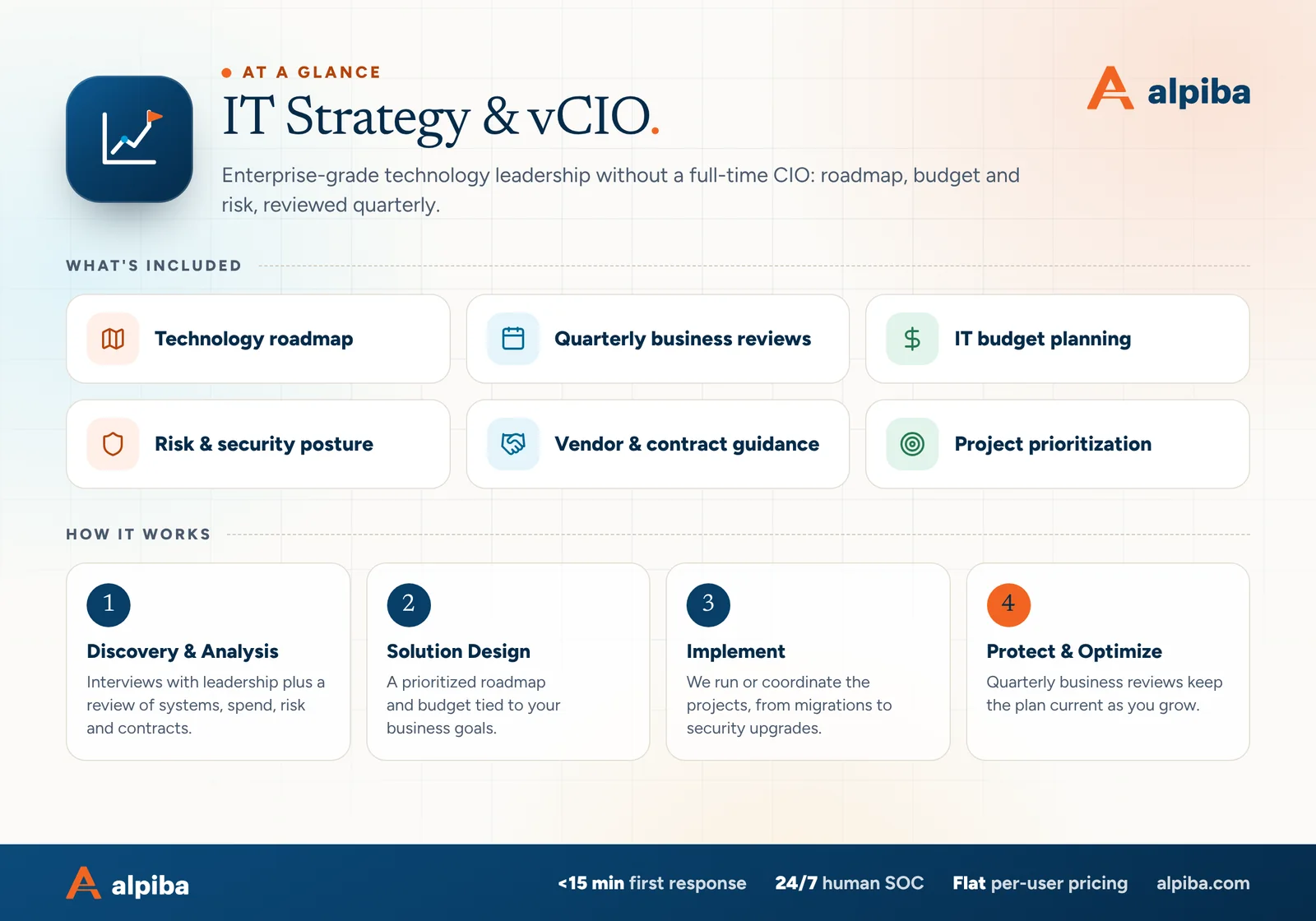
IT Strategy & vCIO at a glance. Included: Technology roadmap, Quarterly business reviews, IT budget planning, Risk & security posture, Vendor & contract guidance and Project prioritization. How it works: Discovery & Analysis, Solution Design, Implement and Protect & Optimize.
IT Strategy & vCIO at a glance: what is included and how we roll it out.

Your first 30 days

Where to start this month.

The guide's 30/60/90-day plan begins with these steps. Assign an owner to each and review progress every two weeks.

  • 1Interview leadership about goals for the next 12 months
  • 2Complete the inventory and capture lifecycle data
  • 3Pull every contract and subscription renewal into one calendar
  • 4Start the risk register from recent incidents, assessment findings and insurer questions

Key terms in plain English

vCIO
A virtual chief information officer: a fractional technology leader who owns IT planning, budgeting and risk without being a full-time executive.
Roadmap
The ordered list of IT projects for the coming quarters, with an owner, a timeframe and the business reason for each.
Run versus change
Run is the recurring cost of keeping IT working; change is one-time spending on projects that move the business forward.
Lifecycle
The stages of an asset's life, from purchase and warranty through end of vendor support to replacement and disposal.
End of support
The date after which a vendor stops issuing security updates for a product, making it riskier to keep using.
Risk register
A living list of risks, each with its likelihood, impact, owner and next action.
Contingency
A budget reserve for unplanned costs, such as an urgent replacement, so one surprise doesn't derail the plan.
Opex and capex
Operating expenses are ongoing costs such as subscriptions; capital expenses are purchases of assets such as servers, usually depreciated over time.
Roopa, founder of Alpiba

SMBs deserve a strategic technology partner, without enterprise complexity or cost.RoopaFounder, Alpiba

Put the guide to work

Services that help you act on it.

All services
Two business partners reviewing plans together at a laptop

Managed IT

IT Strategy & vCIO

Enterprise-grade technology leadership without a full-time CIO: roadmap, budget and risk, reviewed quarterly.

People working at laptops across a large open office

Managed IT

Managed IT & White-Glove Support

Your single point of contact for all technology, with a tailored helpdesk and on-site support backed by clear SLAs.

A team in a working session around a conference table

Compliance & Risk

Compliance Readiness

Design, implement and evidence the controls auditors and insurers ask for, and keep the audit trail ready.

Keep reading

More free guides.

All guides
Cover of The San Diego Managed IT Buyer's Guide

Service guide · Managed IT

The San Diego Managed IT Buyer's Guide

A vendor-neutral workbook for San Diego owners and office managers choosing a managed IT provider: what to gather, what to ask, how to score proposals and how to run the first 90 days.

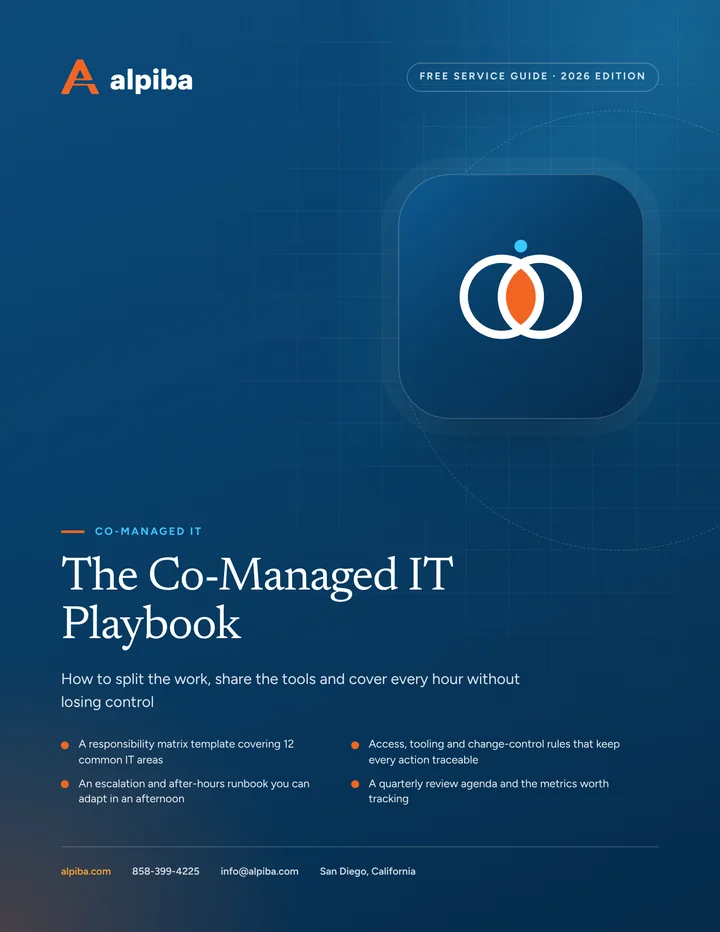
Cover of The Co-Managed IT Playbook

Service guide · Co-Managed IT

The Co-Managed IT Playbook

A practical playbook for IT leads and executives setting up a co-managed partnership: a responsibility matrix, access rules, an escalation runbook and the metrics that show whether it is working.

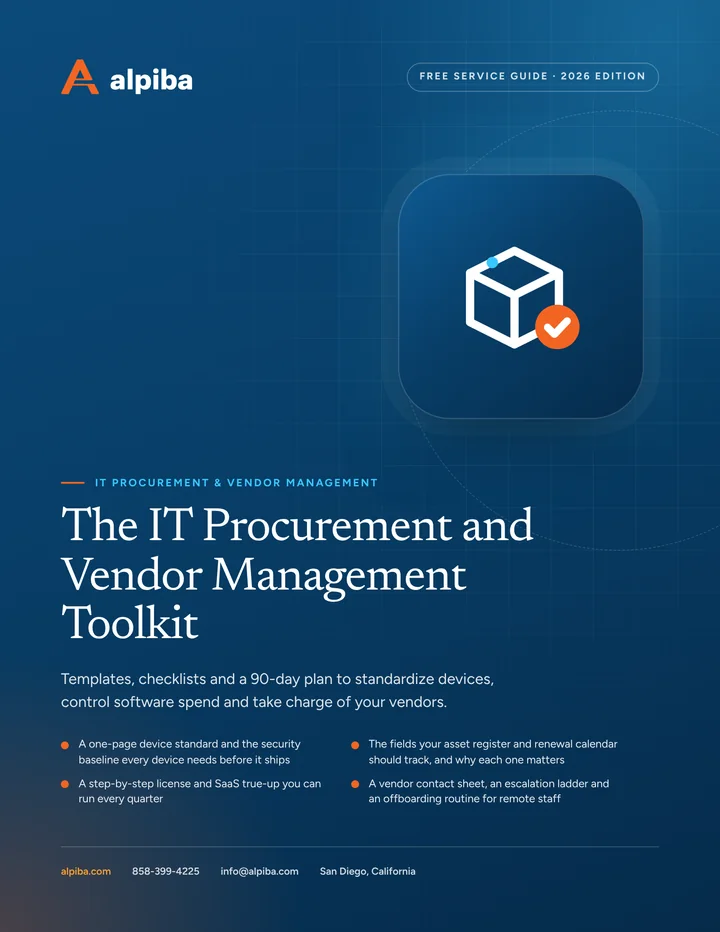
Cover of The IT Procurement and Vendor Management Toolkit

Service guide · IT Procurement

The IT Procurement and Vendor Management Toolkit

A practical toolkit for office managers and IT leads: a device standard, an asset register template, a license true-up routine and a vendor escalation ladder you can use this week.

Call Free assessment