Zero
Zero-downtime migrations
Cutovers planned in tight windows so work keeps flowing.
SOC online 24/7Breach or outage? Call 858-399-4225
Free guidesinfo@alpiba.comMon–Fri, 7am–7pm PT

Cloud & Productivity
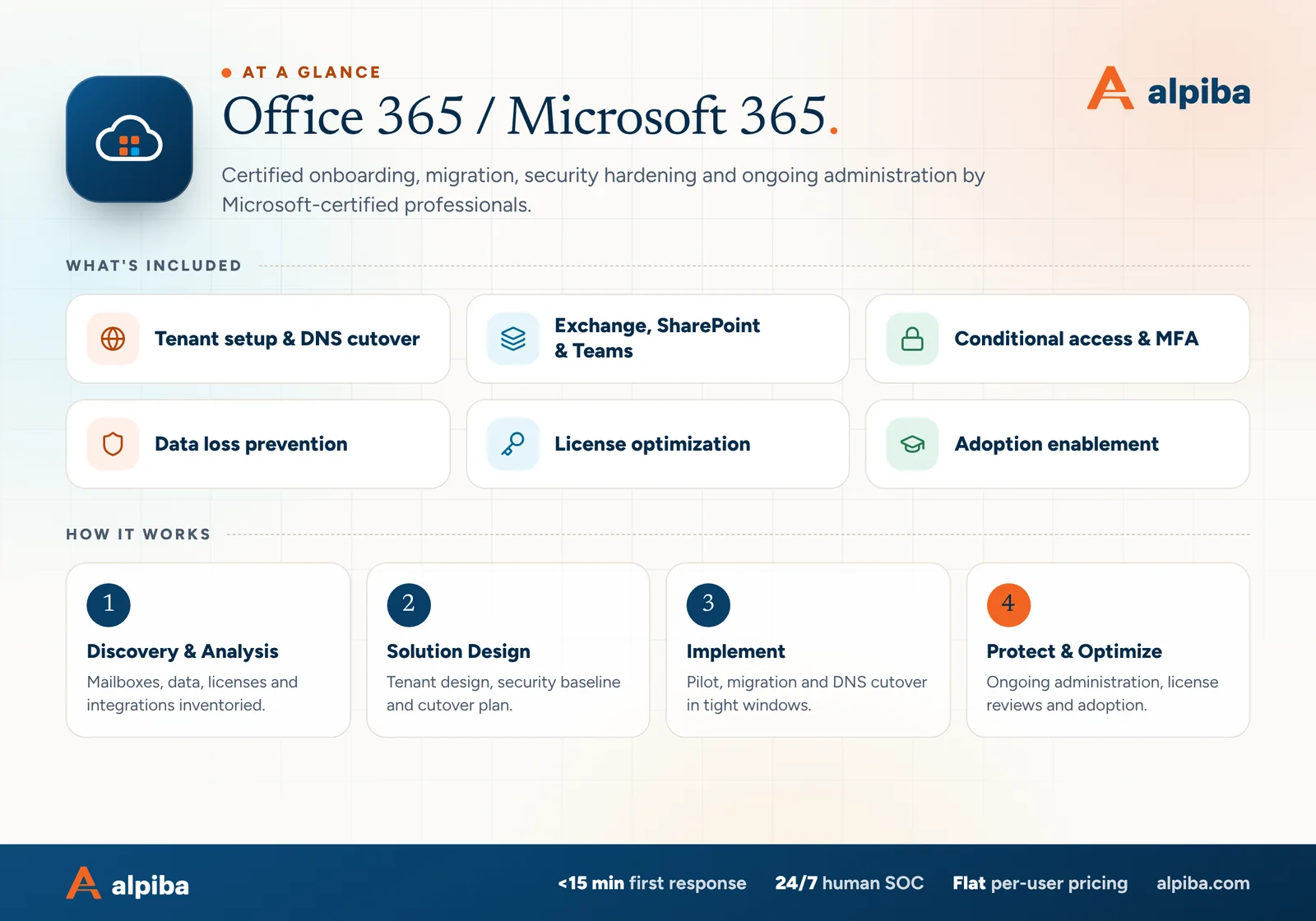
Certified onboarding, migration, security hardening and ongoing administration by Microsoft-certified professionals. Whether you're moving from on-premises Exchange, Google Workspace or another tenant, we plan, execute and secure it with zero surprises.
<15 min average first response Flat per-user pricing Free guide: The Microsoft 365 Migration and Security Checklist

The complete guide
For most businesses that use it, Microsoft 365 is where the work happens: email, files, meetings, chat and, through Microsoft Entra ID, the identity every person signs in with. All of it lives in your tenant, your organization's private instance of Microsoft 365. Good Microsoft 365 support in San Diego looks after the whole life of that tenant, not just the migration weekend.
Alpiba's Microsoft 365 certified engineers handle it end to end. We move you from on-premises Exchange, Google Workspace or another tenant using a zero-downtime approach, harden the tenant with MFA, conditional access and data loss prevention before users arrive, organize SharePoint and Teams around how your people actually work, and match every license to a real need.
Then we stay to run it: joiners and leavers, security reviews, license checks and training when features change. This page explains how each piece works, what drives the effort and what to ask any provider, including how to get your data in order before anyone turns on Copilot.
Microsoft runs the data centers and keeps the service available. Almost everything else is your side of the arrangement: who can sign in, what they can share, how long data is kept and which devices can reach it. Microsoft calls this shared responsibility, and your side of the line is where most configuration problems live, usually as defaults nobody revisited.
That holds whether you're a 20-person accounting office in Mission Valley, a law firm in Downtown San Diego or a lab in Sorrento Valley sharing data with research partners. The product is the same; the right settings are not. Support means three jobs done well: getting in cleanly, keeping it secure and keeping it useful. These are the parts of the platform we manage.
Mailboxes, shared mailboxes, calendars and mail flow rules. We manage routing, DNS records and the protections in front of every inbox.
Where company files and each person's working files live. We design the site structure, permissions and sharing defaults so files stay findable and controlled.
Chat, meetings and channels, with the files stored in SharePoint behind the scenes. We set the rules for who creates teams, how guests join and when old teams are archived.
The identity layer behind every sign-in. MFA, conditional access, admin roles and app permissions are all configured here.
Depending on your license tier, laptops and phones can be enrolled, encrypted and checked for health before they reach company data. A lost device can be wiped of company information.
Data loss prevention, retention and sensitivity labels, where your license includes them. These decide what can leave the company and how long records are kept.
A migration succeeds or fails in the planning. Our zero-downtime approach moves most of the data while people keep working in the old system, so the cutover itself is a short, scheduled change instead of a weekend of copying and hoping.
Mailboxes, shared and room mailboxes, archives and PST files, distribution lists, file shares, DNS records, and every scanner, app or website form that sends email. Most first-morning surprises start here.
Domains verified, admin roles set, MFA and conditional access ready and DLP rules drafted before a single user moves. Security is part of the build, not a later phase.
Mail, calendars, contacts and files copy across in the weeks before cutover. We shorten DNS time-to-live values in advance so the final switch takes effect quickly.
A few willing users from different teams go first. Their experience with Outlook profiles, shared mailboxes and phones shapes the instructions everyone else receives.
We switch mail records at an agreed time, run a final pass to catch anything that arrived in between and test mail in and out, including from every app and device on the inventory.
Engineers are available on site or remotely to fix profiles and phones. The old system is switched off on a date you approve, once nothing depends on it.
| Moving from | Typical approach | What to watch |
|---|---|---|
| On-premises Exchange | Hybrid or cutover migration, depending on size and how long both systems must run side by side | Public folders, server-side rules and apps that relay mail through the old server |
| Google Workspace | Mail, calendars and contacts to Exchange Online; Drive files to OneDrive or SharePoint | Gmail labels becoming folders, shared drive permissions and Google files converting to Office formats |
| Another Microsoft 365 tenant | Tenant-to-tenant migration after an acquisition, merger or divestiture | A domain can live in only one tenant at a time, so the switch date is fixed; Teams chat history needs its own plan |
| Other email hosts | Mail migration plus a separate plan for calendars and contacts | Calendars and contacts often don't travel with the mail |
| File servers and other cloud storage | Clean up first, then move active data into SharePoint and OneDrive | Deep folder paths, broken permissions and years of files nobody opens |
Scanners that email documents, accounting software that sends invoices, website contact forms and building systems often send mail through the old server. We test each one before cutover, so the first sign of trouble isn't a client asking where their invoice went.
Several Microsoft 365 defaults still favor convenience over control, and many compromises start the same way: a stolen password, an MFA prompt approved by someone who didn't start the sign-in, or a malicious app a user allowed into their mailbox. This baseline closes those paths without making daily work painful.
| Control | What it protects against | How we set it |
|---|---|---|
| MFA for every account | Stolen and reused passwords | Authenticator app with number matching for staff; security keys or passkeys for admins |
| Conditional access | Risky sign-ins and old protocols that can't do MFA | Require MFA, block legacy authentication and require healthy devices for sensitive data where licensed |
| Admin roles | One compromised account controlling the whole tenant | Separate admin accounts, fewer than five global admins and two monitored emergency access accounts |
| App consent | Malicious apps that read mail or files | Users request access to new apps; an admin reviews and approves |
| External sharing | Files leaking through anonymous links | Specific-people links by default, expiring guest links and reviewed guest access |
| Data loss prevention | Sensitive data sent outside by accident | Rules for the data you actually hold, such as patient, card or client records, tested before enforcement |
| Mail protections | Spoofing, phishing and silent forwarding | SPF, DKIM and DMARC published; automatic forwarding to outside addresses blocked |
| Audit and alerts | Changes nobody notices | Audit logging confirmed on, with alerts for new forwarding rules, risky sign-ins and admin changes |
Not every Microsoft 365 plan includes conditional access. Where it isn't licensed, we turn on Microsoft's security defaults as a baseline and explain plainly what an upgrade would add, so the decision stays yours.
Identity sits at the center of this work. Conditional access and MFA connect closely to our zero trust and identity security service, while mail protections pair with email security and phishing training. For managed clients, risky sign-ins and suspicious mailbox changes also go to our human-staffed 24/7 SOC, where the average first response is under 15 minutes.
Licenses drift. People leave and keep their seats, everyone gets the top plan just in case, and add-ons bought for one project renew quietly for years. A license review compares what you pay for with how each person actually works.
Put a license review on the calendar a few weeks before each renewal date. Removing seats after a renewal has committed you is far harder than right-sizing beforehand.
The migration is the start of the work, not the end. Microsoft changes features and admin settings constantly, people join and leave, and new risks show up in sign-in logs. Ongoing management keeps the tenant in the shape we left it.
Microsoft keeps the service running, but recycle bins and retention settings aren't an independent backup. Mail, OneDrive and SharePoint belong in your immutable, tested backups like any other critical system, so a deletion noticed weeks later or a ransomware sync can be undone.
Training works best in short, role-based sessions: how to share a file with a client safely, how to work from a shared mailbox, how to find a document in SharePoint instead of asking a colleague. We pair that with a few internal champions and quick reference guides, and we offer extra help in the first weeks after go-live, when questions come fastest.
Microsoft 365 Copilot works within each user's existing permissions. It doesn't create new access, but it makes existing access far easier to use. A salary spreadsheet in a site shared with the whole company was always technically visible; with Copilot it is one question away.
Permission clean-up pays off even if you never buy Copilot, because the same oversharing is what an attacker inherits from a stolen account. For AI use policies, agents and workflow automation, see our secure AI and automation service.
Local conditions change how a tenant should be set up, and good Microsoft 365 support in San Diego plans for them from day one, wherever you are in San Diego County.

A tidy tenant with 25 mailboxes and a cluttered one with 25 mailboxes are different projects, which is why we scope after looking rather than quoting from a list. Ongoing management sits within our flat, per-user monthly pricing with no surprise line items. Migrations and larger clean-ups are usually scoped as separate projects after a free assessment. The main drivers are:
If you're comparing options for Microsoft 365 support in San Diego, these questions separate a careful provider from a fast one.
Our engineers are Microsoft 365 certified, and when you call you reach a senior engineer, not a call queue. The quickest way to see how we would approach your tenant is a free 30-minute assessment.
Talk to an engineer
Free 30-minute assessment. We reply within 12–24 hours.
“SMBs deserve a strategic technology partner, without enterprise complexity or cost.”
Roopa · Founder, Alpiba · former Accenture advisor
Alpiba is founder-led. Every Microsoft 365 engagement starts by listening to how your business runs, and senior engineers stay with you from the first call onward.

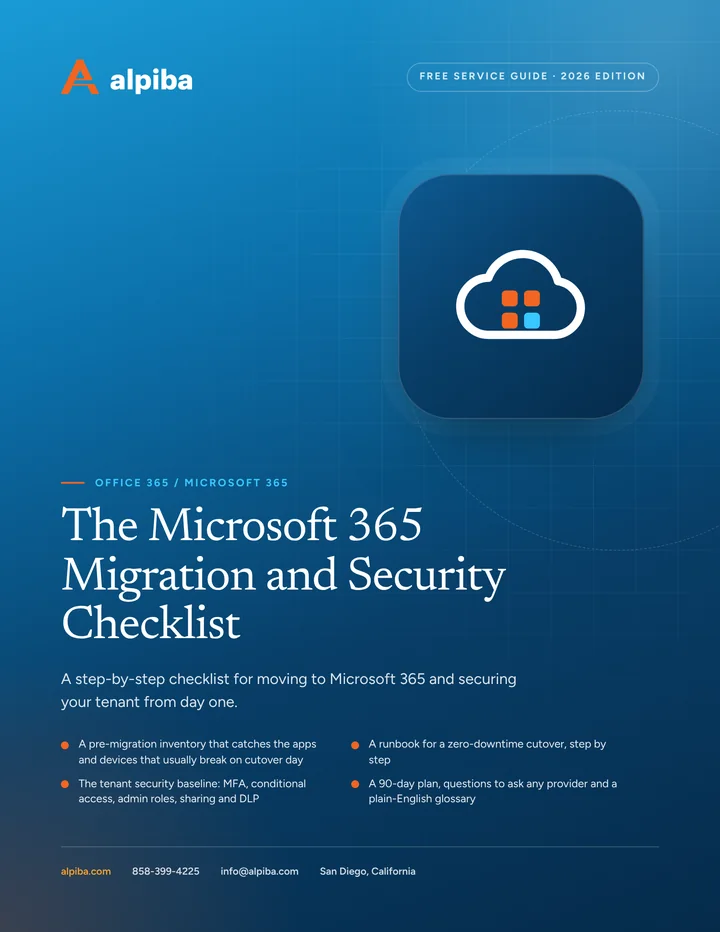
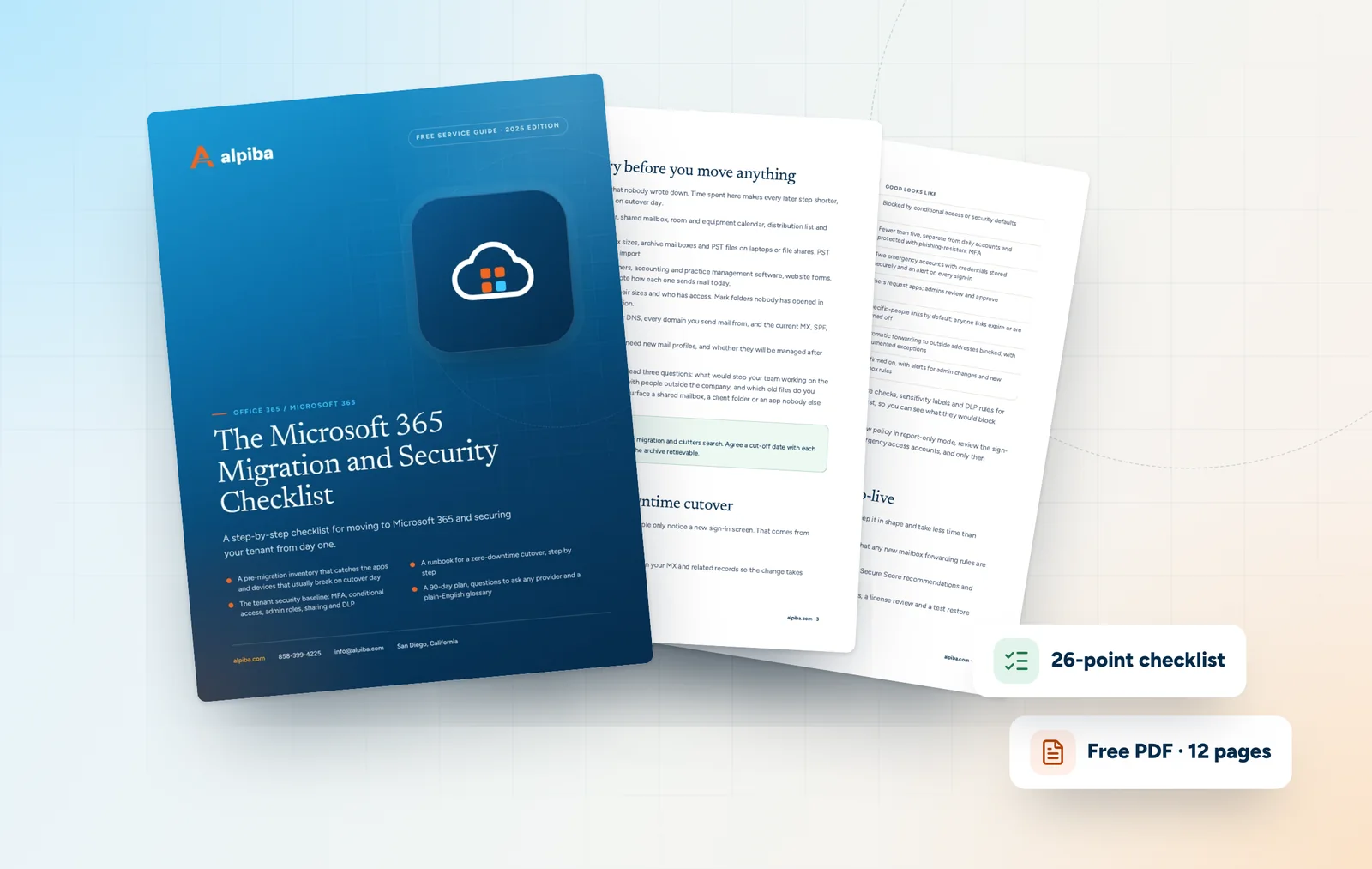
Free guide · PDF
Plan a clean migration and lock down your tenant, whether you're moving in next month or tidying up a tenant you've had for years.
Get the free guide
Related services

Cloud & Productivity
Expert migration, training and integration for secure collaboration across hybrid teams.

Cybersecurity
Identity-aware access, MFA everywhere and least privilege baked into every environment we manage.

Cybersecurity
Filter malicious email, run phishing simulations and train your team to spot what gets through.
Built for regulated teams
Free 30-minute assessment
Tell us about your business and what prompted the search. A senior engineer will reply within 12–24 hours to set up your free 30-minute assessment.

Founder-led and San Diego basedRoopa founded Alpiba to give growing businesses a real technology partner.