SOC online 24/7Breach or outage? Call 858-399-4225

Free guidesinfo@alpiba.comMon–Fri, 7am–7pm PT

Alpiba

Free service guide · PDF

The Co-Managed IT Playbook

How to split the work, share the tools and cover every hour without losing control

  • A responsibility matrix template covering 12 common IT areas
  • Access, tooling and change-control rules that keep every action traceable
  • An escalation and after-hours runbook you can adapt in an afternoon
  • A quarterly review agenda and the metrics worth tracking

12 pages22-item checklist30/60/90-day plan

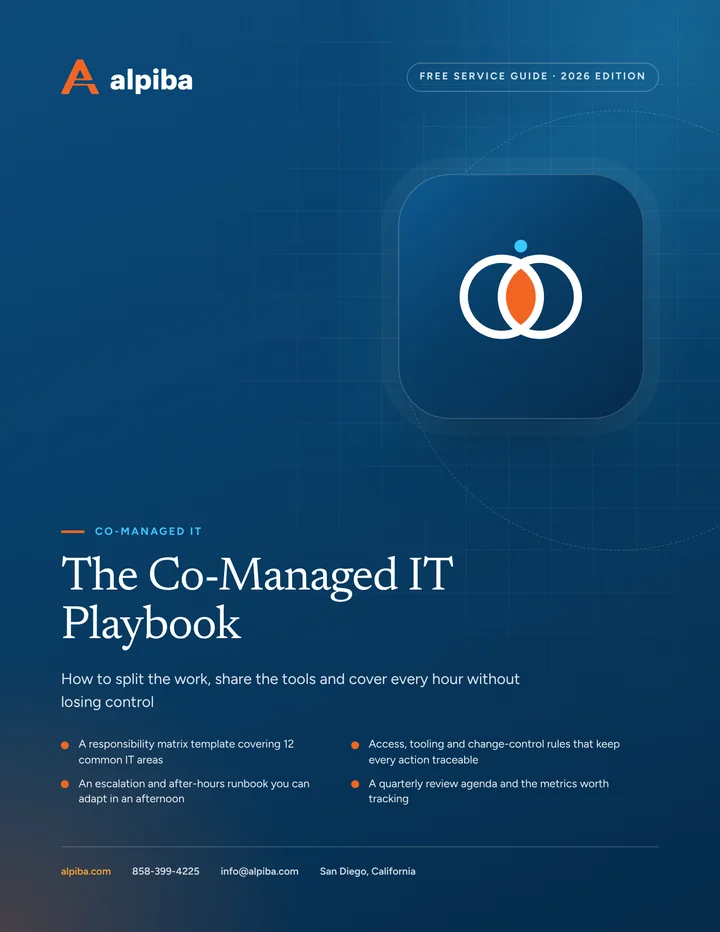
Cover of The Co-Managed IT Playbook

Get your free copy

Instant PDF download. No sales pitch inside.

Instant download. By submitting, you agree that Alpiba may contact you about this guide; you can ask us to delete your details at any time.

Cover and two sample pages of The Co-Managed IT Playbook, a free 12-page PDF guide from Alpiba with a 22-point checklist
A look inside: the cover and two pages from the 12-page PDF.

What's inside

Inside the guide.

Co-managed IT works when both teams know exactly what they own, and it fails when they assume. The problems that sink these partnerships are rarely technical: an alert nobody acted on because each side thought the other had it, a change made without notice, a vacation that left a gap. This playbook turns those assumptions into written agreements.

Work through it with your IT lead and your provider in the same room. Fill in the matrix together, agree the access rules, write the escalation runbook and put the quarterly review on the calendar. It is written to work with any provider, and every template can be adapted to your own systems.

  1. Decide what problem you are solving
  2. Build the responsibility matrix
  3. Access, tooling and change control
  4. Escalation and after-hours runbook
  5. Running the partnership
  6. The checklist22 items in 4 groups
  7. Questions to ask any IT provider10 questions
  8. Your 30/60/90-day plan3 phases, step by step
  9. Plain-English glossary8 terms

Read Part 1 free

The opening chapter of the guide, in full. The rest of the guide, the checklist and the 90-day plan are in the PDF.

Decide what problem you are solving

Before splitting anything, name the problem. Each one leads to a different arrangement, and confusing them leads to a provider doing work your team wanted to keep, or ignoring work your team assumed was handed off.

Match the problem to the hand-off
If the problem isHand offKeep in-house
Coverage: nobody after hours or on vacationAfter-hours support and alert responseDaytime helpdesk and user relationships
Depth: problems beyond your team's skillsEscalations, security hardening and complex cloud workFirst-line diagnosis and business context
Capacity: projects stall behind ticketsProject delivery or helpdesk overflowProject ownership and priorities
Security: nobody can watch alerts 24/7SOC monitoring and first responseBusiness decisions during an incident
Continuity: everything depends on one personShared documentation and a second teamDay-to-day leadership of IT

Get the full guide

A preview

A sample from the guide.

Here's the first checklist group and a few of the questions. The full guide has all 22 checklist items, 10 questions and the 90-day plan.

Scope and split

  • The problem you are solving is written down: coverage, depth, capacity, security or continuity
  • Responsibility matrix completed, with one accountable owner per row
  • Gray-area tasks listed and assigned
  • After-hours scope defined
  • Project work separated from day-to-day support
  • Matrix dated and stored with your documentation

Questions to ask any IT provider

  1. 1How do you decide what our team keeps and what you take on, and how often do we revisit it?
  2. 2Will every one of your engineers use a named, MFA-protected account in our environment?
  3. 3Which tools and agents will you install, and what will our team be able to see?
  4. 4When an alert fires at 2am, who looks at it, and which actions can they take before calling us?

+ 6 more questions in the full guide

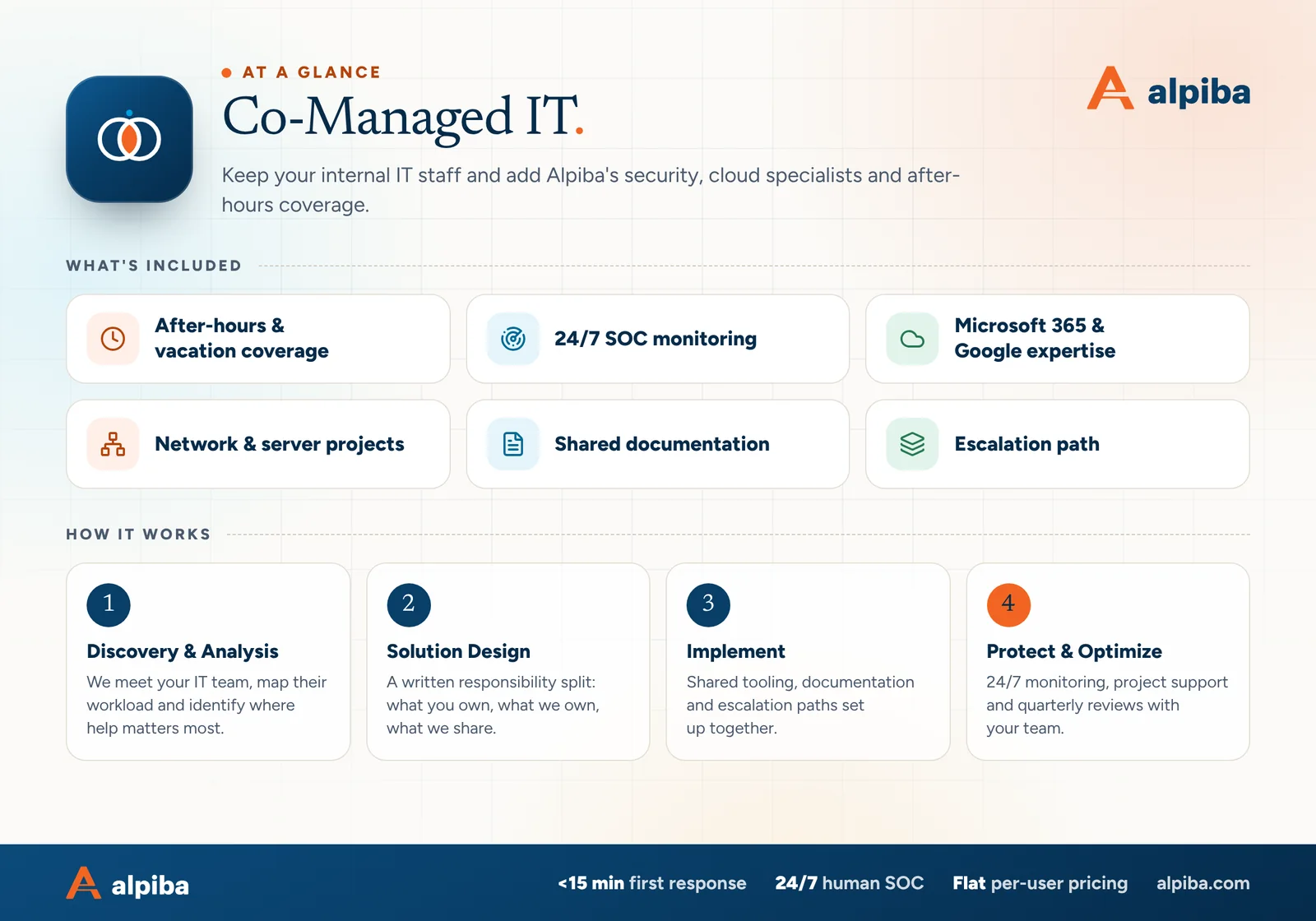
Co-Managed IT at a glance. Included: After-hours & vacation coverage, 24/7 SOC monitoring, Microsoft 365 & Google expertise, Network & server projects, Shared documentation and Escalation path. How it works: Discovery & Analysis, Solution Design, Implement and Protect & Optimize.
Co-Managed IT at a glance: what is included and how we roll it out.

Your first 30 days

Where to start this month.

The guide's 30/60/90-day plan begins with these steps. Assign an owner to each and review progress every two weeks.

  • 1Name the problem you are solving and share it with the provider
  • 2Complete the responsibility matrix in a joint workshop
  • 3Set up named accounts, least-privilege rights and one ticket system
  • 4List every tool the provider will install

Key terms in plain English

Co-managed IT
A partnership in which an internal IT team and an outside provider share IT work under a written split of responsibilities.
RACI
A responsibility matrix that names who is Responsible, Accountable, Consulted and Informed for each task or area.
Escalation
Passing an issue to someone with more skill, authority or availability when the first person can't resolve it.
Break-glass account
An emergency admin account kept sealed and monitored, used only when normal access fails.
Least privilege
Giving each person and tool only the access its role needs, and nothing more.
SOC
Security operations center: the team that watches security alerts, investigates them and responds, often around the clock.
Runbook
Step-by-step written instructions for a recurring task or an incident, so anyone qualified can follow them.
Change window
An agreed time when planned changes may be made, chosen to limit disruption to the business.
Roopa, founder of Alpiba

SMBs deserve a strategic technology partner, without enterprise complexity or cost.RoopaFounder, Alpiba

Put the guide to work

Services that help you act on it.

All services
Two colleagues talking through work at a laptop

Managed IT

Co-Managed IT

Keep your internal IT staff and add Alpiba's security, cloud specialists and after-hours coverage.

People working at laptops across a large open office

Managed IT

Managed IT & White-Glove Support

Your single point of contact for all technology, with a tailored helpdesk and on-site support backed by clear SLAs.

Keep reading

More free guides.

All guides
Cover of The San Diego Managed IT Buyer's Guide

Service guide · Managed IT

The San Diego Managed IT Buyer's Guide

A vendor-neutral workbook for San Diego owners and office managers choosing a managed IT provider: what to gather, what to ask, how to score proposals and how to run the first 90 days.

Cover of The 12-Month IT Roadmap and Budget Planner

Service guide · IT Strategy & vCIO

The 12-Month IT Roadmap and Budget Planner

Plan a full year of IT in a few working sessions: tie projects to business goals, schedule lifecycle replacements, build a predictable budget and report progress every quarter.

Cover of The IT Procurement and Vendor Management Toolkit

Service guide · IT Procurement

The IT Procurement and Vendor Management Toolkit

A practical toolkit for office managers and IT leads: a device standard, an asset register template, a license true-up routine and a vendor escalation ladder you can use this week.

Call Free assessment