SOC online 24/7Breach or outage? Call 858-399-4225

Free guidesinfo@alpiba.comMon–Fri, 7am–7pm PT

Alpiba

Free service guide · PDF

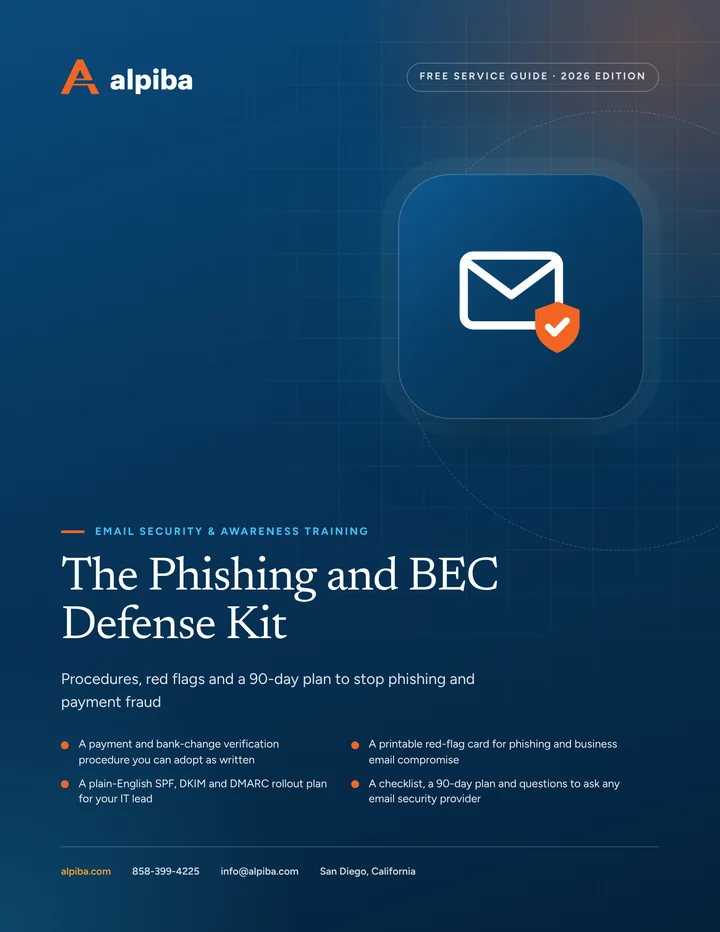
The Phishing and BEC Defense Kit

Procedures, red flags and a 90-day plan to stop phishing and payment fraud

  • A payment and bank-change verification procedure you can adopt as written
  • A printable red-flag card for phishing and business email compromise
  • A plain-English SPF, DKIM and DMARC rollout plan for your IT lead
  • A checklist, a 90-day plan and questions to ask any email security provider

12 pages26-item checklist30/60/90-day plan

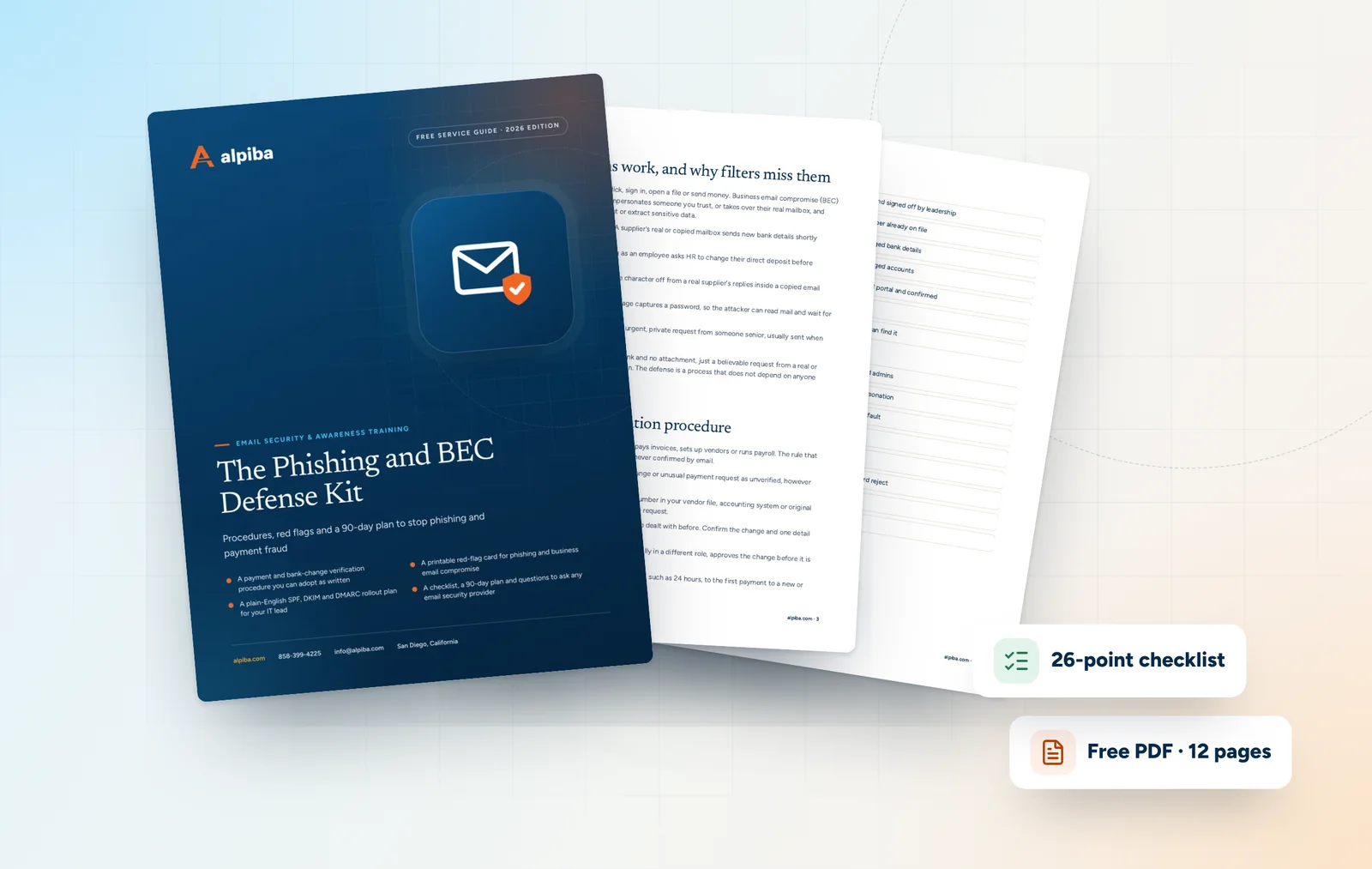
Cover of The Phishing and BEC Defense Kit

Get your free copy

Instant PDF download. No sales pitch inside.

Instant download. By submitting, you agree that Alpiba may contact you about this guide; you can ask us to delete your details at any time.

Cover and two sample pages of The Phishing and BEC Defense Kit, a free 12-page PDF guide from Alpiba with a 26-point checklist
A look inside: the cover and two pages from the 12-page PDF.

What's inside

Inside the guide.

Phishing and business email compromise succeed because they look like normal work: an invoice, a payroll update, a shared file, a quick favor for the boss. The defenses that work best are rarely expensive. They are written procedures, a few well-chosen settings and habits that someone in the business owns.

Each section is written for a different reader. Give the payment procedure to whoever pays bills or runs payroll, share the red-flag card with everyone, and hand the domain section to your IT lead or provider. Then work through the checklist and the 90-day plan together. Each section stands alone, so you can print only the pages each person needs.

  1. How these scams work, and why filters miss them
  2. The payment verification procedure
  3. The red-flag card
  4. Domain protection: SPF, DKIM and DMARC
  5. Building a reporting culture
  6. The checklist26 items in 4 groups
  7. Questions to ask any IT provider10 questions
  8. Your 30/60/90-day plan3 phases, step by step
  9. Plain-English glossary8 terms

Read Part 1 free

The opening chapter of the guide, in full. The rest of the guide, the checklist and the 90-day plan are in the PDF.

How these scams work, and why filters miss them

Phishing tries to get someone to click, sign in, open a file or send money. Business email compromise (BEC) is the targeted version: a criminal impersonates someone you trust, or takes over their real mailbox, and uses that trust to redirect a payment or extract sensitive data.

  • Invoice and bank-change fraud. A supplier's real or copied mailbox sends new bank details shortly before a payment is due.
  • Payroll diversion. Someone posing as an employee asks HR to change their direct deposit before payday.
  • Look-alike domains. An address one character off from a real supplier's replies inside a copied email thread.
  • Credential phishing. A fake sign-in page captures a password, so the attacker can read mail and wait for the right moment.
  • Executive and gift-card requests. An urgent, private request from someone senior, usually sent when they are hard to reach.

The costliest messages often contain no link and no attachment, just a believable request from a real or nearly real address. Filters have little to scan. The defense is a process that does not depend on anyone spotting the fake.


Get the full guide

A preview

A sample from the guide.

Here's the first checklist group and a few of the questions. The full guide has all 26 checklist items, 10 questions and the 90-day plan.

Finance and payroll

  • Written payment verification procedure adopted and signed off by leadership
  • Bank-detail changes verified by phone using a number already on file
  • Second approver required for new payees and changed bank details
  • Hold period applied to first payments to new or changed accounts
  • Direct-deposit changes made only through the payroll portal and confirmed
  • Verification records kept in the vendor file
  • Bank fraud contact number saved where finance staff can find it

Questions to ask any IT provider

  1. 1Who reviews our reported messages, and how quickly does the reporter get an answer?
  2. 2Can you pull a confirmed phish from every mailbox, and how long does that take?
  3. 3Will you take our DMARC policy to reject, and who reads the reports in the meantime?
  4. 4How do you design simulations, and which topics will you refuse to use?

+ 6 more questions in the full guide

Email Security & Awareness Training at a glance. Included: Inbound email filtering, Phishing simulation, Awareness training, SPF, DKIM & DMARC, Report-a-phish workflow and SOC review & purge. How it works: Discovery & Analysis, Solution Design, Implement and Protect & Optimize.
Email Security & Training at a glance: what is included and how we roll it out.

Your first 30 days

Where to start this month.

The guide's 30/60/90-day plan begins with these steps. Assign an owner to each and review progress every two weeks.

  • 1Adopt the payment verification procedure and brief finance, HR and payroll
  • 2Enforce MFA on every mailbox and block external auto-forwarding
  • 3List every service that sends email as your domain
  • 4Publish DMARC in monitor mode and start reading the reports
  • 5Give every user a report button and explain what happens when they use it

Key terms in plain English

Phishing
A message designed to trick someone into clicking, signing in, opening a file or sending money.
Business email compromise (BEC)
A scam that impersonates or takes over a trusted mailbox to redirect payments or steal data.
Look-alike domain
A domain registered to resemble a real one, often by changing or adding a single character.
SPF
A DNS record listing the services allowed to send email for your domain.
DKIM
A digital signature on outgoing mail that proves it came from your domain and was not altered.
DMARC
A policy telling receiving servers whether to monitor, quarantine or reject mail that fails SPF or DKIM, with reports on who sends as you.
Account takeover
When an attacker controls a real user's account, usually with a stolen password, and acts as that person.
Phishing simulation
A safe, realistic test email used to teach staff to spot and report phishing.
Roopa, founder of Alpiba

SMBs deserve a strategic technology partner, without enterprise complexity or cost.RoopaFounder, Alpiba

Put the guide to work

Services that help you act on it.

All services
A close view of a glowing circuit board

Cybersecurity

Cybersecurity & Ransomware Defense

24/7 monitoring, threat hunting and rapid incident response that contains attacks before they impact your business.

Keep reading

More free guides.

All guides
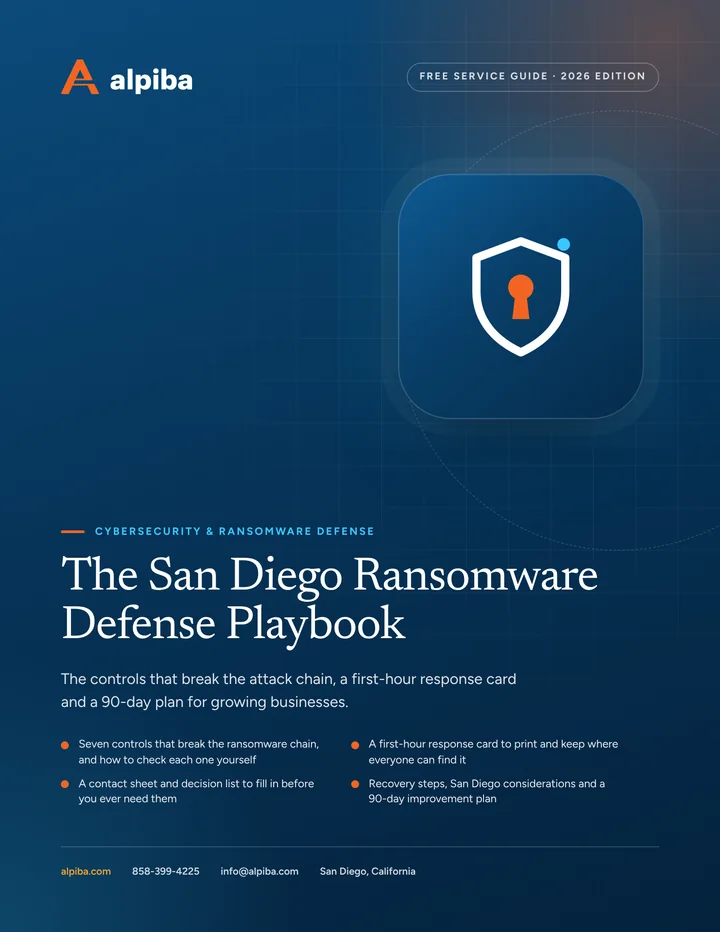
Cover of The San Diego Ransomware Defense Playbook

Service guide · Cybersecurity

The San Diego Ransomware Defense Playbook

A printable playbook for business owners and the people who run their offices and IT: what to put in place before an attack, what to do in the first hour and how to recover.

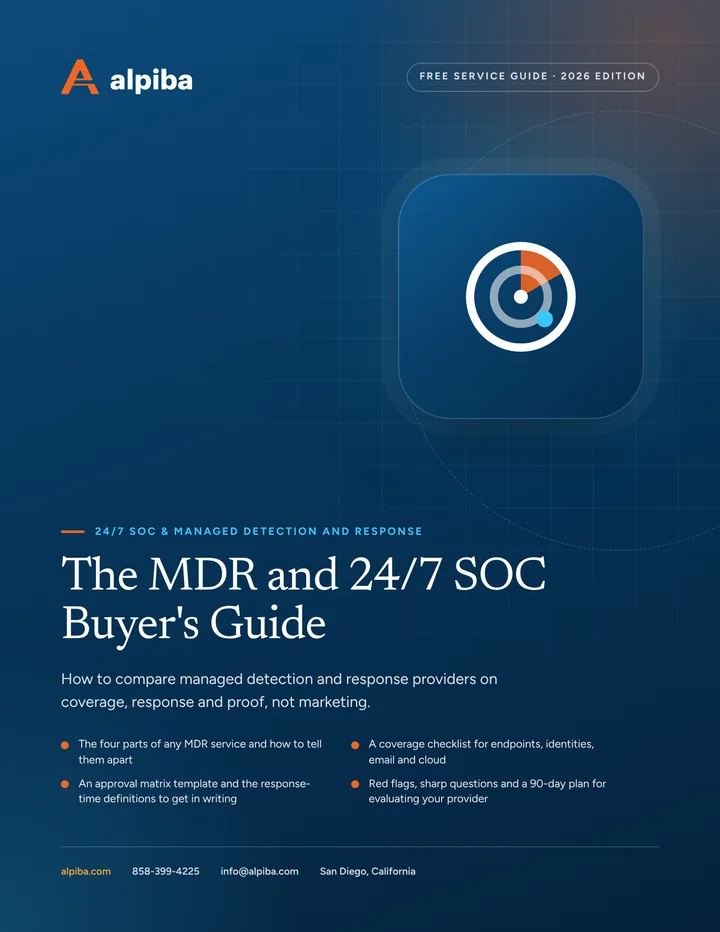
Cover of The MDR and 24/7 SOC Buyer's Guide

Service guide · 24/7 SOC & MDR

The MDR and 24/7 SOC Buyer's Guide

Buying MDR or a 24/7 SOC? This guide shows what to compare, which questions expose weak services and how to judge a provider in its first 90 days.

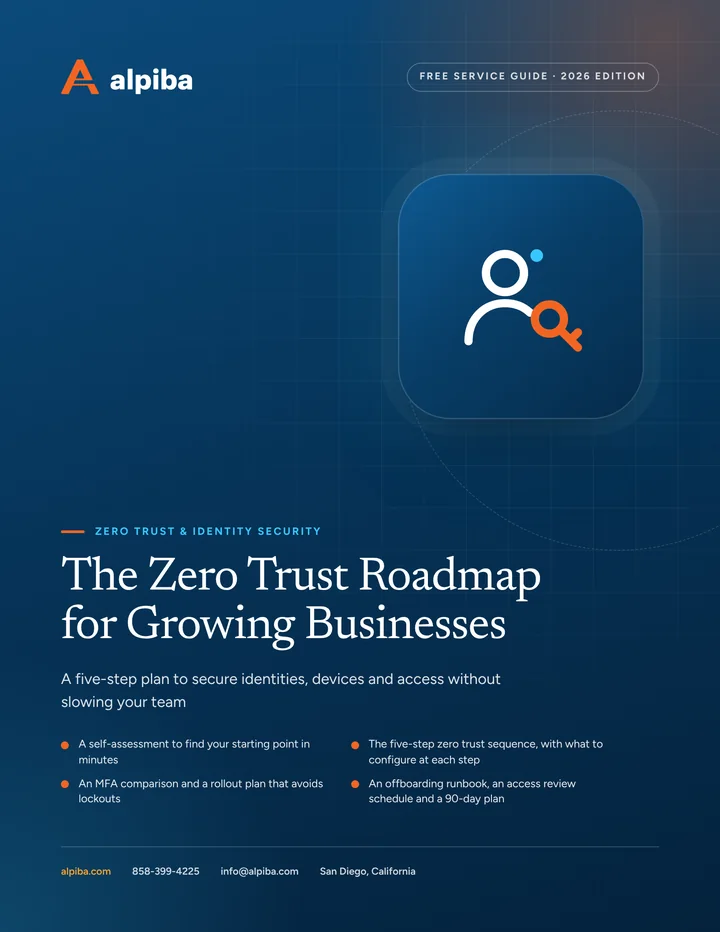
Cover of The Zero Trust Roadmap for Growing Businesses

Service guide · Zero Trust & Identity

The Zero Trust Roadmap for Growing Businesses

A staged, practical plan for owners and IT leads: where to start, which MFA to choose, how to handle admin accounts and how to keep access clean as people come and go.

Call Free assessment