SOC online 24/7Breach or outage? Call 858-399-4225

Free guidesinfo@alpiba.comMon–Fri, 7am–7pm PT

Alpiba

Free service guide · PDF

The Secure AI Adoption Guide for Small Businesses

How to choose, prepare for and pilot AI tools and agents without exposing your data.

  • A simple scoring method for choosing your first AI use cases
  • The data-exposure risks explained, with the fix for each
  • A one-page AI acceptable use policy outline you can adapt
  • A pilot plan, an autonomy ladder for agents, a checklist and a 90-day roadmap

11 pages23-item checklist30/60/90-day plan

Cover of The Secure AI Adoption Guide for Small Businesses

Get your free copy

Instant PDF download. No sales pitch inside.

Instant download. By submitting, you agree that Alpiba may contact you about this guide; you can ask us to delete your details at any time.

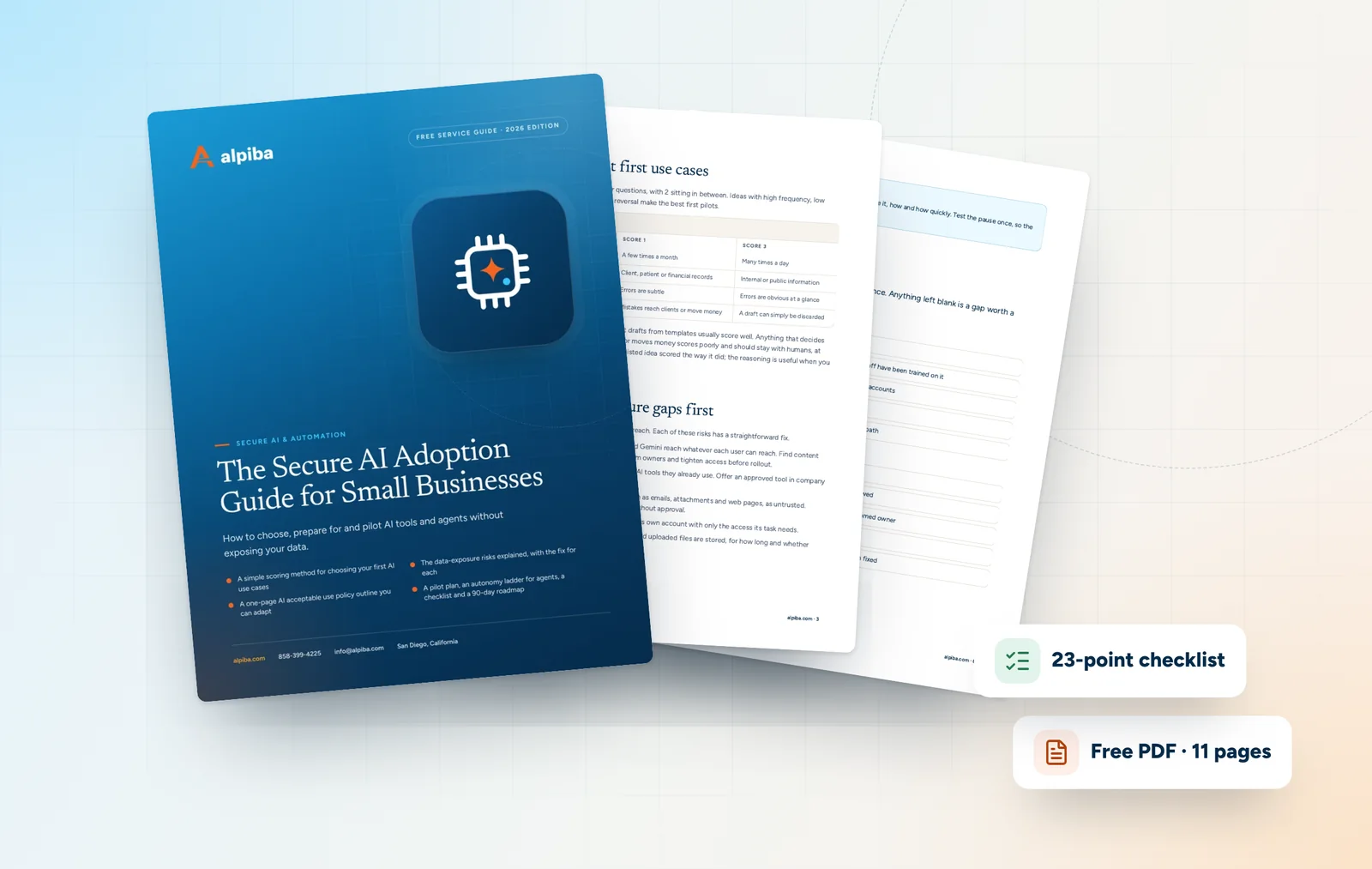
Cover and two sample pages of The Secure AI Adoption Guide for Small Businesses, a free 11-page PDF guide from Alpiba with a 23-point checklist
A look inside: the cover and two pages from the 11-page PDF.

What's inside

Inside the guide.

Most small businesses don't need an AI strategy deck. They need to know which tasks are worth automating, what has to be fixed before an assistant can see their files and how to tell whether a pilot actually worked. This guide covers those decisions in the order you'll face them.

Work through it with whoever owns IT and one or two people who do the work you want to automate. The closing checklist and 90-day plan make it a project with owners and dates, and the questions help you hold any vendor or provider to the same standard. Alpiba's engineers use the same approach, but everything here works without us.

  1. Choose the right first use cases
  2. Close the data exposure gaps first
  3. Write a one-page AI acceptable use policy
  4. Run a pilot you can measure
  5. Guardrails for AI agents
  6. The checklist23 items in 5 groups
  7. Questions to ask any IT provider10 questions
  8. Your 30/60/90-day plan3 phases, step by step
  9. Plain-English glossary8 terms

Read Part 1 free

The opening chapter of the guide, in full. The rest of the guide, the checklist and the 90-day plan are in the PDF.

Choose the right first use cases

Score each idea from 1 to 3 on four questions, with 2 sitting in between. Ideas with high frequency, low sensitivity, easy checking and easy reversal make the best first pilots.

Use case scoring
QuestionScore 1Score 3
How often does the task happen?A few times a monthMany times a day
How sensitive is the data involved?Client, patient or financial recordsInternal or public information
How easy is it to check the result?Errors are subtleErrors are obvious at a glance
How easy is it to undo a mistake?Mistakes reach clients or move moneyA draft can simply be discarded

Inbox triage, meeting summaries and first drafts from templates usually score well. Anything that decides about people, sends binding documents or moves money scores poorly and should stay with humans, at least for now. Write down why each shortlisted idea scored the way it did; the reasoning is useful when you review the pilot.

Get the full guide

A preview

A sample from the guide.

Here's the first checklist group and a few of the questions. The full guide has all 23 checklist items, 10 questions and the 90-day plan.

Governance

  • An owner for AI adoption is named
  • A one-page AI acceptable use policy is published and staff have been trained on it
  • Approved AI tools are listed and everyone uses company accounts
  • There is a simple way to request a new AI tool
  • Mistakes and data leaks involving AI have a clear reporting path

Questions to ask any IT provider

  1. 1What will you check about our permissions before turning on an AI assistant?
  2. 2How will you find out which AI tools our staff already use?
  3. 3Where are our prompts, outputs and uploaded files stored, for how long, and are they used to train models?
  4. 4Which actions will require human approval, and who will approve them?

+ 6 more questions in the full guide

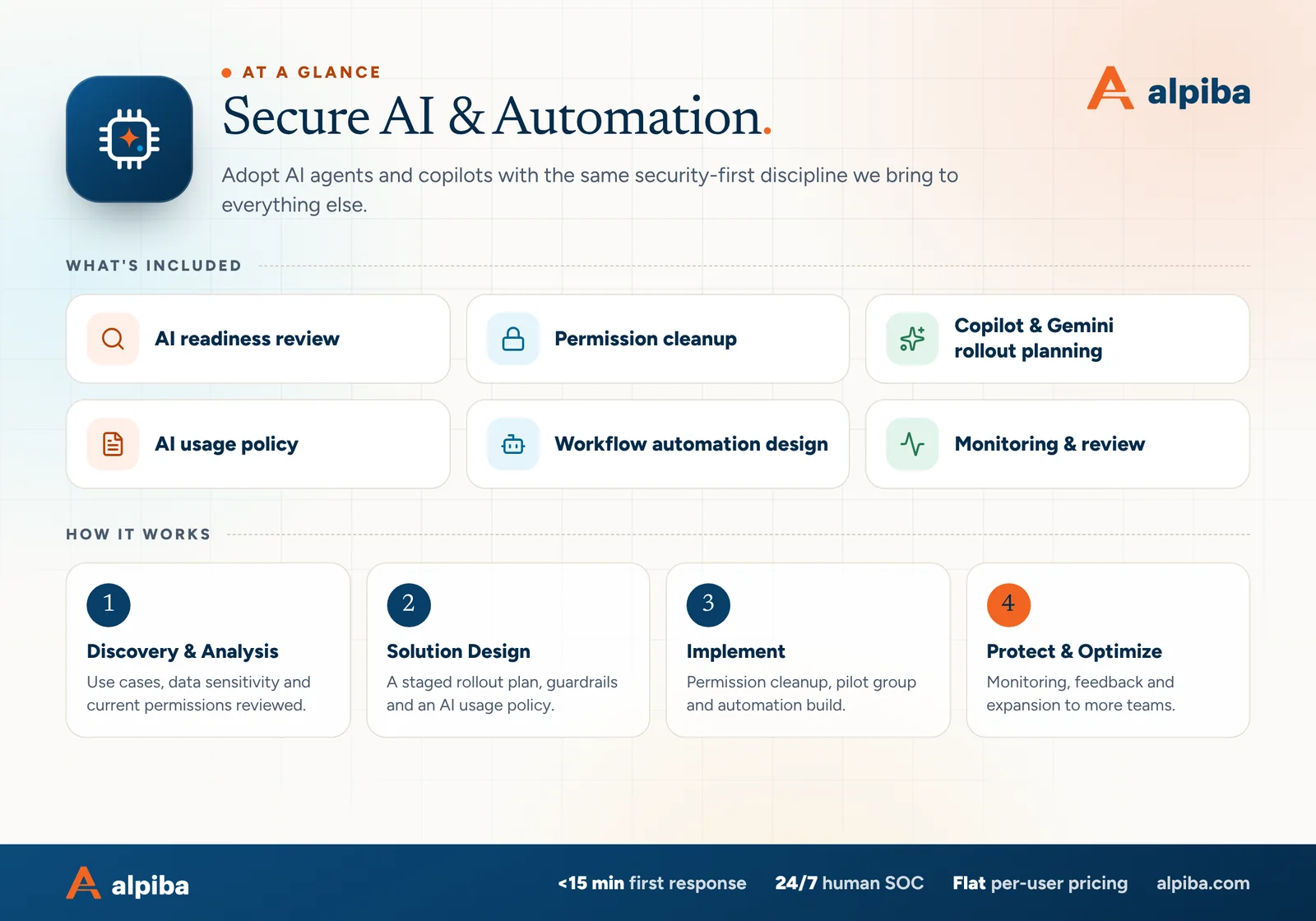
Secure AI & Automation at a glance. Included: AI readiness review, Permission cleanup, Copilot & Gemini rollout planning, AI usage policy, Workflow automation design and Monitoring & review. How it works: Discovery & Analysis, Solution Design, Implement and Protect & Optimize.
Secure AI & Automation at a glance: what is included and how we roll it out.

Your first 30 days

Where to start this month.

The guide's 30/60/90-day plan begins with these steps. Assign an owner to each and review progress every two weeks.

  • 1Name an owner and list the AI tools staff already use
  • 2Publish a one-page AI acceptable use policy and train staff on it
  • 3Map where sensitive data lives and find content shared too widely
  • 4Shortlist use cases with the scoring table

Key terms in plain English

Agentic AI
AI that plans and takes multi-step actions toward a goal, such as triaging requests or updating records, using the tools and permissions it is given.
Copilot or assistant
AI built into everyday apps, such as Microsoft 365 Copilot or Gemini in Google Workspace, that works with the files and messages a user can access.
Prompt
The instruction or question given to an AI tool, including any text or files attached to it.
Prompt injection
Hidden instructions in content an AI reads, such as an email or web page, designed to make it act against your interests.
Shadow AI
AI tools used for work without the company's knowledge or approval, often through personal accounts.
Oversharing
Access to files or sites that is wider than needed, such as content open to the whole company or to anyone with a link.
Human in the loop
A design in which a person reviews or approves an AI's output or action before it takes effect.
Hallucination
A confident, plausible-sounding AI answer that is wrong or made up.
Roopa, founder of Alpiba

SMBs deserve a strategic technology partner, without enterprise complexity or cost.RoopaFounder, Alpiba

Put the guide to work

Services that help you act on it.

All services
Colleagues gathered around laptops in a working session

Cloud & Productivity

Secure AI & Automation

Adopt AI agents and copilots with the same security-first discipline we bring to everything else.

A bright office with glass walls and meeting rooms

Cloud & Productivity

Office 365 / Microsoft 365

Certified onboarding, migration, security hardening and ongoing administration by Microsoft-certified professionals.

Laptops and notebooks spread across a team work table

Cloud & Productivity

Google Workspace Services

Expert migration, training and integration for secure collaboration across hybrid teams.

Keep reading

More free guides.

All guides
Cover of The Google Workspace Migration and Security Guide

Service guide · Google Workspace

The Google Workspace Migration and Security Guide

A practical guide for owners and admins: plan a migration that preserves every email, roll out 2-Step Verification without lockouts and bring Drive sharing under control.

Cover of The San Diego Managed IT Buyer's Guide

Service guide · Managed IT

The San Diego Managed IT Buyer's Guide

A vendor-neutral workbook for San Diego owners and office managers choosing a managed IT provider: what to gather, what to ask, how to score proposals and how to run the first 90 days.

Call Free assessment