SOC online 24/7Breach or outage? Call 858-399-4225

Free guidesinfo@alpiba.comMon–Fri, 7am–7pm PT

Alpiba

Free industry guide · PDF

The Biotech and Life Sciences IT Security Guide

How to protect research data, secure lab instruments and get ready for partner diligence.

  • A starter data map for research data, instruments and IP
  • Instrument PC protection steps that respect validation
  • A self-assessment checklist for identity, lab networks, data and evidence
  • A 90-day plan, a plain-English glossary and 10 questions for any IT provider

11 pages24-item checklist30/60/90-day plan

Cover of The Biotech and Life Sciences IT Security Guide

Get your free copy

Instant PDF download. No sales pitch inside.

Instant download. By submitting, you agree that Alpiba may contact you about this guide; you can ask us to delete your details at any time.

Cover and two sample pages of The Biotech and Life Sciences IT Security Guide, a free 11-page PDF guide from Alpiba with a 24-point checklist
A look inside: the cover and two pages from the 11-page PDF.

What's inside

Inside the guide.

Life sciences companies carry an unusual mix of IT risk. Instrument PCs run software that can't always be updated, research files are large and valuable, outside collaborators need access on short notice, and partners expect enterprise-grade security answers from a company where IT may still be someone's part-time job.

Use this guide as a working document. Read the five sections, score yourself with the checklist, then use the 90-day plan to sequence the work. Share it with your lab manager and quality lead, because the instrument and data integrity items need their input, and remember that nothing here replaces your validation process or regulatory advice. If you want a second opinion on your score, Alpiba offers a free 30-minute assessment.

  1. Map what you're protecting
  2. Secure instruments without breaking them
  3. Protect IP as people come and go
  4. Get ready for partner diligence
  5. Plan for a bad day in the lab
  6. The checklist24 items in 4 groups
  7. Questions to ask any IT provider10 questions
  8. Your 30/60/90-day plan3 phases, step by step
  9. Plain-English glossary8 terms

Read Part 1 free

The opening chapter of the guide, in full. The rest of the guide, the checklist and the 90-day plan are in the PDF.

Map what you're protecting

You can't protect research you can't find. Start with a one-page data map that lists each kind of sensitive information, where it lives today, who can reach it and what would happen if it were lost, altered or leaked.

Starter data map for a research company
InformationWhere it often livesMain riskFirst control
Raw instrument dataInstrument PCs, USB drives, local sharesLoss, alteration, ransomwareAutomated transfer to backed-up storage
Analysis and reportsLaptops, personal cloud foldersLeakage, version confusionProgram-owned shared storage
ELN and LIMS recordsCloud research appsWeak sign-in, orphaned accountsSingle sign-on with MFA
Patent drafts and IPEmail, executive laptopsTargeted phishing, leakageRestricted site with DLP rules
Partner and data room filesExternal sharing linksOver-broad or permanent accessExpiring guest access, reviewed quarterly
Instrument configurationsOnly on the instrument PCUnrecoverable after a failureSaved copy after every approved change

Look in the places people forget: instrument PC desktops, external drives in lab drawers, personal cloud accounts, old shared mailboxes and the laptop of whoever left most recently. That is where unprotected copies of research usually turn up.

Give each row an owner. The owner decides who gets access, approves exceptions and is the person IT asks when something changes.

Get the full guide

A preview

A sample from the guide.

Here's the first checklist group and a few of the questions. The full guide has all 24 checklist items, 10 questions and the 90-day plan.

Identity and access

  • MFA enforced for every user, administrator and app that supports it
  • No shared accounts on email, cloud apps or instruments where named users are possible
  • ELN, LIMS and other research apps sign in through the company identity
  • Admin rights kept separate from everyday accounts
  • Every guest and contractor account has an owner and an end date
  • Leavers lose access the same day, and their devices come back

Questions to ask any IT provider

  1. 1How would you protect an instrument PC that can't be patched without breaking vendor support or validation?
  2. 2How do you fit IT changes into our quality team's change control process?
  3. 3Who reviews alerts outside business hours, and how fast is your average first response?
  4. 4How do you control and log instrument vendor remote access?

+ 6 more questions in the full guide

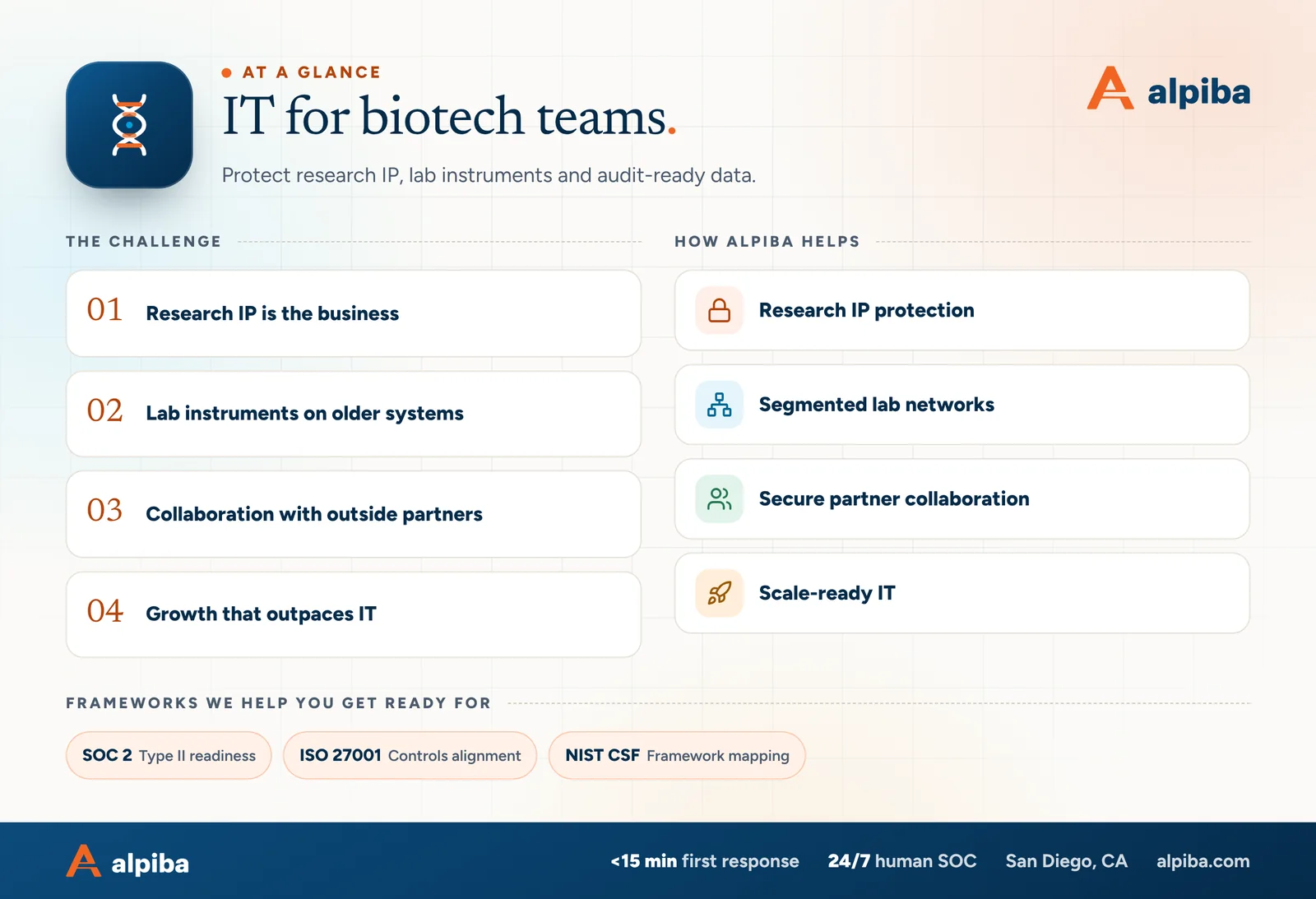
IT for biotech teams at a glance. Challenges: research ip is the business, lab instruments on older systems, collaboration with outside partners and growth that outpaces it. How Alpiba helps: research ip protection, segmented lab networks, secure partner collaboration and scale-ready it. Frameworks: SOC 2, ISO 27001 and NIST CSF.
IT for biotech teams at a glance.

Your first 30 days

Where to start this month.

The guide's 30/60/90-day plan begins with these steps. Assign an owner to each and review progress every two weeks.

  • 1Build the data map and the instrument inventory
  • 2Enforce MFA and retire shared accounts where the software allows
  • 3Deploy managed EDR on every device that can run it
  • 4Confirm research data has an immutable, off-site copy

Key terms in plain English

ALCOA+
Principles for trustworthy data: attributable, legible, contemporaneous, original and accurate, plus complete, consistent, enduring and available.
Audit trail
A secure, time-stamped record of who created, changed or deleted an electronic record, and when.
ELN
Electronic lab notebook: software where scientists record experiments, methods and results.
LIMS
Laboratory information management system: software that tracks samples, workflows and results across a lab.
GxP
Shorthand for good practice regulations, such as good laboratory, manufacturing and clinical practice.
Network segmentation
Splitting a network into separate zones with rules between them, so each device can reach only what it needs.
Single sign-on (SSO)
Signing in to many apps through one company identity, so MFA and offboarding apply everywhere at once.
Immutable backup
A protected backup that nobody, including an administrator or an attacker with admin rights, can change or delete until its retention period ends.
Roopa, founder of Alpiba

SMBs deserve a strategic technology partner, without enterprise complexity or cost.RoopaFounder, Alpiba

Put the guide to work

Services that help you act on it.

All services
A padlock resting on a laptop keyboard

Cybersecurity

Zero Trust & Identity Security

Identity-aware access, MFA everywhere and least privilege baked into every environment we manage.

Ethernet cables plugged into a network switch

Infrastructure & Continuity

Network & Server Consulting

Design, optimize and secure your infrastructure for maximum uptime and performance.

Keep reading

More free guides.

All guides
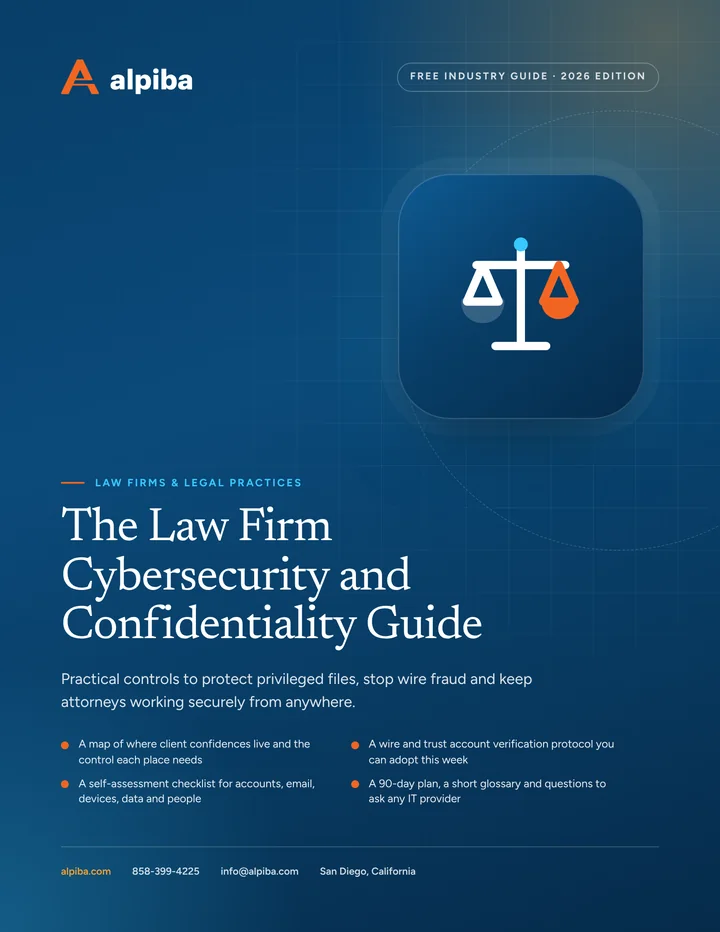
Cover of The Law Firm Cybersecurity and Confidentiality Guide

Industry guide · Legal

The Law Firm Cybersecurity and Confidentiality Guide

A printable guide for managing partners and firm administrators: where client confidences leak, how to stop payment fraud, how to secure court days and remote work, and how to stay ready for holds and client audits.

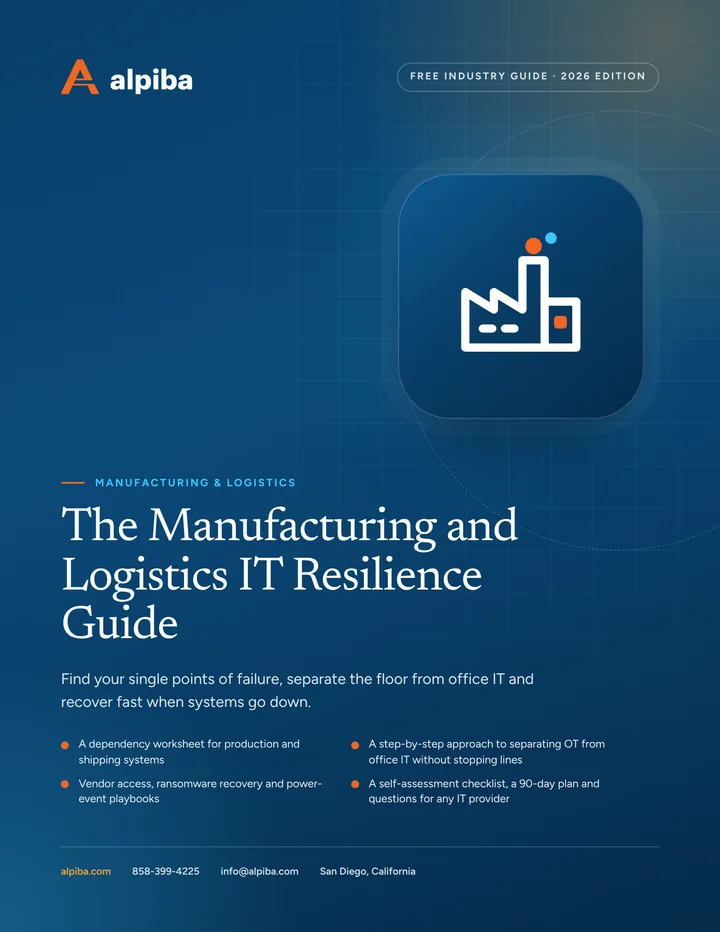
Cover of The Manufacturing and Logistics IT Resilience Guide

Industry guide · Manufacturing & Logistics

The Manufacturing and Logistics IT Resilience Guide

A printable guide for owners and operations leaders at plants, warehouses and distribution centers: what really stops production, how to segment equipment safely, how to control vendor access and how to plan for ransomware and power events.

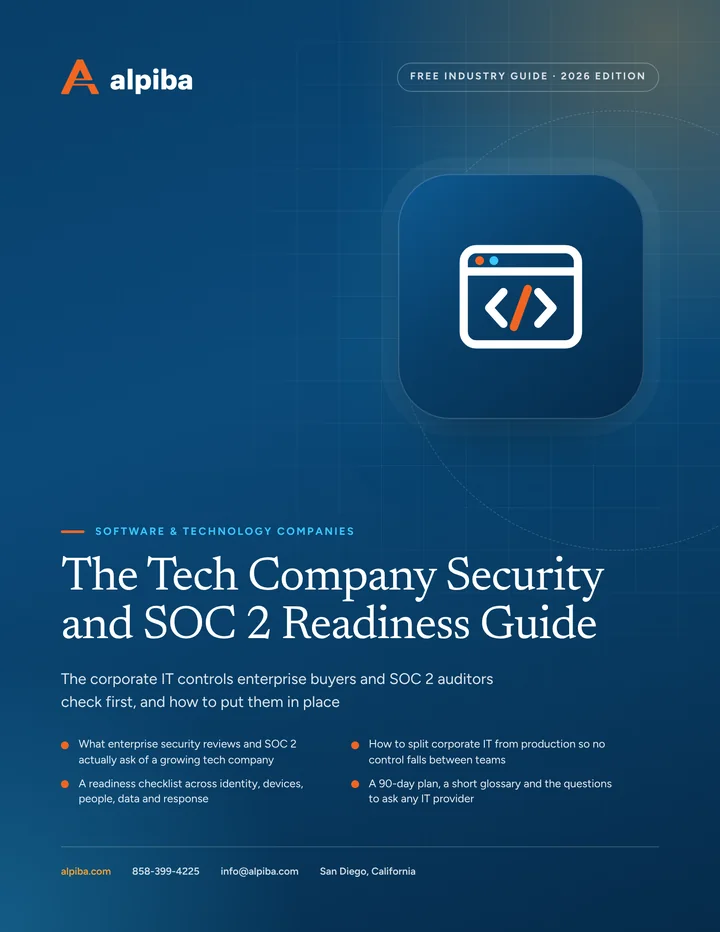
Cover of The Tech Company Security and SOC 2 Readiness Guide

Industry guide · Software & Technology

The Tech Company Security and SOC 2 Readiness Guide

A plain-English guide to the identity, device and offboarding controls behind most security reviews, with a readiness checklist, a 90-day plan and questions to ask any IT provider.

Call Free assessment