
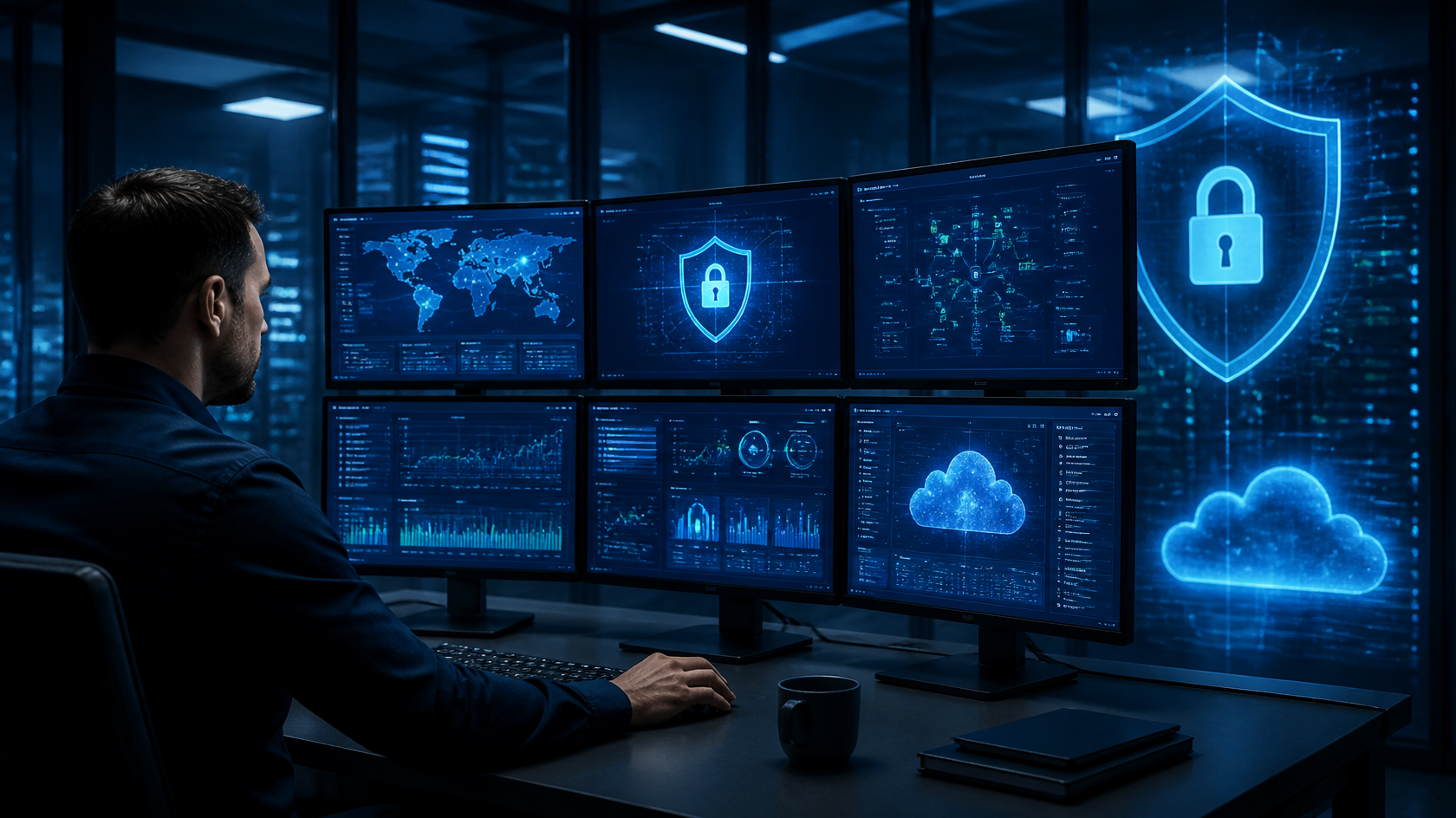

Small businesses depend on technology to manage customer information, communicate with employees, process payments, store files, and keep daily operations running. However, a single compromised account, malicious email, or ransomware incident can disrupt these activities and expose sensitive business data.
Cybersecurity threats do not follow a convenient schedule. Suspicious activity can occur at night, over weekends, or when employees are away from their desks. If nobody is monitoring critical systems, an incident may go unnoticed until it causes visible damage.
This is why 24/7 cybersecurity monitoring is an important consideration for small and mid-sized businesses. Continuous monitoring helps identify suspicious activity, investigate security alerts, and initiate an appropriate response when potential threats emerge.
For businesses without a dedicated security team, working with a managed cybersecurity provider can provide access to monitoring tools, security expertise, and incident response processes without requiring the company to build every capability internally.
In this guide, we explain how continuous cybersecurity monitoring works, why small businesses need it, which security controls support it, and what to consider when selecting a provider.
1. What Is 24/7 Cybersecurity Monitoring?
24/7 cybersecurity monitoring is the continuous observation of an organization’s digital environment to identify suspicious behavior, investigate potential threats, and support timely incident response.
Depending on the service, monitoring may cover employee laptops, servers, business email, cloud applications, user identities, network activity, and security logs.
The objective is to identify warning signs before a security incident causes greater disruption. These warning signs might include repeated unsuccessful login attempts, an unexpected administrator account, unusual file downloads, suspicious software activity, or access from an unfamiliar location.
Monitoring combines technology with defined investigation and response procedures. Automated tools can identify patterns and generate alerts, while security analysts investigate events that require human judgment.
For small businesses, this approach can help address a practical problem: employees and business owners cannot reasonably monitor every system continuously while also managing their everyday responsibilities.
What Does Continuous Monitoring Include?
Depending on the selected service and environment, it may include:
- Endpoint monitoring and detection.
- Suspicious login and identity activity monitoring.
- Email and phishing threat detection.
- Security log collection and analysis.
- Vulnerability identification.
- Security alert investigation and escalation.
- Incident containment and remediation support.
- Reporting and recommendations for improving security.
Monitoring is not a guarantee that every attack will be detected or prevented. Its effectiveness depends on the systems covered, the quality of detection rules, the expertise of analysts, and the response procedures in place.

2. Why Small Businesses Need Continuous Monitoring
Cyberattacks Can Affect Businesses of Every Size
Small businesses are not automatically protected because they have fewer employees or lower revenue than larger organizations. Attackers may use automated scanning, phishing campaigns, stolen credentials, and widely available malicious tools to find weaknesses across many organizations.
A business with weak passwords, outdated software, or insufficient access controls may present opportunities for an attacker regardless of its size.
Continuous monitoring can help identify suspicious activity involving these weaknesses, while other security controls reduce the likelihood that an attack will succeed.
Small Teams Often Have Limited Security Resources
Many small businesses rely on an owner, an office manager, or a small IT team to manage technology and security responsibilities. These employees may also be responsible for troubleshooting devices, maintaining business applications, onboarding staff, and managing vendors.
Monitoring security alerts around the clock requires appropriate tools, defined procedures, and trained personnel. A small internal team may not have the capacity to provide this coverage consistently.
A managed security provider can supplement internal resources through a service such as 24/7 SOC and Managed Detection and Response, subject to the coverage and scope of the selected plan.
Threats Can Develop Outside Business Hours
An employee might receive a phishing email in the evening, or an attacker might attempt to access an account overnight. Without appropriate monitoring and escalation procedures, suspicious activity may remain unnoticed until the next working day.
Continuous monitoring helps close this visibility gap by keeping security alerts under observation beyond standard office hours.
A Security Incident Can Interrupt Business Operations
A cyber incident can prevent employees from accessing files, delay customer service, interrupt payment processing, or affect essential business applications.
The consequences depend on the systems involved, the extent of the incident, and how quickly the business responds. Monitoring can support earlier investigation and containment, while backups and recovery planning help restore affected operations.
3. Common Cybersecurity Threats Facing Small Businesses
Phishing and Business Email Compromise
Phishing messages attempt to persuade employees to reveal credentials, open malicious attachments, or visit fraudulent websites. Business email compromise can involve impersonation, compromised accounts, or fraudulent payment instructions.
Email filtering, employee awareness training, multi-factor authentication, and suspicious-login monitoring provide complementary layers of protection.
Learn more about email security and awareness training.
Ransomware and Malicious Software
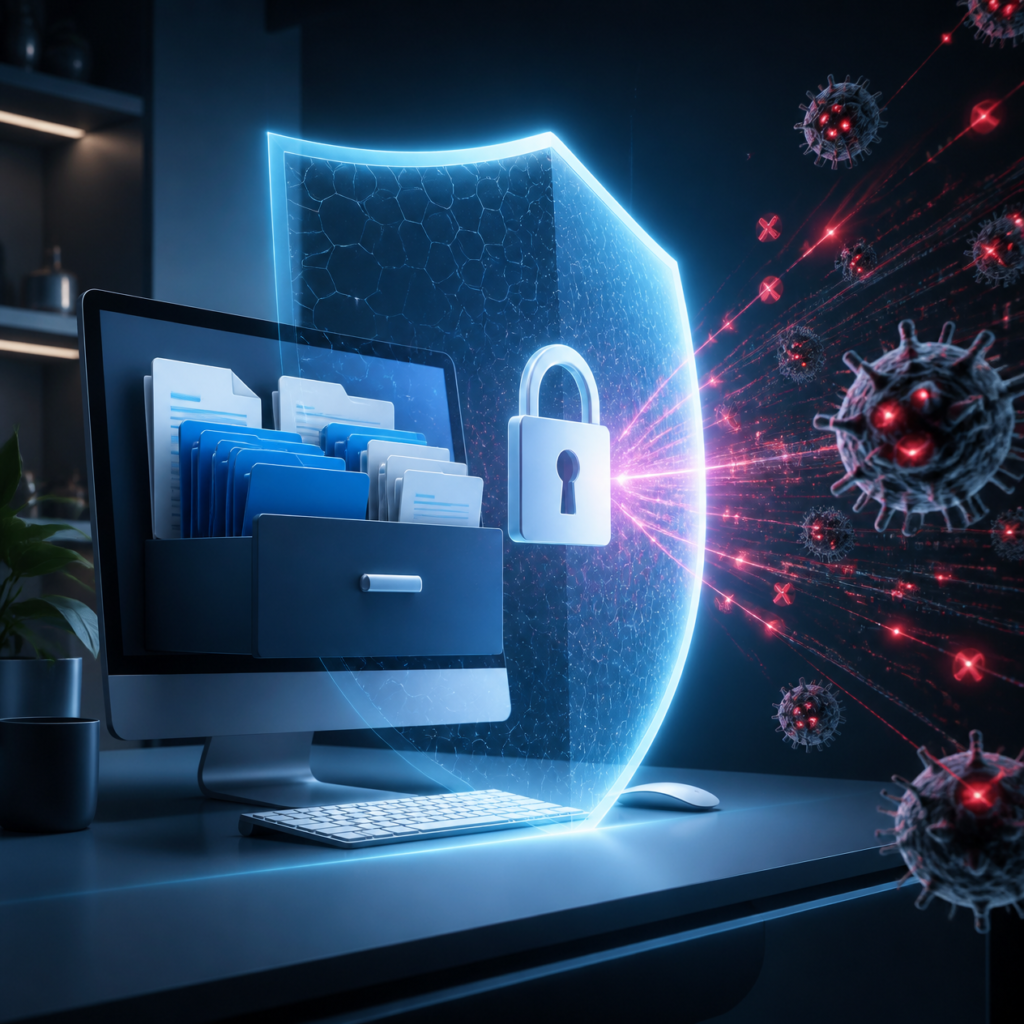
Ransomware can encrypt files or disrupt access to business systems. Some attacks also involve stealing data and threatening to expose it.
Endpoint detection, security monitoring, controlled access, patching, and tested backups can help reduce the likelihood and impact of these incidents. No single control eliminates ransomware risk.
Stolen Credentials and Unauthorized Access
Attackers may use stolen passwords obtained through phishing, credential theft, or data breaches. Reusing passwords across services can increase exposure when one account is compromised.
Multi-factor authentication, least-privilege permissions, and monitoring of unusual sign-in behavior can help identify or block unauthorized access attempts.
Unpatched Software and Vulnerabilities
Software vulnerabilities may provide attackers with opportunities to compromise systems. Unsupported operating systems, outdated applications, and misconfigured network equipment can increase risk.
A vulnerability assessment can help identify weaknesses, prioritize remediation, and establish a clearer view of the organization’s security posture.
Explore Alpiba’s vulnerability assessment services to learn about identifying and addressing security weaknesses.
Insider Risks and Accidental Data Exposure
Not every security incident originates from an external attacker. Employees may accidentally share sensitive files, grant excessive permissions, or send confidential information to the wrong recipient.
Monitoring can help identify unusual access or data activity, while appropriate permissions, employee training, and documented procedures help prevent avoidable exposure.
4. How 24/7 Security Monitoring Works
Step 1: Collect Security Data
Monitoring tools collect information from supported devices, user accounts, email platforms, servers, cloud services, and other systems.
The visibility available depends on which systems are connected, what logging is enabled, and the capabilities of the monitoring service.
Step 2: Identify Suspicious Activity
Security tools analyze activity for patterns that may indicate a threat. Examples include repeated failed logins, unexpected administrative changes, unusual processes, or sign-ins that differ significantly from normal behavior.
Automated detection helps security teams identify events that may require investigation.
Step 3: Investigate Alerts
An alert does not always indicate a successful attack. Legitimate business activity can sometimes resemble suspicious behavior.
Security analysts examine the available evidence, assess the potential risk, and determine whether additional investigation or action is necessary.
Step 4: Contain and Respond
If a threat is confirmed or sufficiently concerning, the response may involve isolating an affected device, disabling a compromised account, blocking malicious communication, or escalating the incident to the appropriate team.
The exact response depends on the threat, the provider’s authority, the service agreement, and the business’s incident response plan.
Step 5: Recover and Improve
After an incident, the business may need to restore systems, reset credentials, patch vulnerabilities, and review how the incident occurred.
Documenting lessons learned helps strengthen controls and improve future response procedures.
For guidance on broader security practices, the Federal Trade Commission’s cybersecurity guidance for small businesses covers protection, detection, response, and recovery.
5. The Role of a Security Operations Center
What Is a Security Operations Center?
A Security Operations Center, commonly called a SOC, is a function that monitors security events, investigates potential threats, and coordinates responses according to established procedures.
A SOC may use security information and event management tools, endpoint detection technologies, identity monitoring, threat intelligence, and other systems to identify suspicious activity.
Some organizations build an internal SOC. Others use an external provider or a combination of internal and outsourced resources.
Why Human Analysts Matter
Automated tools are valuable for identifying patterns and prioritizing alerts, but not every event can be assessed accurately by automation alone.
Human analysts can investigate context, distinguish legitimate activity from potential threats, and decide when escalation is appropriate.
The value of a SOC therefore depends not only on monitoring technology but also on analyst expertise, response processes, communication, and the scope of coverage.
What Is Managed Detection and Response?
Managed Detection and Response, or MDR, is a security service that combines detection technologies with investigation and response capabilities.
Depending on the agreement, an MDR service may monitor endpoints, investigate suspicious activity, provide threat hunting, and help contain confirmed threats.
Before choosing a service, businesses should clarify whether the provider only sends alerts or can also take approved containment actions.
6. Essential Security Technologies and Controls
Endpoint Detection and Response
Endpoint Detection and Response (EDR) helps identify and investigate suspicious activity on supported devices, including employee computers and servers.
Depending on the product, EDR can provide behavioral detection, investigation details, and response capabilities such as isolating a device.
EDR works best as part of a broader security strategy rather than as a replacement for identity security, email protection, backups, or monitoring.
Multi-Factor Authentication and Identity Security
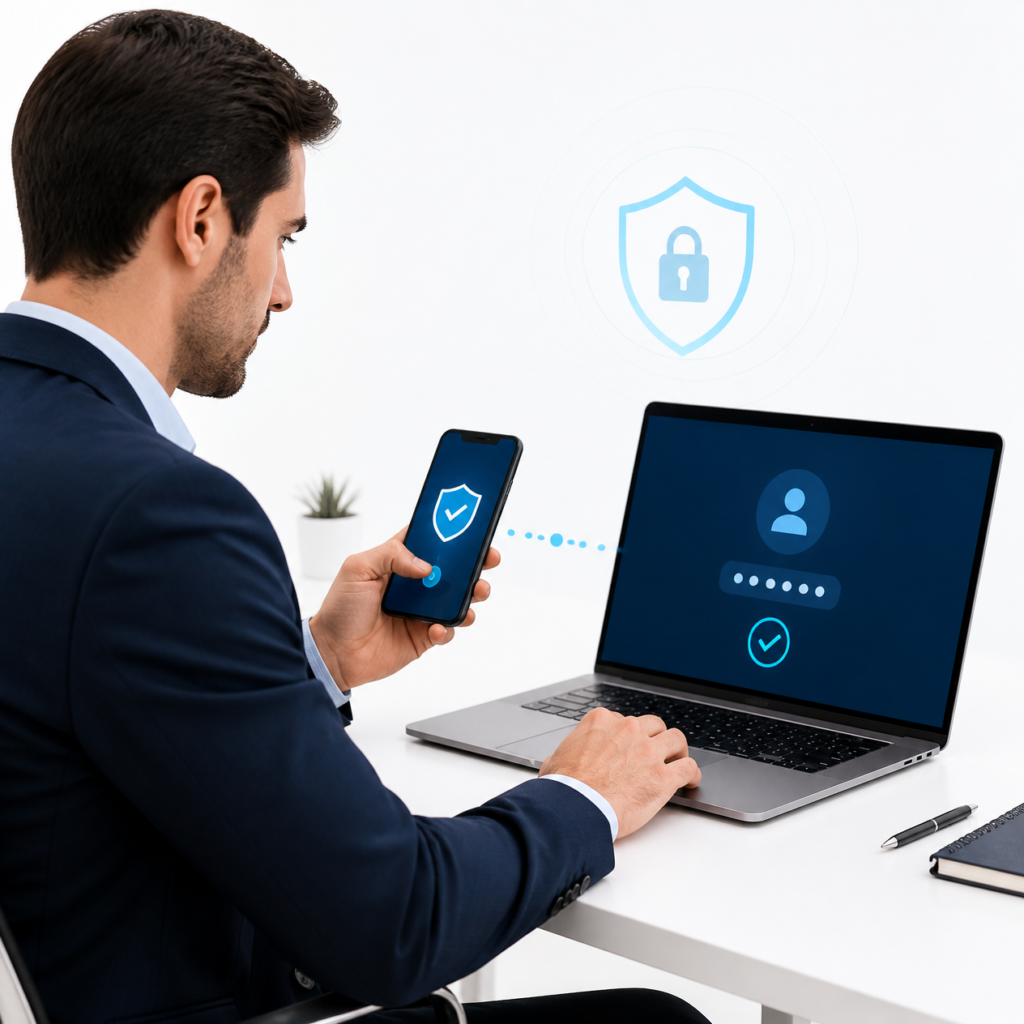
Multi-factor authentication (MFA) requires users to verify their identity using more than one authentication factor. It can make stolen passwords less useful to attackers.
Businesses should prioritize MFA for email, remote access, administrative accounts, and other critical systems. They should also remove unnecessary access and review permissions when employees change roles or leave.
Learn about Alpiba’s cybersecurity and identity protection services.
Email Security and Employee Training
Email security tools can help identify suspicious messages, malicious links, impersonation attempts, and harmful attachments.
Employee training complements these tools by helping people recognize suspicious requests and report potential threats quickly.
Training should be practical and ongoing, with clear instructions for reporting suspicious emails or unusual account activity.

Patching and Vulnerability Management
Software updates frequently address security vulnerabilities. Businesses should maintain an inventory of important systems, prioritize critical updates, and establish a reliable patching schedule.
Vulnerability management involves identifying weaknesses, evaluating their severity, assigning remediation priorities, and confirming that corrective actions have been completed.
Backup and Disaster Recovery
Monitoring can help detect suspicious activity, but businesses also need a plan for recovering from incidents that affect data or availability.
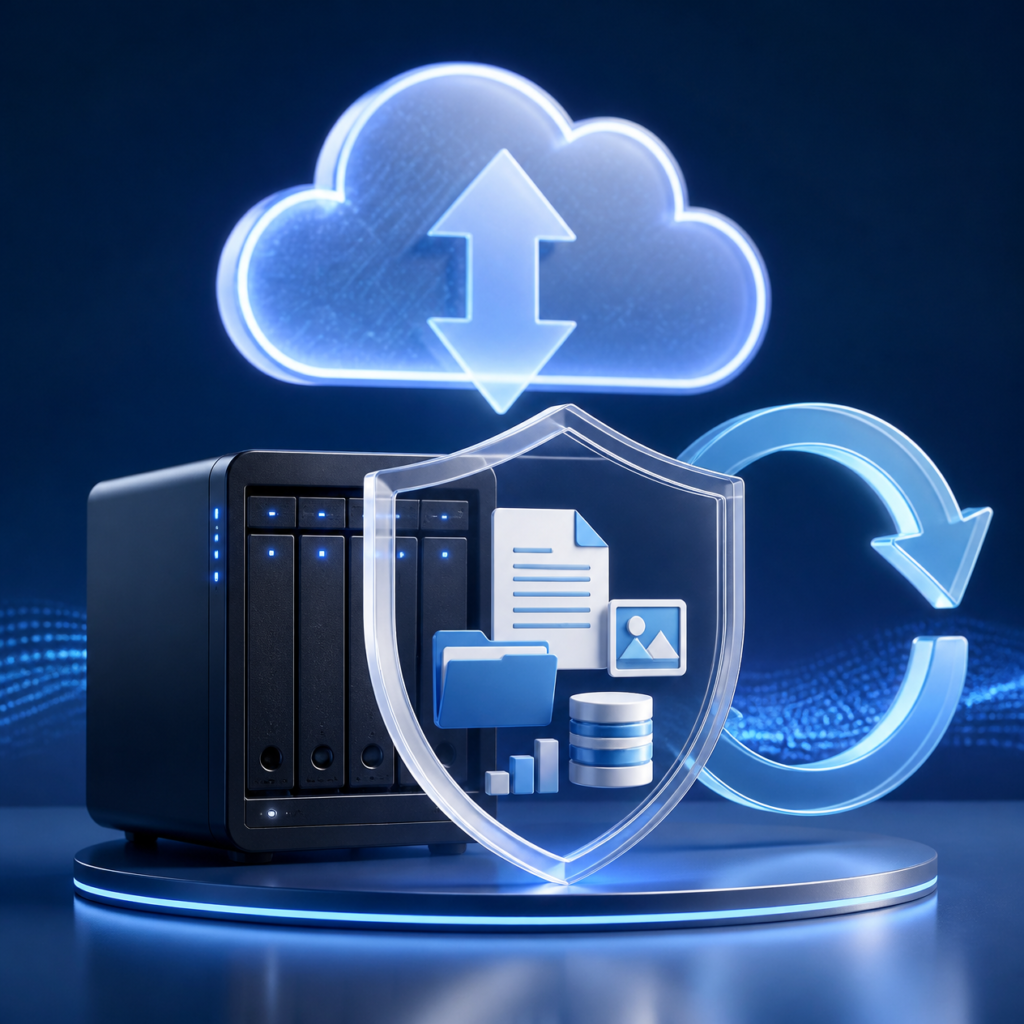
Backups should be protected from unauthorized modification and deletion. Restoration procedures should be tested regularly so that the business understands how long recovery may take and which systems must be restored first.
Explore Alpiba’s backup and business continuity services for information about backup protection and recovery planning.
7. Benefits of Continuous Monitoring
Earlier Awareness of Potential Threats
Continuous monitoring can help identify suspicious activity closer to the time it occurs. Earlier awareness gives the business an opportunity to investigate and respond before an incident becomes more extensive.
The actual detection time depends on available telemetry, detection quality, alert thresholds, and analyst workflows.
Reduced Pressure on Internal Employees
Business owners and small IT teams already manage multiple operational responsibilities. A suitable external monitoring service can supplement their capacity and provide access to security expertise.
Internal staff still play an important role in approving response actions, managing business risk, and following established procedures.
Better Visibility Across Business Systems
Centralized monitoring can help organizations understand activity across devices, identities, email, and supported cloud environments.
This broader visibility can make it easier to investigate related events that might otherwise appear to be isolated problems.
More Structured Incident Response
A documented response process clarifies who investigates alerts, who authorizes containment, how employees are notified, and how recovery is managed.
Businesses should agree on escalation contacts, response responsibilities, reporting requirements, and service coverage before an incident occurs.
Support for Security and Compliance Activities
Monitoring records can help demonstrate how security events are reviewed and managed. Depending on the organization’s industry and obligations, these records may support internal risk reviews or compliance activities.
However, monitoring alone does not establish compliance with a particular framework. Organizations must meet all applicable requirements and maintain appropriate evidence.
For additional guidance, the Cybersecurity and Infrastructure Security Agency’s small and medium business resources provide practical cybersecurity information for smaller organizations.
8. How to Choose a Cybersecurity Monitoring Provider
Confirm the Scope of Monitoring
Ask which systems the provider monitors, whether coverage includes endpoints and cloud identities, and how new devices or applications are added.
Clarify whether monitoring is genuinely available around the clock and which activities fall outside the agreement.
Understand Response Times and Escalation
Ask how quickly alerts are reviewed, how serious incidents are escalated, and which response actions the provider can take without additional approval.
Avoid relying on vague promises such as “instant protection.” Ask for clearly defined service levels and reporting commitments.
Check Whether Analysts Are Involved
Find out whether the service relies primarily on automated alerts, human investigation, or both.
Ask who reviews alerts outside normal business hours, how false positives are handled, and whether the provider can explain an incident in clear language.
Review Integration With Existing IT
A monitoring service should fit the business’s current technology environment. Consider how it integrates with endpoint protection, email platforms, cloud applications, identity systems, and existing IT support.
A provider that coordinates IT management and cybersecurity may also help reduce gaps between routine maintenance and security response.
Learn more about Alpiba’s managed IT services and the ways IT support and security can be coordinated.
Evaluate Reporting and Communication
Ask what reports are provided, how often they are delivered, and whether they explain meaningful risks rather than simply listing technical alerts.
The provider should also establish a reliable process for notifying the right person when a serious incident occurs.
Compare Total Value, Not Just Price
The lowest-cost service may not include the monitoring coverage, investigation, or response capabilities a business needs.
Compare the scope of service, supported systems, analyst coverage, onboarding, response authority, reporting, and additional fees before making a decision.
9. Building a Practical Cybersecurity Strategy
Start With a Security Assessment
Identify critical systems, sensitive information, important business applications, and the people who need access to them.
Assess existing protections and determine which gaps create the greatest operational risk. A structured assessment can help establish priorities before investing in additional tools.
Prioritize Essential Security Controls
For many small businesses, useful starting points include:
- Enabling MFA for critical accounts.
- Keeping operating systems and applications updated.
- Using endpoint protection on supported devices.
- Training employees to recognize phishing.
- Restricting access according to job responsibilities.
- Maintaining protected backups and testing restoration.
- Establishing an incident response plan.
- Reviewing security alerts and access logs.
These controls should be adapted to the business’s technology, risk profile, and regulatory obligations.
Define an Incident Response Plan
The plan should identify who receives security alerts, who has authority to isolate devices or disable accounts, and how employees, customers, insurers, and other relevant parties will be contacted when necessary.
Document recovery priorities and keep important contact details accessible even if normal business systems are unavailable.
Review Security Regularly
Cybersecurity is an ongoing process. New employees, new applications, business growth, and technology changes can introduce additional risks.
Schedule regular reviews of access permissions, software updates, backup restoration, monitoring coverage, and incident response procedures.
Consider an External Security Partner
If your business cannot staff security monitoring around the clock, an external provider may help fill that gap.
Choose a provider based on its actual service coverage, response procedures, technical capabilities, communication practices, and suitability for your business.

10. Frequently Asked Questions About 24/7 Cybersecurity Monitoring
1. What is 24/7 cybersecurity monitoring?
It is the continuous observation of supported business systems to identify suspicious activity, investigate potential threats, and support incident response at any time of day.
2. Why do small businesses need cybersecurity monitoring?
Small businesses may have limited internal security resources and still handle valuable information. Monitoring helps improve visibility into suspicious activity and supports timely investigation.
3. Does every small business need a 24/7 SOC?
Not every business requires the same level of coverage. The decision depends on its risk exposure, business hours, data sensitivity, regulatory obligations, and available internal resources.
4. What is the difference between a SOC and MDR?
A SOC is a security operations function. MDR is a managed service that typically combines threat detection, investigation, and response capabilities. The exact scope varies by provider.
5. Can cybersecurity monitoring prevent every cyberattack?
No. Monitoring can help detect suspicious activity and support response, but it cannot guarantee that every attack will be detected or prevented.
6. What systems can be monitored?
Depending on the service, monitoring may cover computers, servers, identities, email, cloud applications, network devices, and security logs.
7. Is automated monitoring enough?
Automation can identify patterns quickly, but human investigation and defined response procedures are valuable for understanding context and handling complex incidents.
8. What is endpoint detection and response?
EDR is a security technology that monitors supported devices for suspicious behavior and provides tools to investigate and respond to potential threats.
9. How does monitoring help with ransomware?
Monitoring can identify suspicious processes or other warning signs and support containment. Protected backups and a tested recovery plan are also important for limiting disruption.
10. Does monitoring protect against phishing?
Monitoring may identify suspicious email or account activity, depending on the tools deployed. Email filtering, MFA, and employee training provide additional protection.
11. What happens when a suspicious alert is detected?
The event is reviewed according to the provider’s procedures. If it requires action, the response may include further investigation, escalation, account restrictions, or device isolation.
12. Will a monitoring provider respond automatically?
Some services can perform predefined response actions, while others require customer approval. Confirm the provider’s authority and escalation rules before signing an agreement.
13. Can monitoring work with Microsoft 365?
Yes, where the service supports the relevant Microsoft 365 logs, identity signals, and security integrations. Confirm which licenses, configurations, and integrations are required.
14. Can cloud applications be monitored?
Many cloud environments provide security logs and activity signals that can be monitored. Coverage depends on the application, configuration, and monitoring service.
15. How does MFA support continuous monitoring?
MFA adds a verification step during sign-in. Monitoring can complement it by identifying suspicious authentication patterns and unexpected account activity.
16. How often should security alerts be reviewed?
For a service advertised as 24/7 monitoring, alert review should follow the provider’s defined continuous coverage and escalation procedures. Ask how alerts are prioritized and handled outside office hours.
17. Is 24/7 monitoring expensive for a small business?
Costs vary with the number of users and devices, technology stack, coverage, and response capabilities. Compare the complete service scope rather than price alone.
18. Can a small business outsource cybersecurity monitoring?
Yes. Outsourcing can provide access to monitoring tools and specialist personnel without requiring the business to build an internal round-the-clock operation.
19. What should I ask a cybersecurity provider before hiring them?
Ask about coverage, analyst involvement, response times, incident escalation, supported systems, reporting, onboarding, pricing, and responsibilities during an incident.
20. Does cybersecurity monitoring help with compliance?
Monitoring records may support security oversight and audit evidence. Compliance depends on meeting all applicable requirements, not on monitoring alone.
21. What is threat hunting?
Threat hunting is the proactive investigation of systems and activity to look for signs of threats that may not have triggered conventional alerts.
22. How does vulnerability management differ from monitoring?
Monitoring looks for suspicious activity and potential security events. Vulnerability management identifies weaknesses that need to be assessed and corrected.
23. Are backups still necessary if a business has 24/7 monitoring?
Yes. Monitoring and backups serve different purposes. Monitoring supports detection and response, while backups help restore data and systems after certain incidents.
24. How can employees support cybersecurity monitoring?
Employees can follow security policies, use MFA, report suspicious emails, avoid unauthorized software, and promptly notify the appropriate contact when something appears unusual.
25. What is an incident response plan?
It is a documented procedure that defines how the organization identifies, investigates, contains, communicates about, and recovers from security incidents.
26. How quickly can a security incident be detected?
Detection time varies depending on the attack, the available telemetry, detection rules, and monitoring procedures. Not every incident produces an immediate alert.
27. What should be included in a cybersecurity report?
Useful reports may include significant incidents, investigated alerts, response actions, unresolved risks, vulnerability trends, and recommended improvements.
Conclusion: Make Cybersecurity an Ongoing Business Priority
Small businesses rely on technology every day, but maintaining visibility into security events can be difficult when employees and IT teams have multiple responsibilities.
24/7 cybersecurity monitoring can help identify suspicious activity, support investigation, and improve response readiness. Its effectiveness depends on the quality of monitoring, the systems covered, the people investigating alerts, and the controls supporting the service.
A practical cybersecurity strategy combines monitoring with MFA, endpoint protection, patching, employee awareness, access management, tested backups, and an incident response plan.
Businesses do not need to implement every security measure at once. They should start by understanding their most important risks, addressing critical gaps, and building a security approach that can grow with their needs.
Is Your Business Protected Around the Clock?
Stay ahead of cyber threats with proactive monitoring and the right security support for your business.