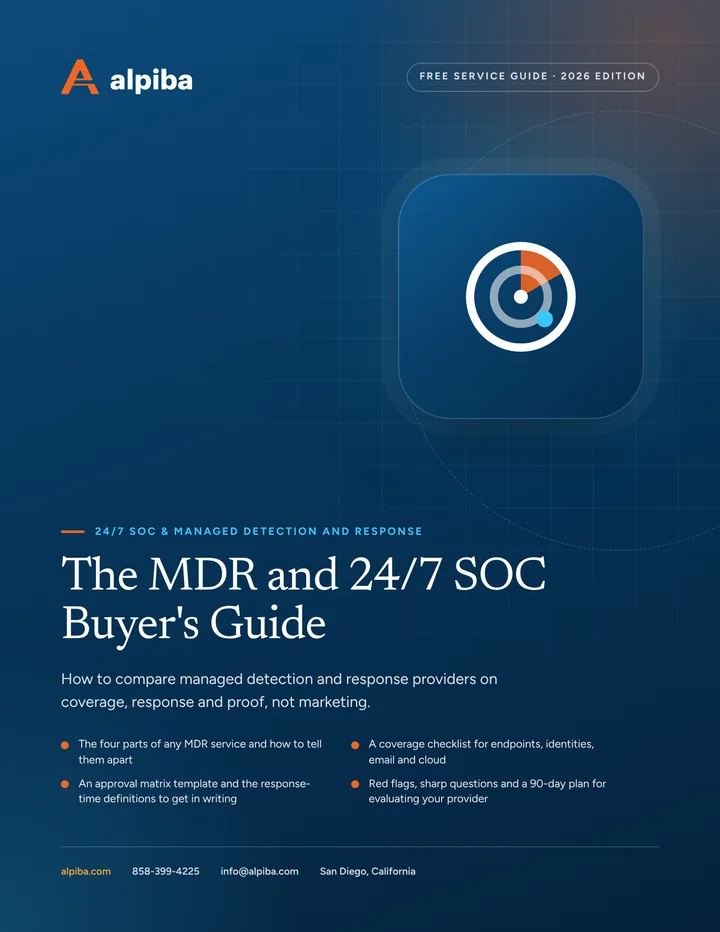
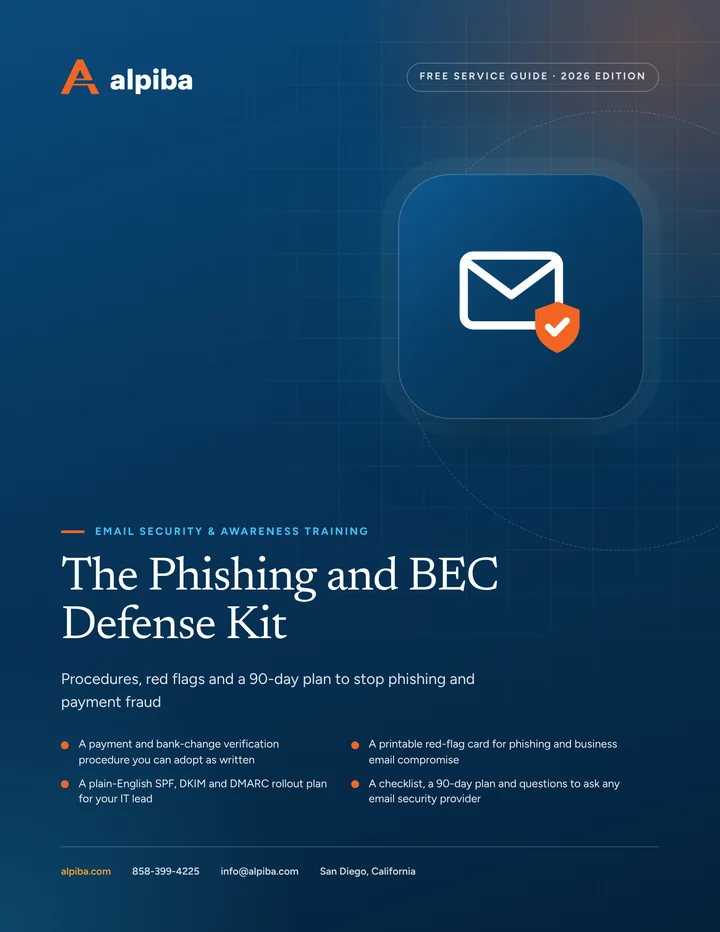
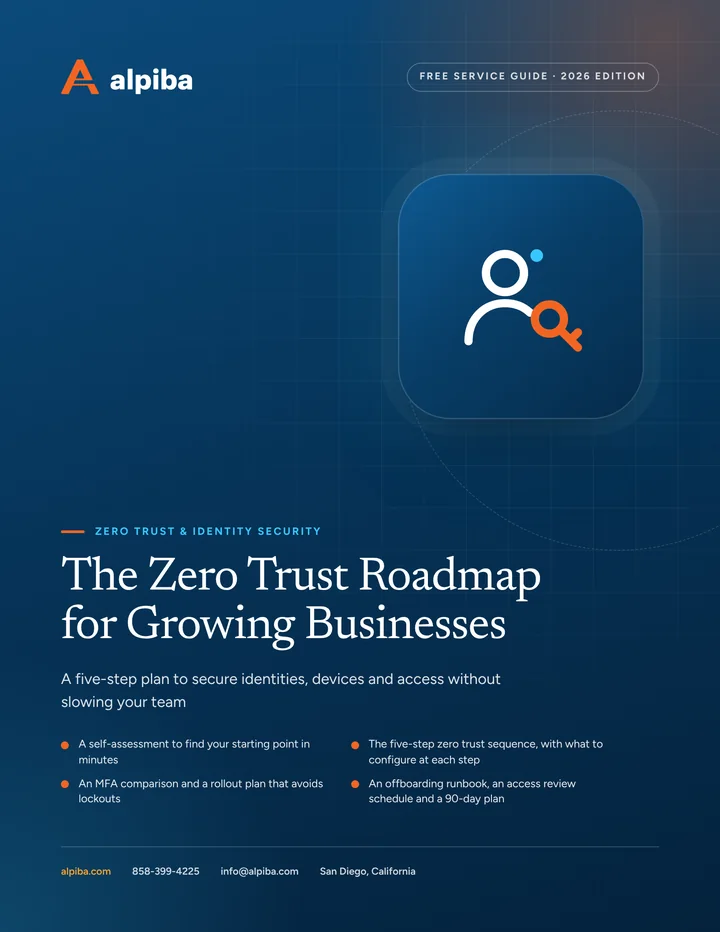
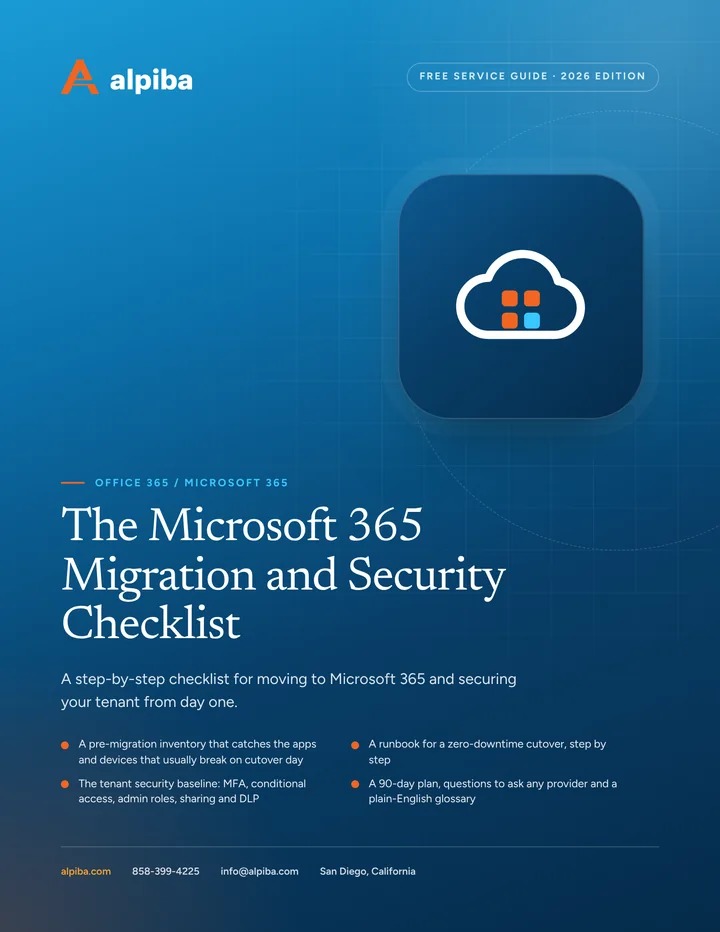
Practical IT and security guides, free for San Diego businesses.
20 playbooks, one for every service and industry we support. Each one includes a checklist, sharp questions to ask any IT provider and a 30/60/90-day plan you can start this week.
A vendor-neutral workbook for San Diego owners and office managers choosing a managed IT provider: what to gather, what to ask, how to score proposals and how to run the first 90 days.
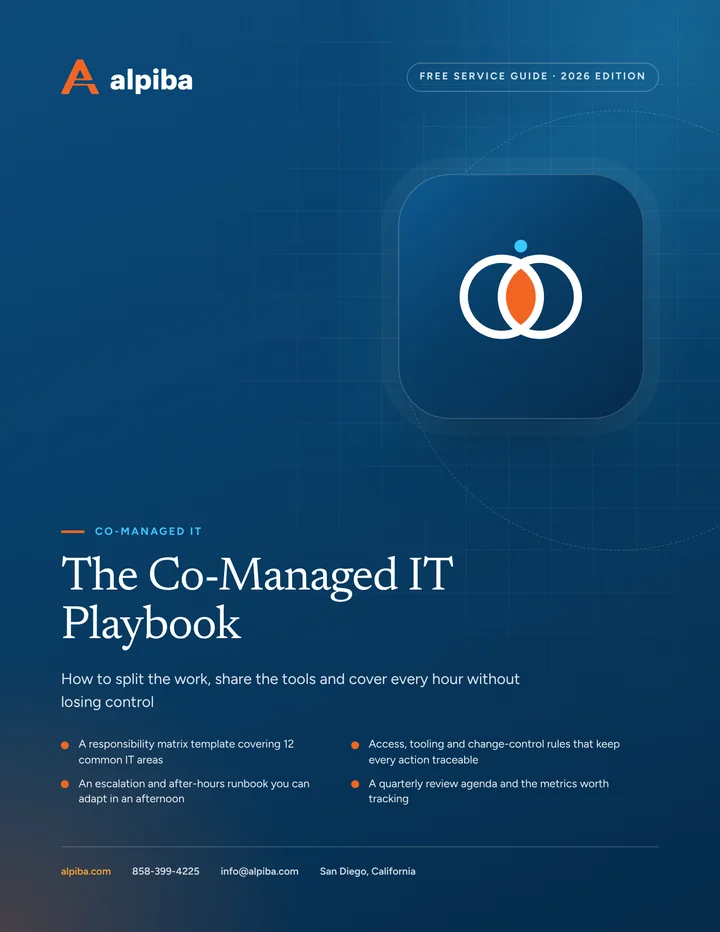
A practical playbook for IT leads and executives setting up a co-managed partnership: a responsibility matrix, access rules, an escalation runbook and the metrics that show whether it is working.
Plan a full year of IT in a few working sessions: tie projects to business goals, schedule lifecycle replacements, build a predictable budget and report progress every quarter.
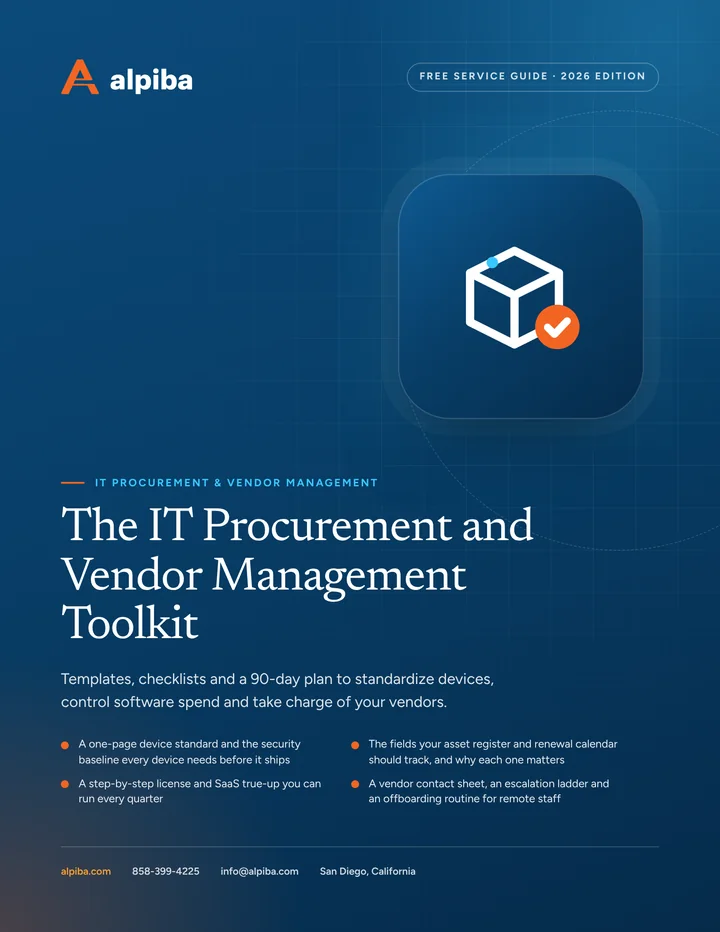
A practical toolkit for office managers and IT leads: a device standard, an asset register template, a license true-up routine and a vendor escalation ladder you can use this week.
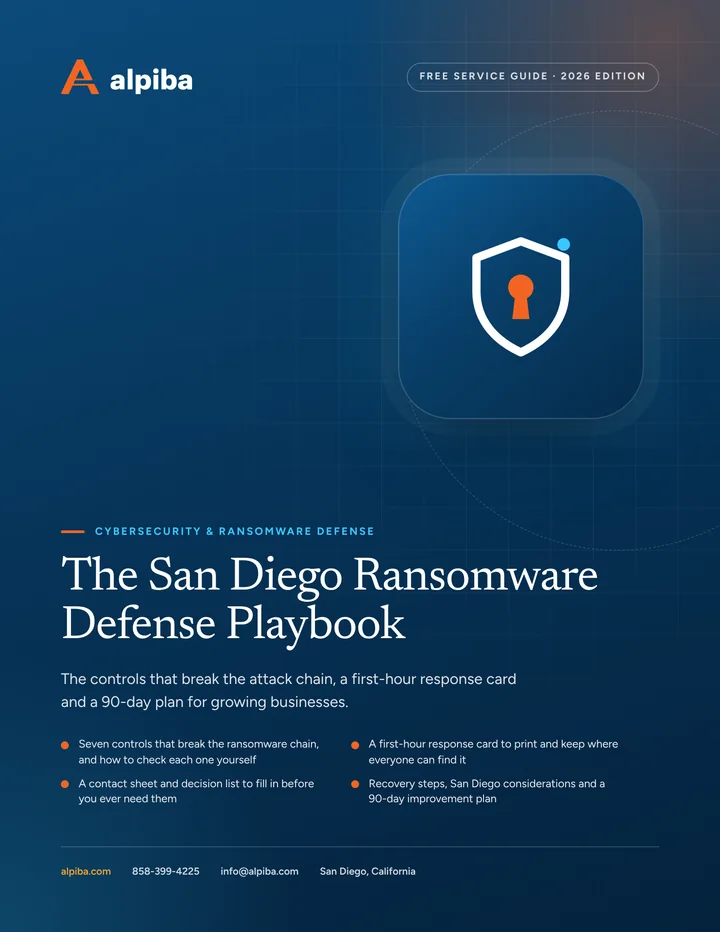
A printable playbook for business owners and the people who run their offices and IT: what to put in place before an attack, what to do in the first hour and how to recover.
A practical kit for owners, office managers and finance teams: a payment verification procedure, a printable red-flag card, a DMARC rollout plan and a reporting playbook.
A staged, practical plan for owners and IT leads: where to start, which MFA to choose, how to handle admin accounts and how to keep access clean as people come and go.
A practical guide for owners and admins: plan a migration that preserves every email, roll out 2-Step Verification without lockouts and bring Drive sharing under control.
A practical starter guide for owners and IT leads: build an asset inventory, set a scanning rhythm, rank findings by real risk and keep the records insurers and auditors ask for.
A printable guide for founders, lab managers and operations leads: secure instruments that can't be patched, protect IP as the team grows and answer partner questionnaires with evidence.
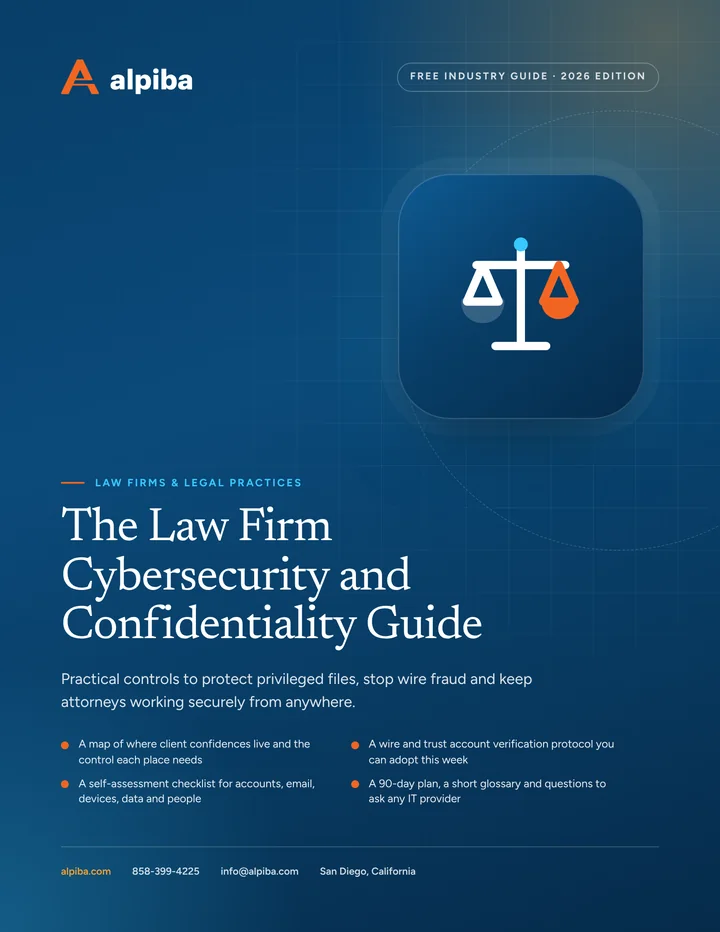
A printable guide for managing partners and firm administrators: where client confidences leak, how to stop payment fraud, how to secure court days and remote work, and how to stay ready for holds and client audits.
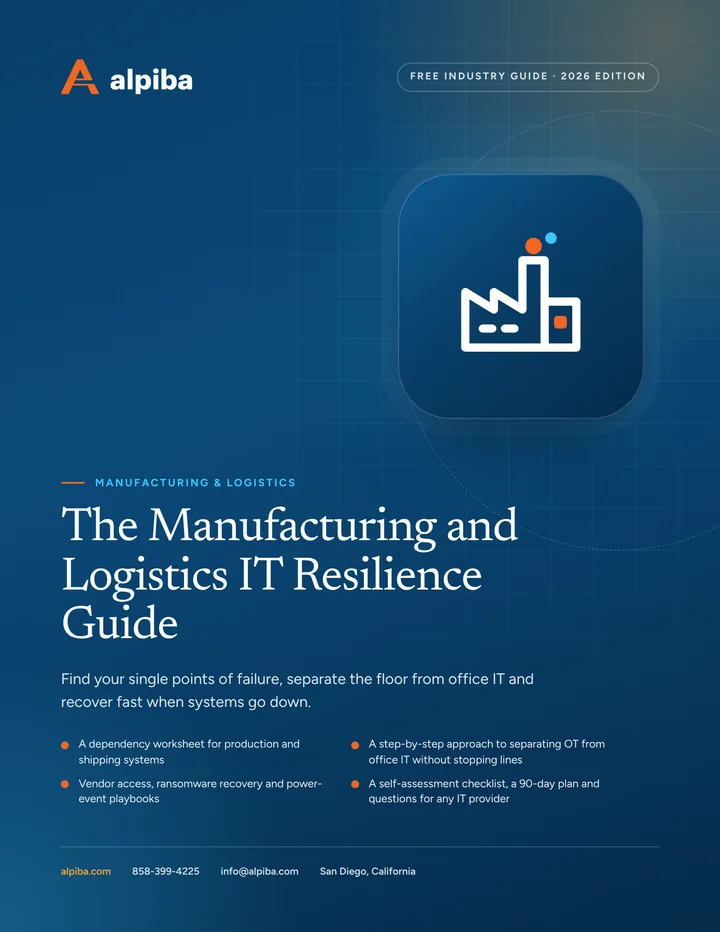
A printable guide for owners and operations leaders at plants, warehouses and distribution centers: what really stops production, how to segment equipment safely, how to control vendor access and how to plan for ransomware and power events.
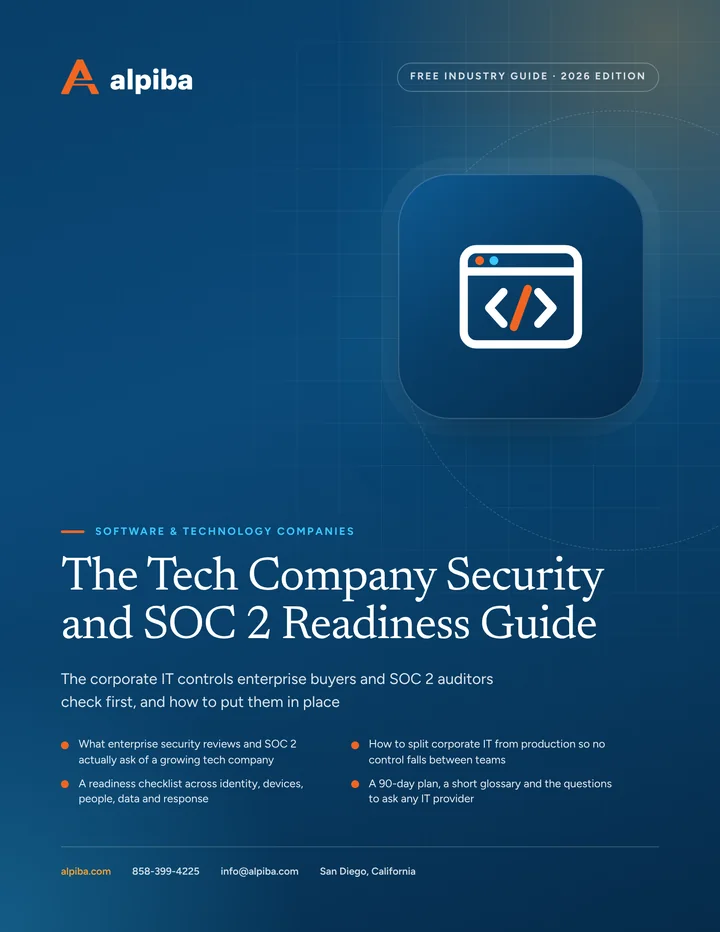
A plain-English guide to the identity, device and offboarding controls behind most security reviews, with a readiness checklist, a 90-day plan and questions to ask any IT provider.
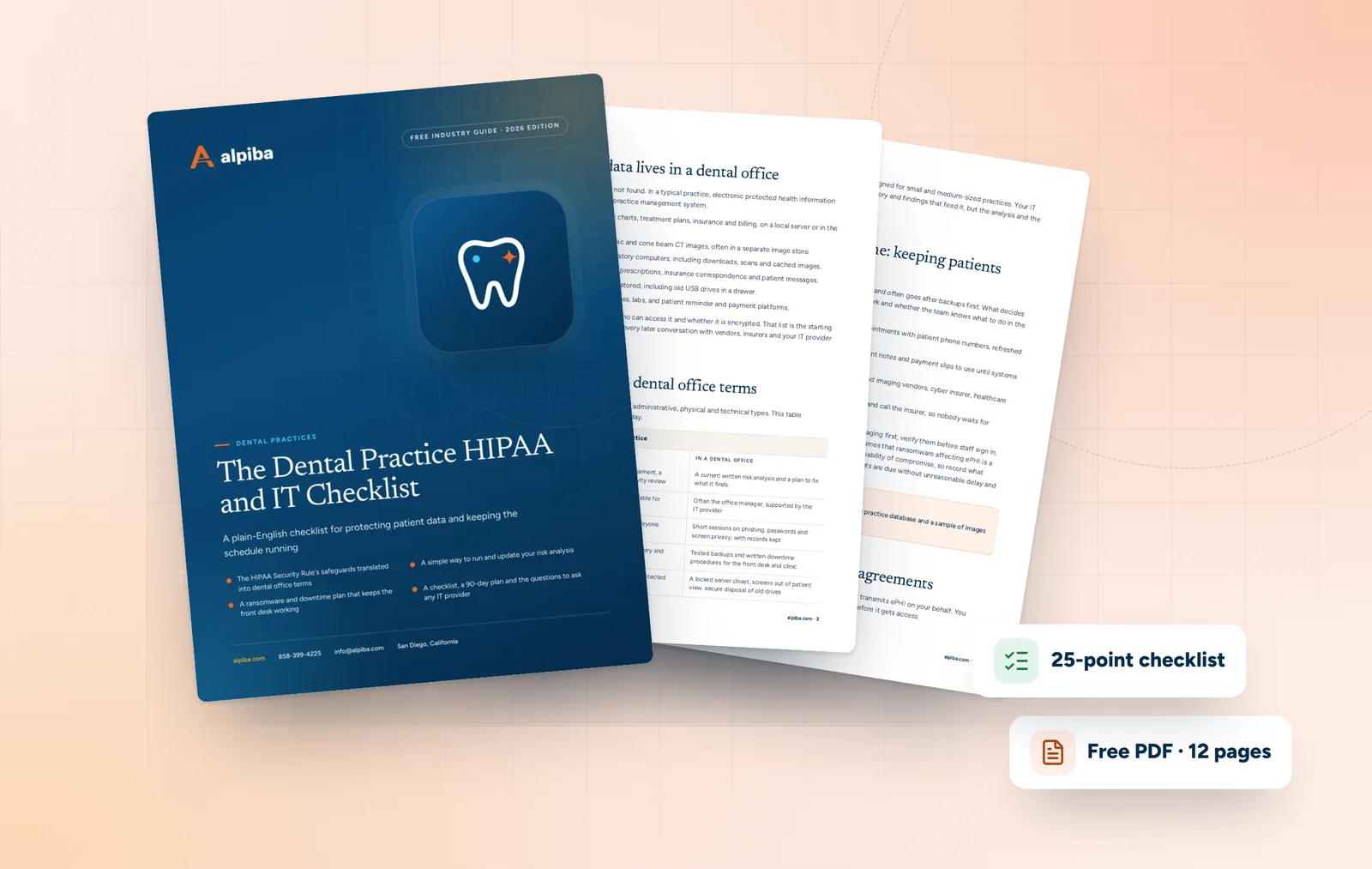
Review your practice's HIPAA technical safeguards, backups, vendors and downtime plans in one sitting, then close the gaps with a practical 90-day plan.
Get the free guide
From our founder
“SMBs deserve a strategic technology partner, without enterprise complexity or cost.”
Roopa · Founder, Alpiba · former Accenture advisor
We wrote these guides the way we advise clients: practical, specific and without a sales pitch inside.
These free IT and cybersecurity guides turn the work we do every day into practical workbooks you can use on your own. There are 20 in the library, one for each of our 15 services and one for each of the five industries we focus on, written for the owners, office managers and IT leads who keep San Diego businesses running.
Every guide follows the same format, so once you've used one you'll know what to expect from the rest. This page explains who they're for, how to choose one, how to work through a guide in a single team meeting and what happens after you download.
What the guides are, and who they're for
Each guide is a short, practical workbook on one topic, from ransomware defense and Microsoft 365 migrations to business continuity and HIPAA for dental practices. They're written to stand on their own, so they're useful whether or not you ever work with us.
Owners and managing partners who want to understand a risk and ask better questions without learning the jargon first.
Office and practice managers who run IT on the side: onboarding, vendors, insurance forms and the occasional crisis.
In-house IT leads who want a structured checklist to benchmark their environment or make the case for budget.
Founders and operators planning growth who are about to hire quickly, open a new site or face a first customer security review.
Whether you run a practice in Encinitas, a lab near UTC or a warehouse in Otay Mesa, the format is the same: understand the topic, check where you stand, then plan what to do next.
How to choose a guide
Start with your situation, not the technology. If two rows fit, begin with the one that has a deadline attached.
Guides by role or situation, listed by topic
Your role or situation
Start with the guide on
Then read
Owner worried about ransomware
Cybersecurity and ransomware defense
Backups and business continuity
Facing a cyber insurance renewal
Zero trust and identity security
Email security and awareness training
Office manager handling onboarding and vendors
Managed IT and white-glove support
IT procurement and vendor management
Planning an email or file migration
Microsoft 365 or Google Workspace
Zero trust and identity security
Preparing for SOC 2 or a customer security review
Compliance readiness
Vulnerability assessments
IT lead who's stretched thin
Co-managed IT
24/7 SOC and managed detection and response
Rolling out Copilot or Gemini
Secure AI and automation
Microsoft 365 or Google Workspace
Opening a new office, lab or warehouse
Network and server consulting
IT procurement and vendor management
Setting next year's IT budget
IT strategy and vCIO
IT procurement and vendor management
Working in biotech, legal, manufacturing, software or dental
Your industry guide
The service guide for your weakest area
Industry guides pair well with the matching industry page, which shows how we approach that sector day to day.
Not sure where you're weakest?
Take the two-minute security health check first. Your lowest-scoring area points to the guide that will help most.
Inside The San Diego Managed IT Buyer's Guide.
How every guide is built
We built each of our free IT and cybersecurity guides the way we'd brief a new client: practical first, with theory only where it helps.
Practical sections
Plain-English explanations of the topic, the risks that matter for a business your size and the decisions you'll face. Jargon is explained the first time it appears.
A checklist of 20–30 items
Grouped, checkable items to work through with your team. Once marked up, it doubles as a record of what's done.
Questions for any IT provider
Pointed questions to put to your current provider, a prospective one or us. They're written to draw out specific, checkable answers.
A 30, 60 and 90-day plan
What to do first, what to schedule next and what to review at the end of the quarter, so progress doesn't stall after one meeting.
A short glossary
The handful of terms that topic uses, defined in a sentence or two, so everyone in the room means the same thing.
Use a guide with your team in one meeting
A guide does the most good when it's discussed, not just downloaded. This format fits in a single meeting of about an hour.
Before the meeting
Send the PDF to the people who'll attend, typically the owner, the office manager and whoever handles IT, and ask them to skim the practical sections.
First 15 minutes: agree the risk
Talk through what would happen if this topic went wrong tomorrow, and agree on the one outcome you most want to avoid.
Next 20 minutes: work the checklist
Mark each item done, partly done or unknown. Treat every unknown as a gap until someone confirms otherwise.
Next 15 minutes: choose from the plan
Pick three actions from the first 30 days of the plan and give each one an owner and a date.
Last 10 minutes: send the questions
Choose the provider questions you can't answer yourselves and send them to whoever runs your IT, or bring them to a free assessment.
What to bring
The guide, printed or on a shared screen
Your latest security health check result
Your IT provider's contract or contact details
Key dates: insurance renewal, audits, office moves or hiring plans
Keep the marked-up checklist
Save it with the date. Next quarter, run the same meeting in half the time and see what moved.
Inside The Dental Practice HIPAA and IT Checklist.
What happens after you download
Downloading any of our free IT and cybersecurity guides takes one short form: your name and work email. The guide is yours to keep, print and share with your team.
We don't spam. Someone from our team may follow up once to ask whether the guide helped or if you have questions. You can unsubscribe or ask us to delete your details at any time, and info@alpiba.com reaches us directly.
Are your free IT and cybersecurity guides really free?
Yes. Every guide in the library is free to download. We ask for your name and work email, and the PDF is yours to keep, print and share with your team. There's no charge for any guide, now or later, and no obligation to talk to us after you download one.
What's included in each guide?
Each guide has practical sections on its topic, a checklist of 20–30 items grouped by area, questions to ask any IT provider, a plan for the first 30, 60 and 90 days and a short glossary. The format is the same across all 20 guides, so once you've used one, the rest are quick to work through.
Which guide should I read first?
Start with the guide for your biggest worry or nearest deadline, such as ransomware, an insurance renewal, a migration or an audit. If nothing stands out, take the security health check and open the guide for your lowest-scoring area. Dental practices, law firms, biotech, manufacturing and software teams can also begin with their industry guide.
Do I need a technical background to use the guides?
No. The guides are written in plain English for owners, office managers and practice managers, and each one includes a short glossary of the terms it uses. Where a checklist item is technical, mark it unknown and send it to whoever manages your IT. That's exactly what the provider questions are for.
Will you email me after I download a guide?
We may follow up once, to ask whether the guide was useful or if you have questions. We don't spam, and nothing obliges you to reply or book a call. You can unsubscribe or ask us to delete your details at any time, and questions about a guide are always welcome at info@alpiba.com.
Can I share a guide with my team or IT provider?
Yes. The guides are meant to be shared with the people who'll act on them. Send one to your office manager and IT lead before a planning meeting, or forward the provider questions to your current IT company and ask for written answers. Specific, dated answers are a good sign; general reassurance is a reason to dig deeper.
Are the guides written for San Diego businesses?
Yes. They're written with San Diego businesses in mind, from small practices to multi-site teams across San Diego County, though most of the advice applies anywhere. Each guide focuses on decisions a growing business actually faces, such as which controls to prioritize first and what to ask an IT provider before signing anything.
Can a guide replace a professional IT assessment?
No. A guide helps you organize what you know and spot obvious gaps, but it can't see your actual configuration, backups or logs. Use it to prepare, then test your conclusions with your IT provider or in a free 30-minute assessment with one of our senior engineers, which maps your risks, quick wins and a right-sized roadmap.
Will a guide help us prepare for an audit or insurance renewal?
It will help you get organized. The checklists and 90-day plans show which controls are missing and who should own each fix, and the compliance readiness guide is the natural starting point for SOC 2 or HIPAA. Auditors still issue the reports, insurers set their own requirements, and compliance remains your organization's responsibility.
Free 30-minute assessment
Rather talk it through? Book a free assessment.
A guide shows you what good looks like. A 30-minute assessment shows you where your business stands today, with a senior engineer and no sales pressure.
A senior engineer, not a salesperson
Reply within 12–24 hours
Flat per-user pricing if you want our help
Founder-led and San Diego basedRoopa founded Alpiba to give growing businesses a real technology partner.
858-399-4225Mon–Fri, 7am–7pm PT · 24/7 for managed clients